To the MarginNote Development Team,Subject: Urgent: Catastrophic Data Loss - All Handwritten Notes and Annotations Vanished!
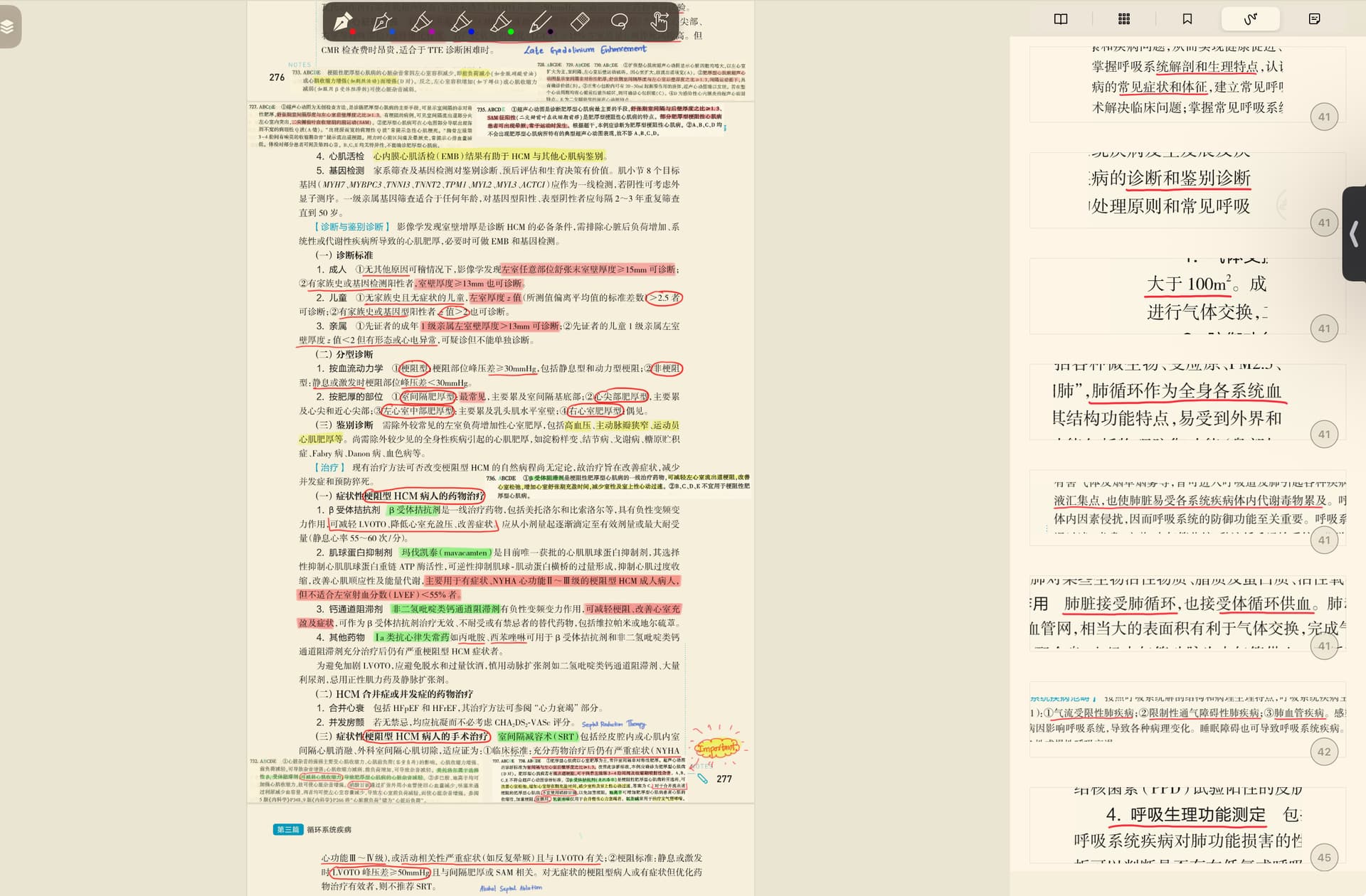
Today, I have encountered a catastrophic issue: all of my handwritten annotations, margin comments in my textbook that I annotated in marginnote have completely vanished. The app now shows my document as if they are brand new, with no trace of my months of work with only mind maps of it intact.
These notes are not just data; they represent countless hours of intensive study. The situation is particularly frustrating as I am a paying Pro subscriber. I did not perform any unusual action; I was making annotations yesterday night, and the next morning, every single note from top to bottom of that textbook was gone. I urgently need your help to investigate this data loss and recover my work。
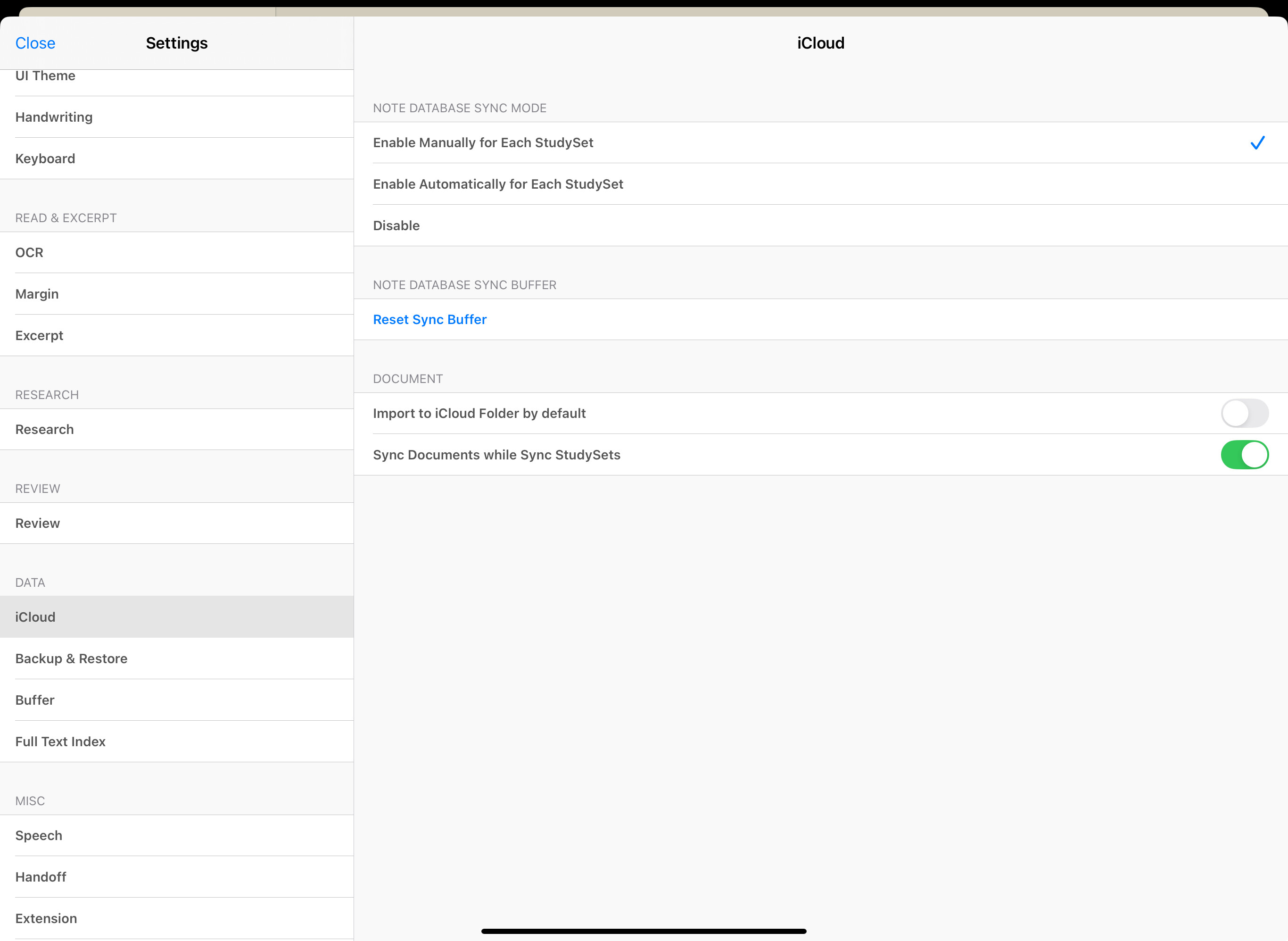
Hello, could you let me know if you’ve done any iCloud sync in the past two days? Have you enabled the Note Database Sync mode? (You can check this in Settings → Data.)
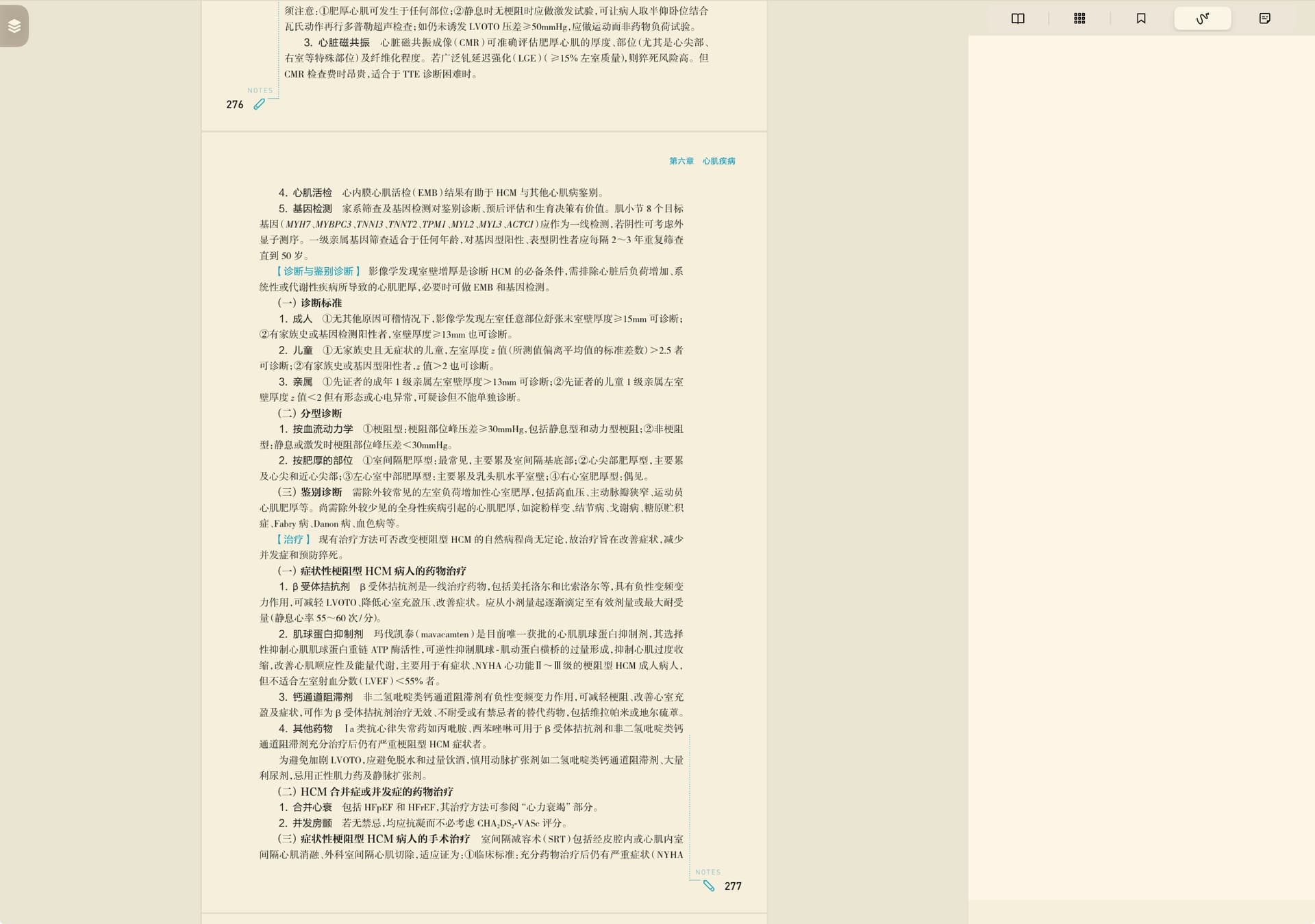
If possible, could you send me a screenshot of the relevant page? Also, just to confirm—your mind map content hasn’t been lost, right?
Hi, I have iCloud sync turned on for this study set, but the annotations for one specific textbook have disappeared across all my devices. On every device, only mind map content remains for that textbook.
All other textbooks in the same study set still have their annotations intact — it’s only this one textbook that lost its annotations, comments, and the pictures I had added directly on the textbook (not on the mind map).
When I open that same textbook separately (outside the study set), it also shows no annotations.
nly minimal content of it. also all other textbooks in that study set has their annotations intact too. Only that textbook’s annotations, comments, pictures I kept on the textbook and not on the minimal are lost.
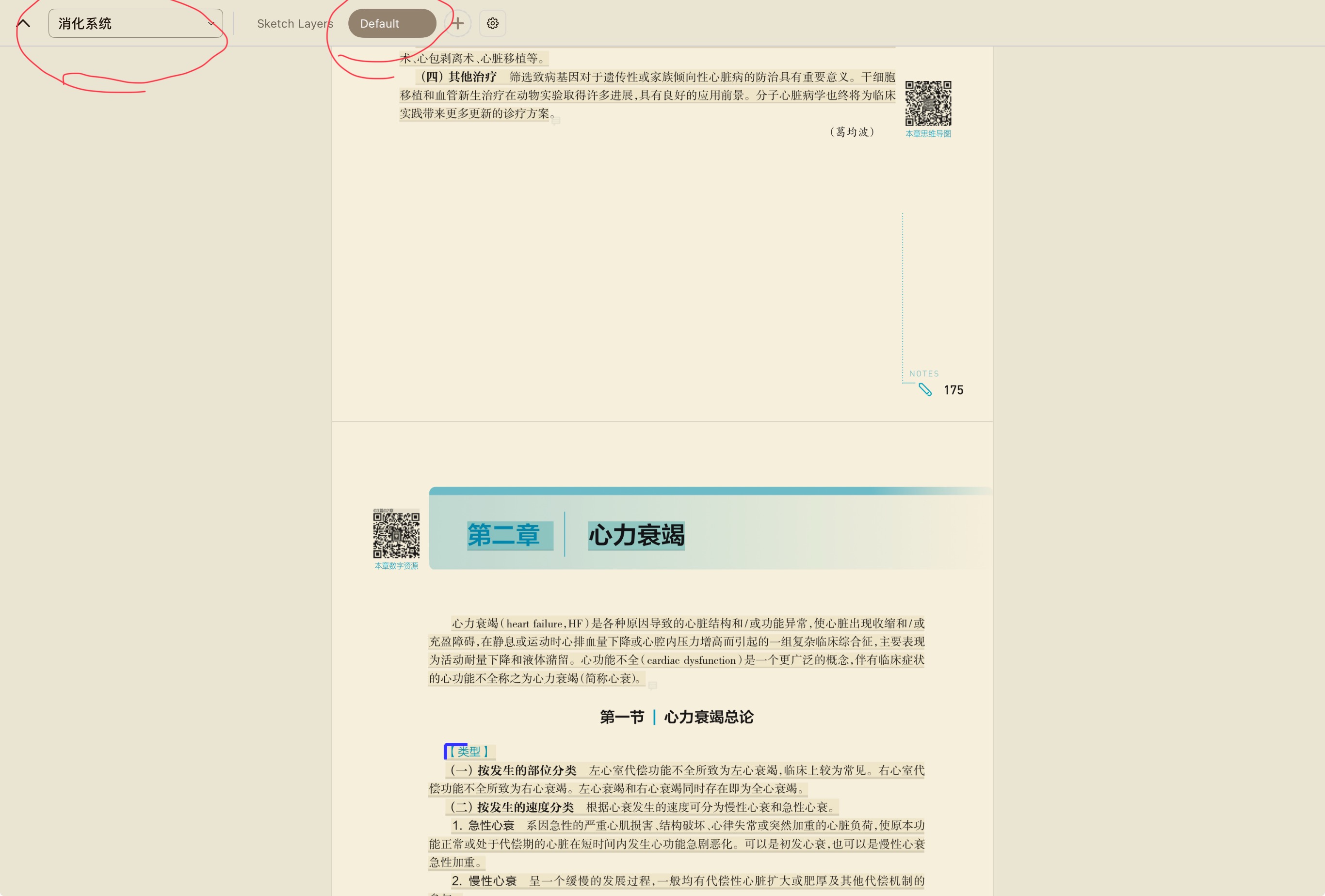
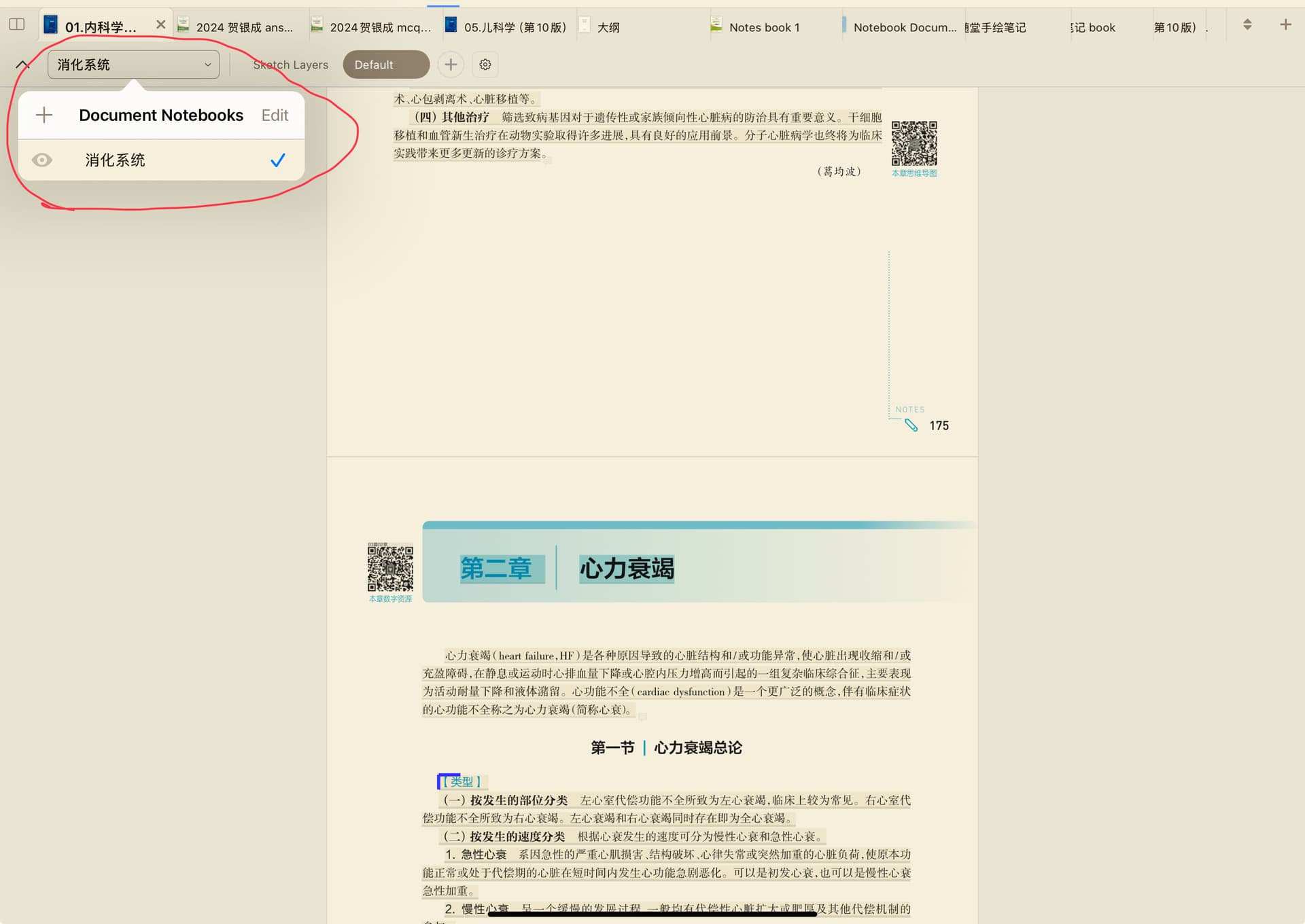
This seems to be caused by the new layer you added. You can click the icon at the top-left corner of this textbook (the area circled in Figure 1). If multiple options appear here (the area circled in Figure 2), you can switch back to the original layer to restore it to its previous state.
I figured out why my annotations vanished but it reveals a critical problem: I had the same textbook in two different studysets: let’s call them “Studyset A” (old, the one I wanted to delete) and “Studyset B” (current). Four days ago, I deleted “Studyset A,” which I no longer needed. after that it turns out my annotations started slowly disappearing from the other studyset too.(because the recycle bin shows it started deleting annotations from top page to bottom over 4 days)
Is this normal? I thought deleting one studyset wouldn’t affect the new annotations belonging to another study set, even if they use the same book.
I managed to get all my notes back by restoring the useless studyset I had deleted, but now I’m stuck with it. Does this mean I can’t safely delete a studyset if its textbook is still being used in another one?
Thank you for your detailed feedback. Generally speaking, this kind of issue should not occur. However, there have been significant changes to the AI version recently, which may have caused related problems.
I need to conduct tests to reproduce the issue and then discuss it in our team meeting. It may take a few days before I can give you a response.