Hi there,
I discovered an issue regarding the marking of text/card marking in pdf files. After using AI Chatbot (GPT 5 or Gemini) and then trying to continue marking text, it doesn’t work. After long pressing the area of Text I want to mark (as usually done) no text is marked. Only the small dot is visible with these options:
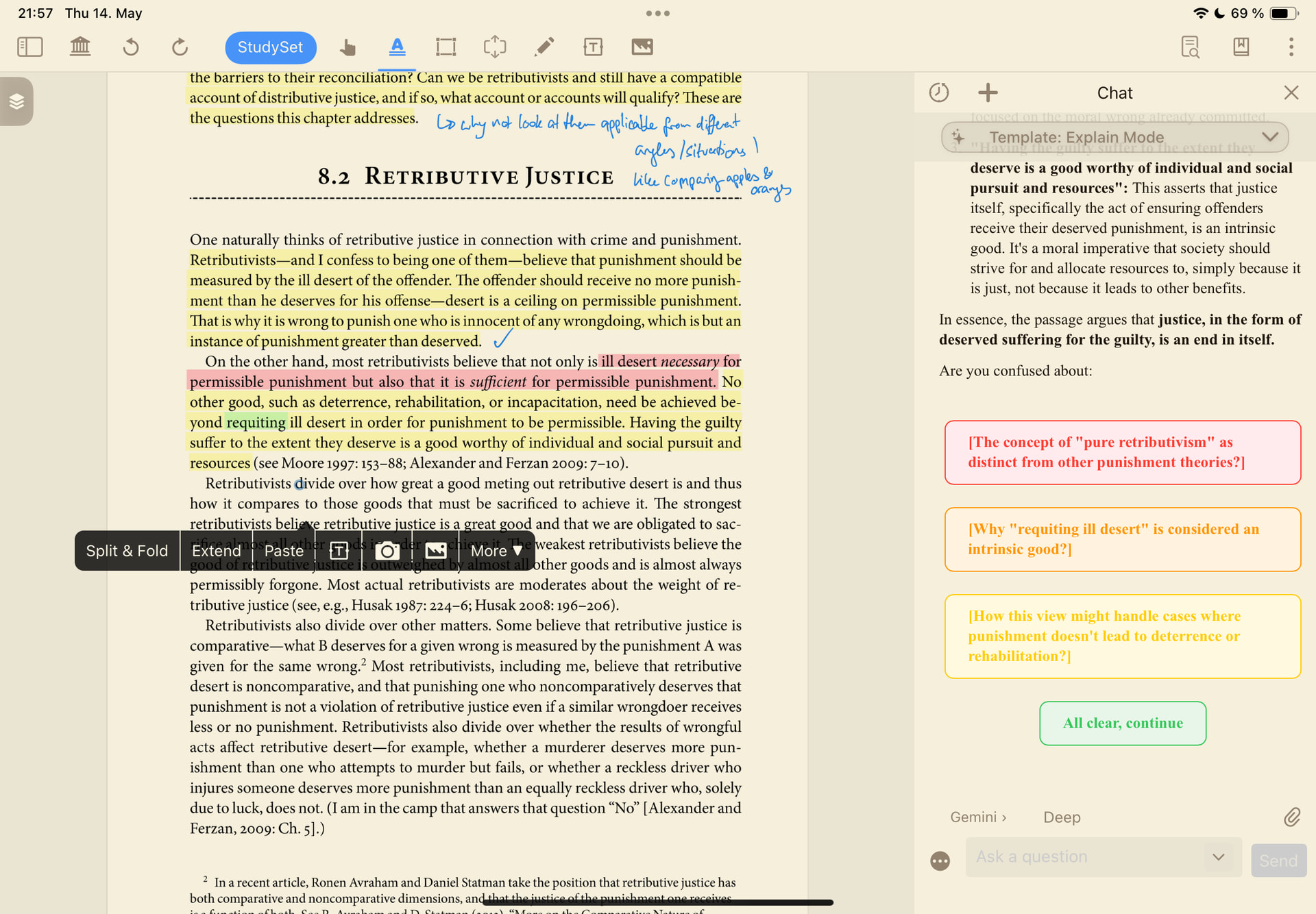
of course, this is very frustrating because you stop being able to work on the document at all. Closing and reopening didn’t solve the issue. Only after exporting some already marked text after a while it started responding again. This is not a one time thing, it’s redundant.