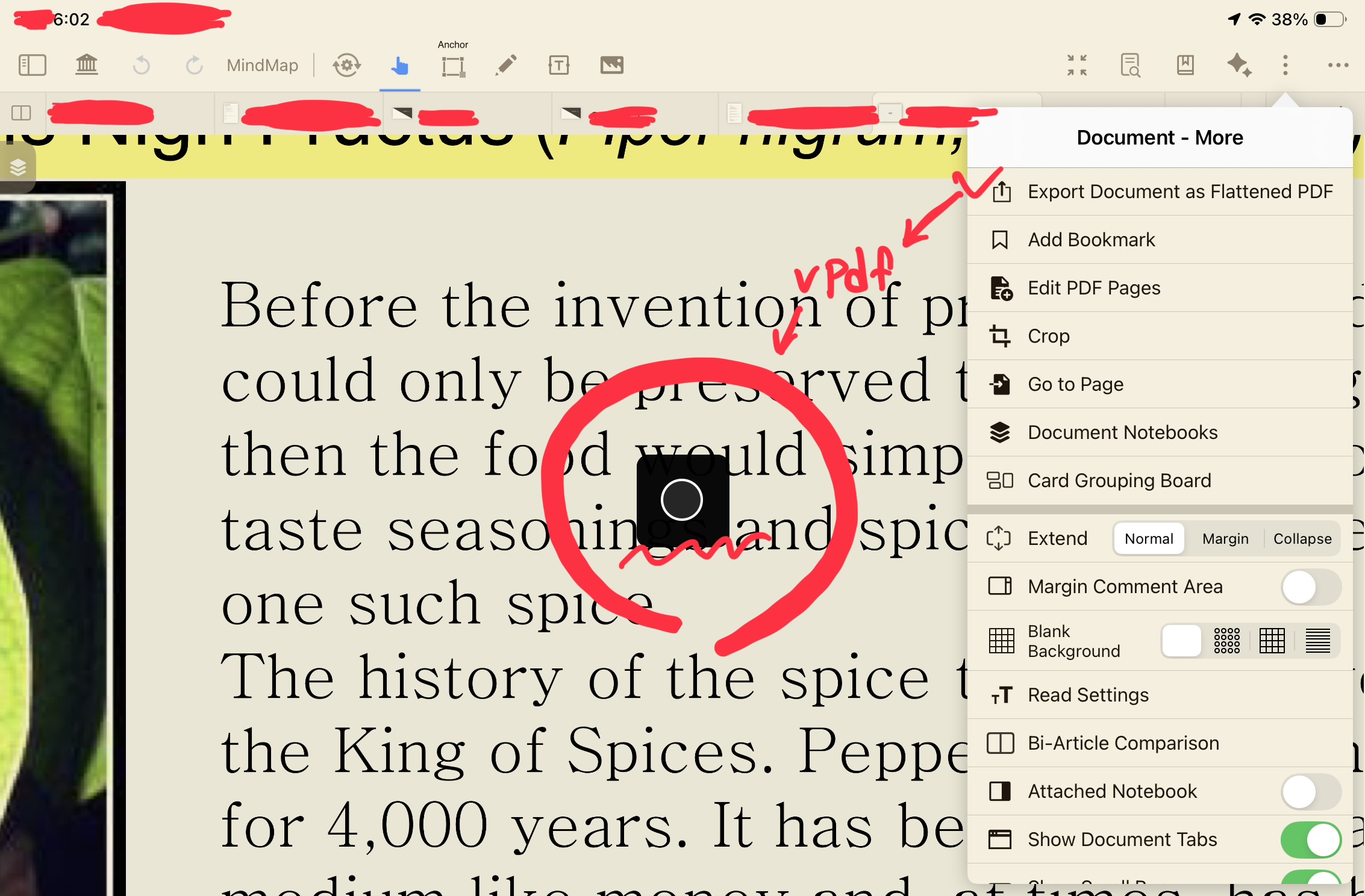
Even though I do my iPad to cloud sync/force quit MN4/force restart, clean sync buffer/buffer/note trash and backup notes, but every time i export document: the processing bar has loading infinitely.. how I fix it? help me please
Hello
Are you experiencing any crashes? Also, is the PDF file you are working with very large?
If the file is large and your device’s performance is insufficient, the export process will take a longer time. Do you have another device you could try instead?
Kind Regards,
Support Team
I cleared the cache, and the PDF file wasn’t even that big. When I tried on another device, it worked, but since iCloud syncing wasn’t fast, it was hard to export the most up-to-date annotated file.
Now I completely reset the problematic iPad and downloaded everything via iCloud, and that solved the issue. (While browsing online communities, I found a post from someone experiencing the exact same problem on MN3. They said resetting the iPad and downloading from iCloud solved it for them. So I tried it, and it worked for me too!) But when I uploaded the file backed up from the iPad that couldn’t export to the iPad that had been exporting fine, the previously fine iPad also couldn’t export anymore.
I’m not sure what the problem is, but from now on, if something similar happens, I’ll probably reset the iPad and run it after downloading from iCloud.
I had the same issues, both on a older iPad and a quite recent M2 MacBook. For me it stopped working with the recent update overhauling sync (if I remember correctly).
I did get it to work again just now by disabling (iCloud) sync and re-enabling it, and also by deleting some older MarginNote backup files on iCloud that kept syncing for some reason. So I suspect some connection to iCloud syncing.