Hi @Adeline I have disabled Assistive Excerpt, as shown below …
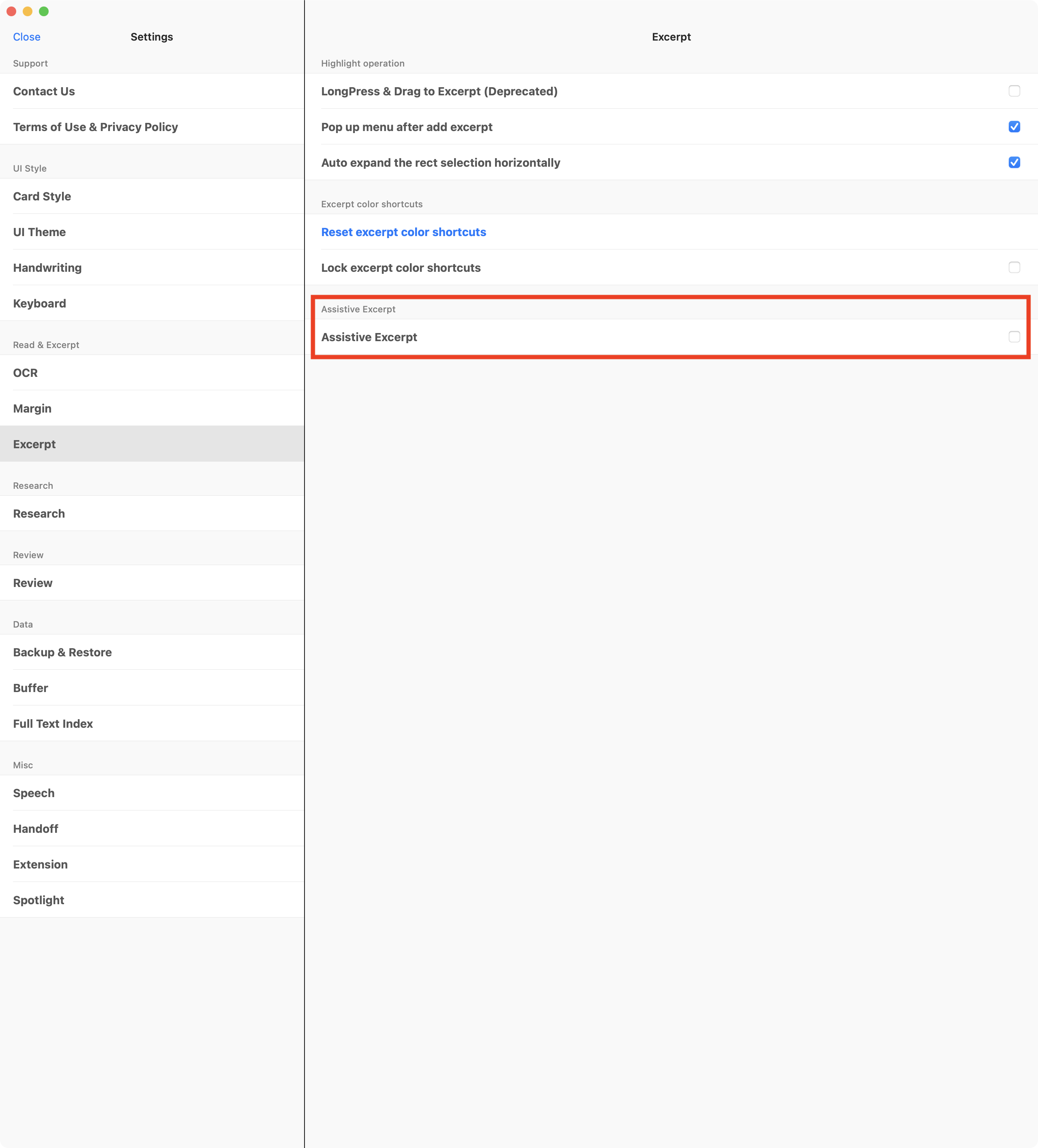
… but this has no effect on the “blank page problem”:
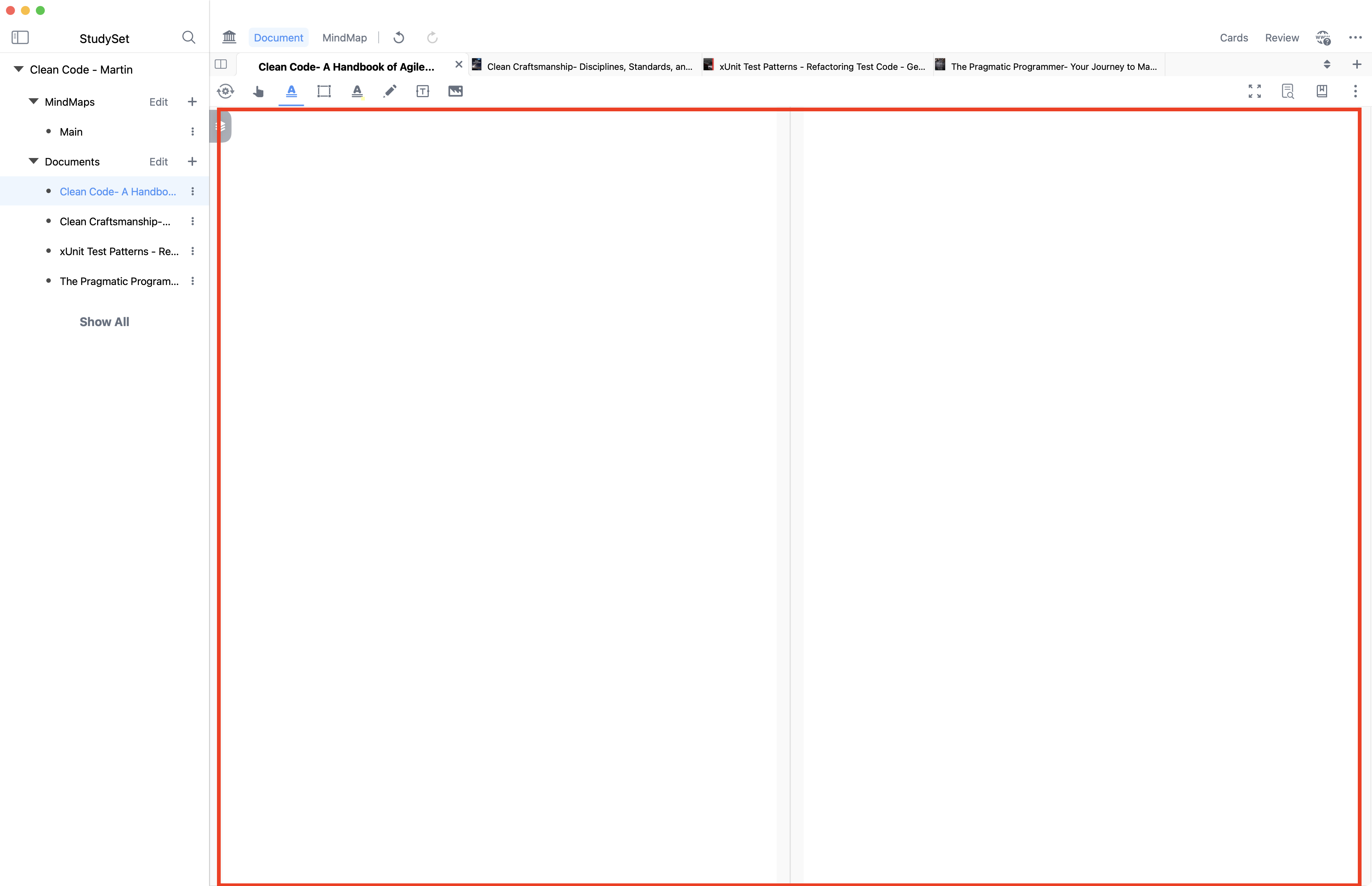
As mentioned previously, this is on an M1 Max MacBook Pro with 32GB RAM where there are zero issues with other apps (Preview, Adobe Acrobat Reader, etc.) rendering PDFs, and MarginNote 3 works perfectly as well, so I do not agree with the assessment that this is a hardware problem (“insufficient performance”). This is, to my mind at least, clearly a software issue.
As suggested by @Danbun, I am working on my patience  and will not repeatedly bump this issue. Please know, though, that I am disappointed with the experience (and, seemingly, waste of money buying MarginNote 4) and will welcome a real fix to this bug.