What you’re fundamentally looking for is a “concept map” and while MarginNote doesn’t really allow this, to move from a hierarchical structure to one that is freer would require MarginNote to essentially add a new toolset. While having “one tool to do it all” is appealing, it usually also means something will have to be sacrificed, particularly with a 10 person team like MN has. I use a tool that is so useful that even if MN did suddenly offer free form maps I would very likely still use this tool rather than MN for concept maps.
But wait, one more thing. Once I excerpt everything I need from a collection of papers in MN, I take all those nodes out of (document) groups and I lay them out in a way that allows me to synthesise the information. When they are floating this is very similar to what you are asking for. It’s still a bit rigid but less so than when nodes are grouped. I then bring that into iThoughts and start laying things out there. But getting back to Scapple…
I used Scapple for years when doing concept mapping, I used iThoughts when doing mind mapping. Then I discovered that iThoughts has all of its amazing power of hierarchical structure that also works with concept maps. Really, hierarchies within concept maps is awesome. It’s on iPad and Mac and one can move between the two fluidly. It’s pretty insane actually just how useful it is.
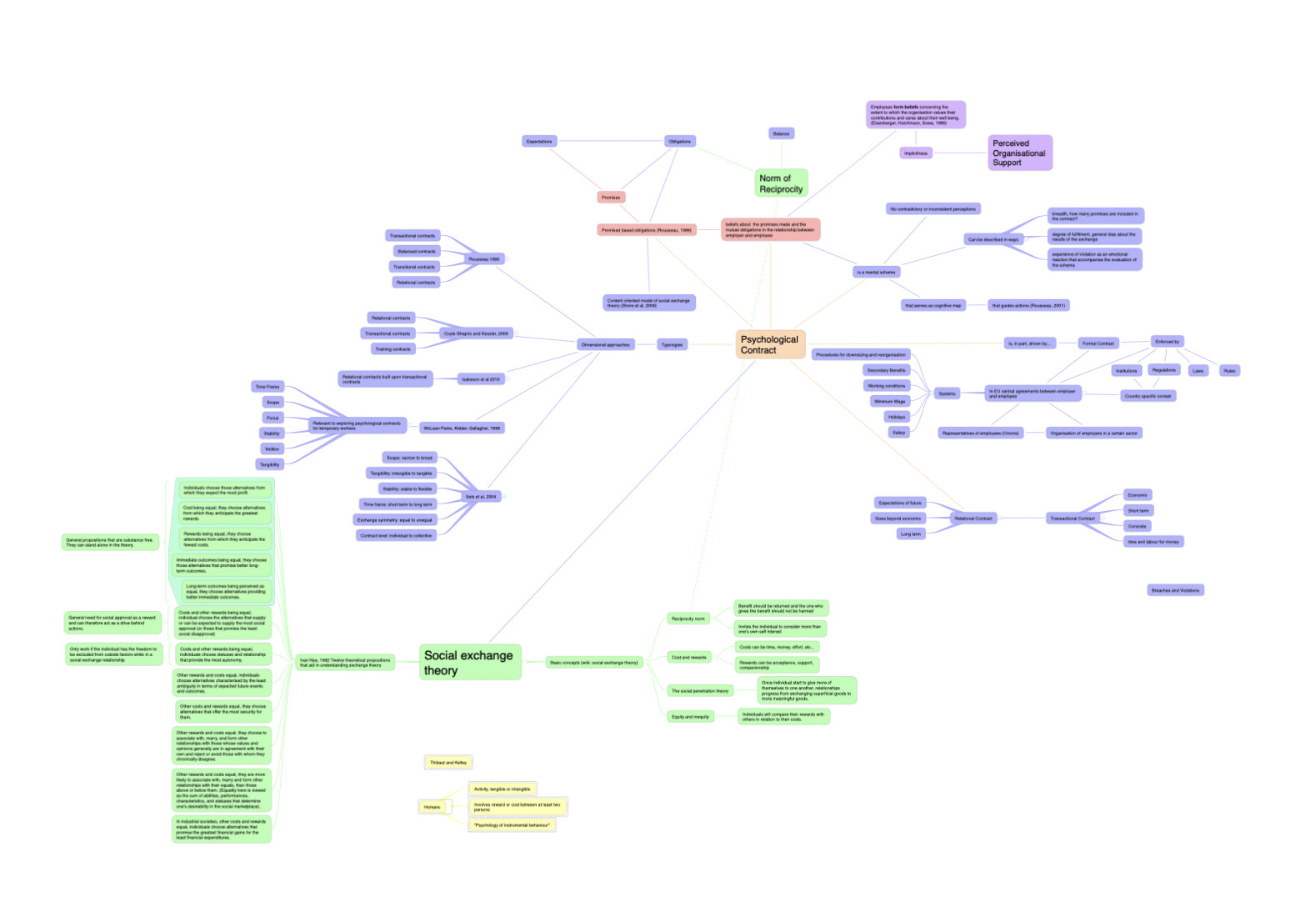
This is a concept map I’ve just started for a project. I’m not using a strict “object/verb” mapping that a typical concept map uses but I could easily do that, each connecting line can have text on it like a good concept map should.
It does cost money but I paid once years and years ago and haven’t had to pay anything since (now that I’ve said that let’s watch them go to a subscription model lol)
PS: I don’t know about pencil support in iThoughts. I should look into that and apologies for not doing so before writing this up.