How do you remove a card you’ve linked together?? If I’ve made a mistake I can’t find any way to unlink a card together without deleting and re-linking all other cards which is obviously frustrating and time consuming. Is there a way?
Command + Z or undo button ?
Hello
Kind Regards,
Support Team
I’m in english and there is no button there
After the fact. Not a simple undo.
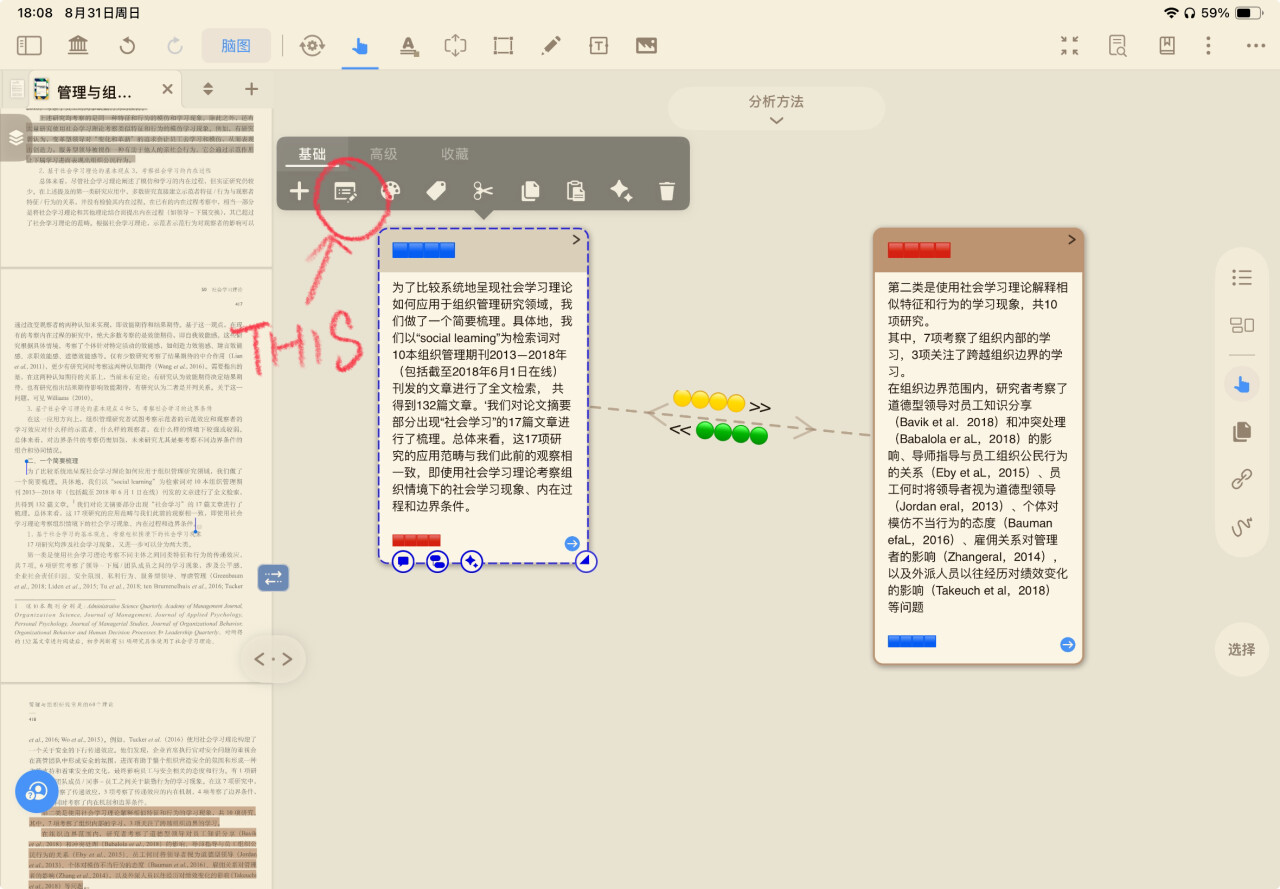
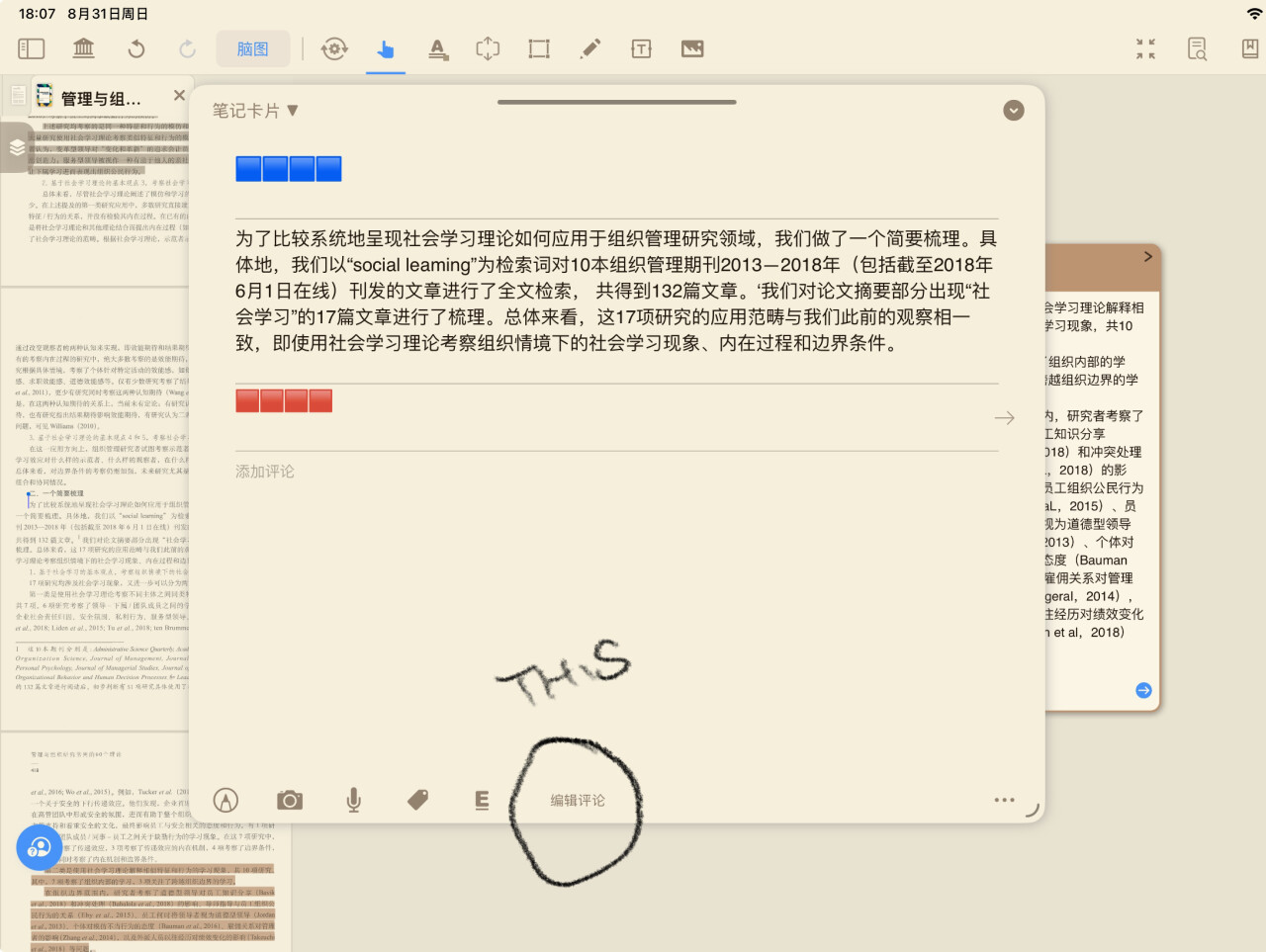
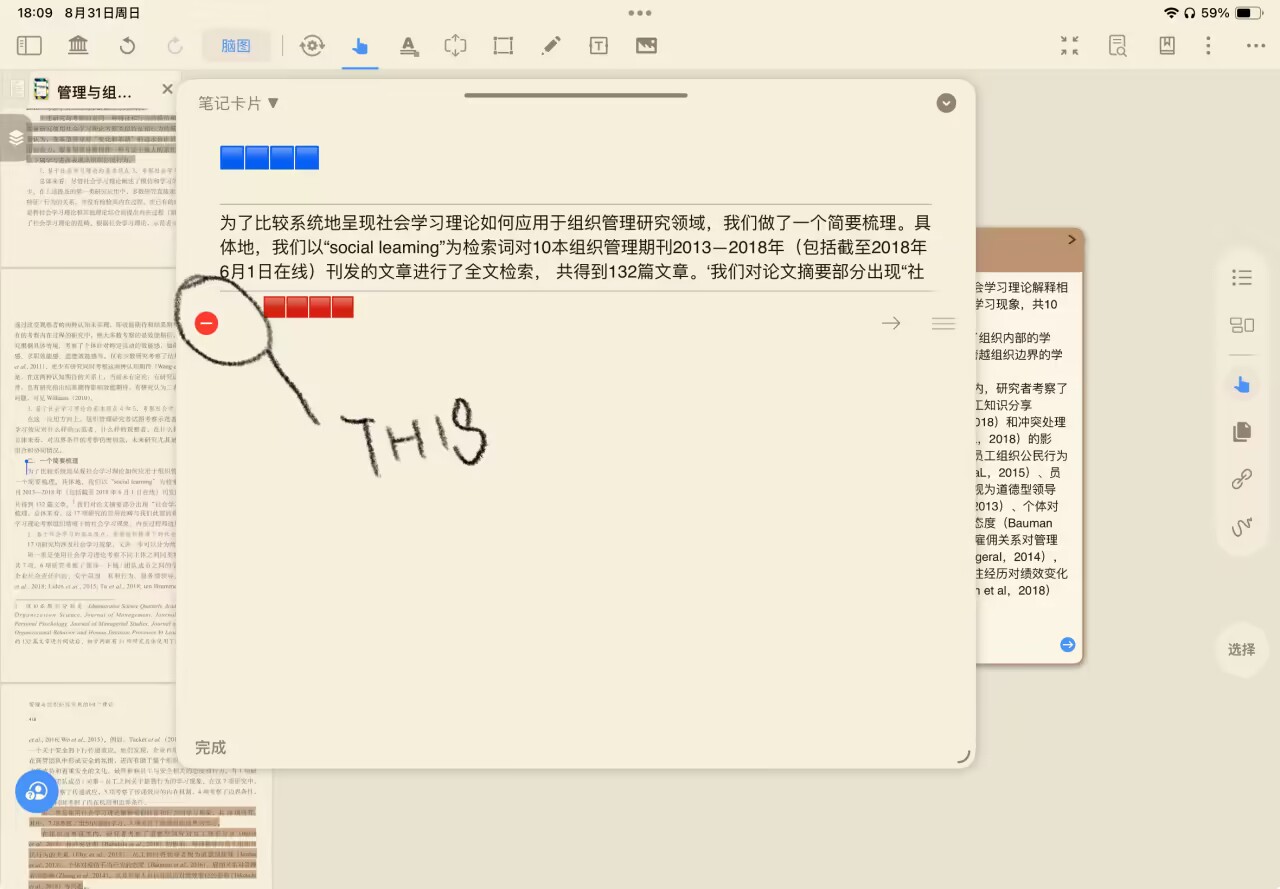
When you click on these connecting lines, a black menu will pop up with a “Delete” option. You can also delete the link within either of the two connected cards using the same method as deleting comment content.
I have the same issue and can’t even click on the connecting line