Thank you! However I can’t seem to do that anymore as my notes are something like 50GB now. When I use that option, it lets me click the button, but I cannot say “save to files” as I think it’s just too large. So I am thinking I’ll need to backup every study set separately and the notes separately, which is why I’m asking
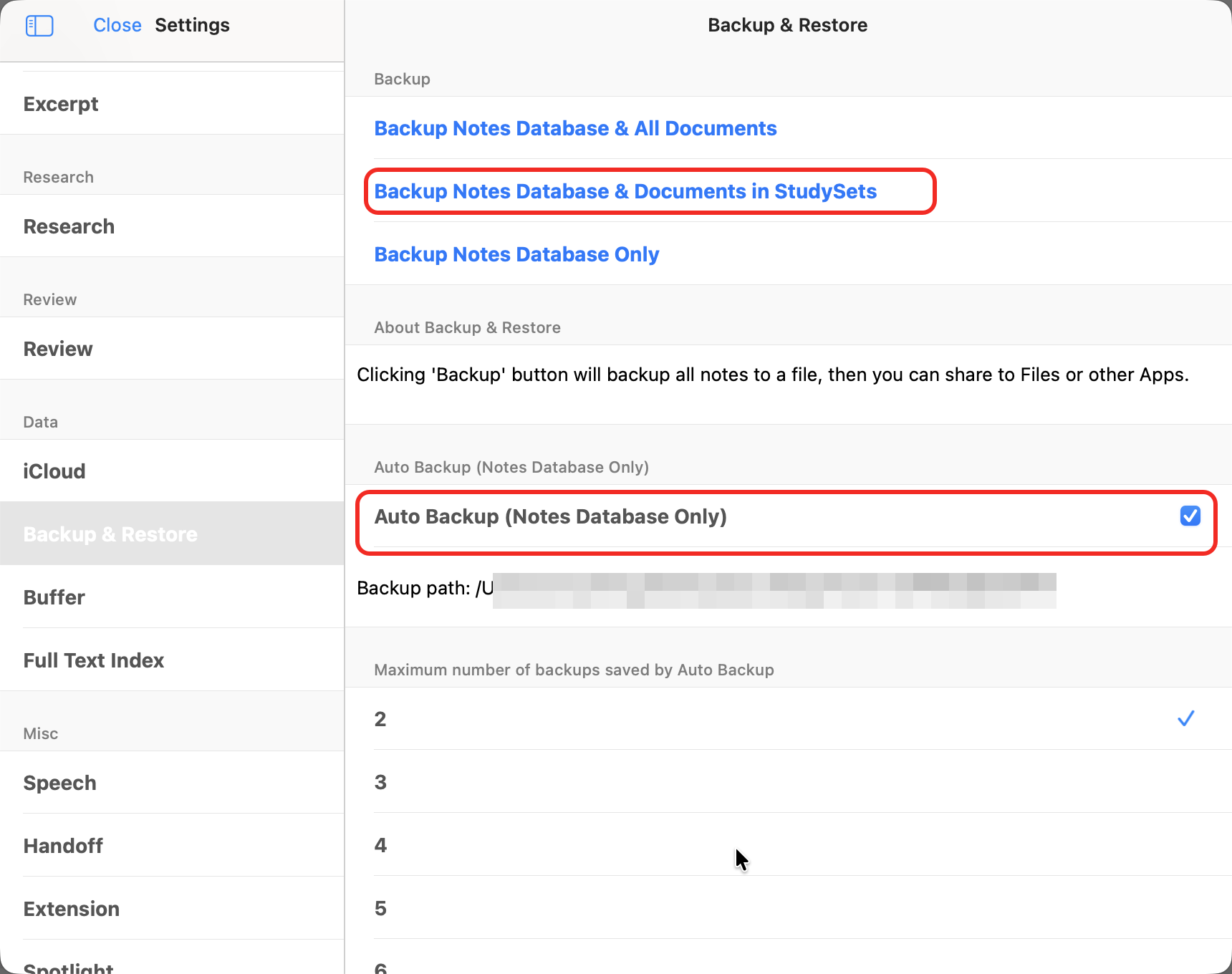
You can manually back up the entire database to your local device according to the options in my image. Alternatively, you can enable automatic backup, which will only back up your note data and not your documents. You need to keep your documents safe. Of course, you can also export each study set separately and back them up, and then import them into the same database to achieve the same effect.