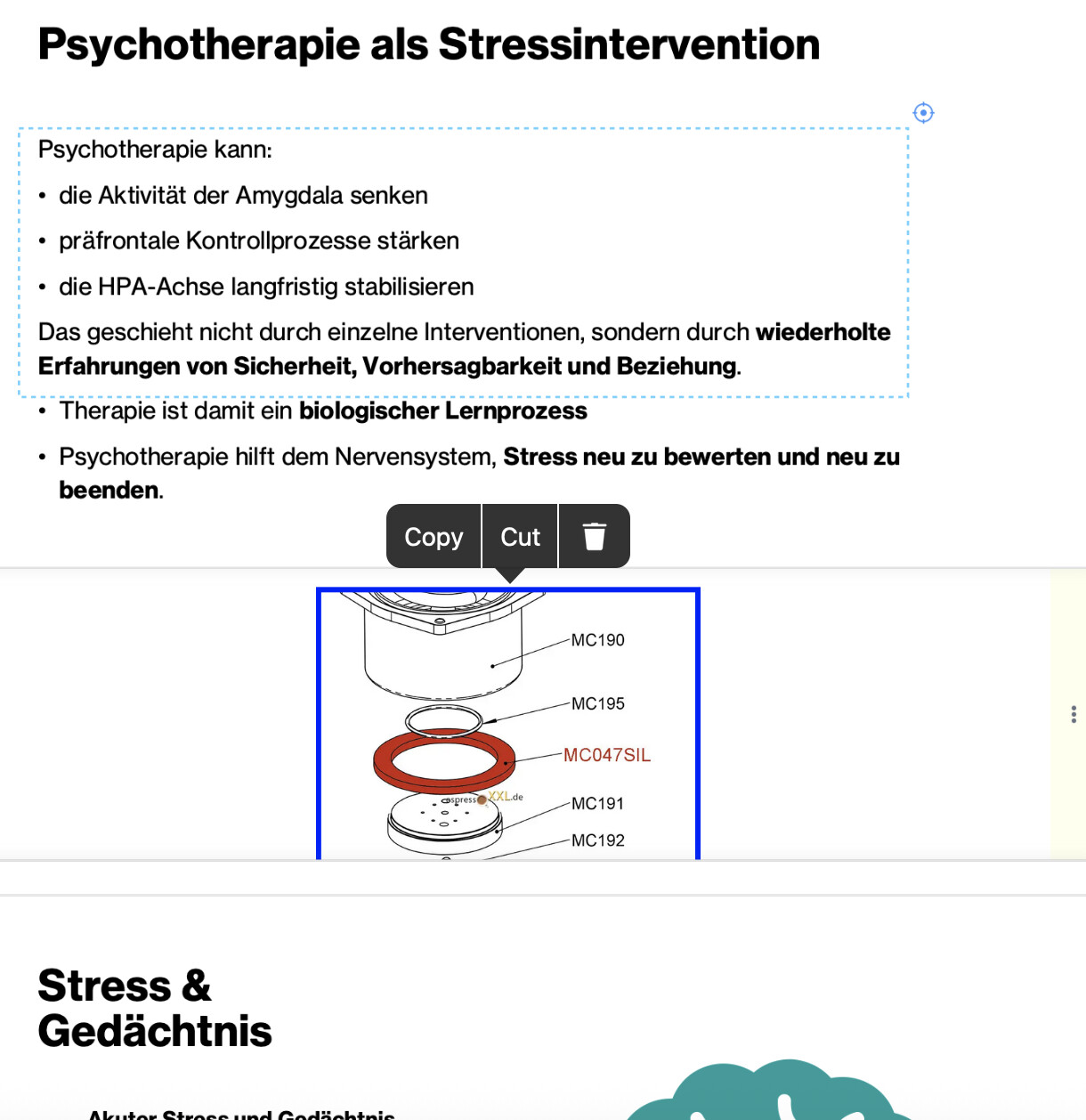
I’m using MN 4 iOS on my iPad. I have inserted an Extended Note within a PDF. When I open the extended note and long press, I choose the photo icon from the pop up menu to insert a photo into the extended note. I choose the photo and then click the “check mark” on the photo page to select and insert the photo. Instead of being taken back to the Extended Note, both the photo page and the Extended Note disappear and I’m back in the pdf with the Extended Note collapsed. When I reopen the Extended Note, no photo has been inserted. I’ve tried a few times, but I can’t get photos to insert into Extended Notes, but I understand I should be able to. (Note: I can choose to Take a Photo and that is inserted into the Extended Note; I just am unable to insert an existing photo without being bumped out of the note). Please advise. Thanks.
No problem here. Short touch to select include photo in menu, then after selecting a photo (no checkmark for me) a dialogue comes up to cut the photo or rotate it. Then after pressing “done” it is pasted into the extend.
I think you need to give more informtion about your system/OS.
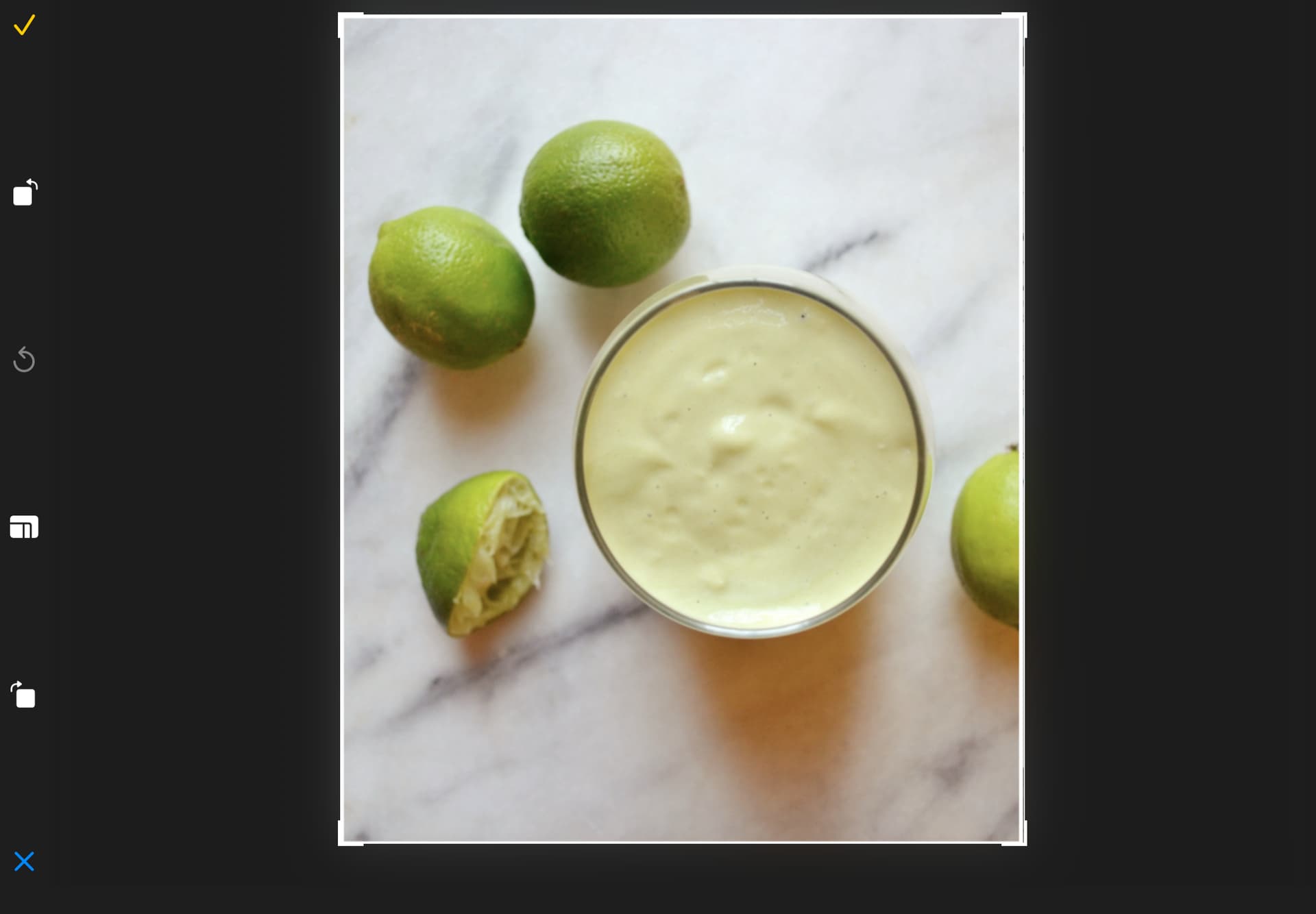
Thanks for responding. I don’t have “Done” just a checkmark (as per the included screenshot), and a short tap won’t bring up an option to insert a menu but rather as I said I have to long click when attempting to add to an Extended Note, so perhaps my iPad MN version is different from whatever you use? I’m using MN 4 iOS and my iPad is the latest version of the iPad, and up to date with iPad iOS 26.2.
Hello
Try setting the format to embedded
Kind Regards,
Support Team
Confirmed if extend is in collapsed mode.
Set the extend to normal mode (or margin mode), then it works.