SSL errors do not cause crashes. The crash of the AI directory may be due to insufficient Random Access Memory on the device, as the AI directory first identifies the corresponding blocks locally. Is your use of the excerpt assistant feature normal?
Here is the additional information you requested regarding my environment:
1. Device Specifications
Model: iPad Air 13-inch (M3 chip)
Storage: 178GB available out of 256GB
Memory (RAM): This model has 8GB of RAM, so it should have enough capacity for AI processing.
2. Excerpt Assistant The excerpt assistant is working normally, which suggests that some local features are functioning as intended.
3. Persistent Issues
SSL Error: I still encounter the “SSL Error” message every time I try to use AI OCR and AI Auto-Segment.
Crash: Despite the M3 chip’s high performance, the AI Table of Contents feature still causes the app to crash immediately upon use.
Since the device hardware exceeds the standard requirements, could this be a software bug specific to the M3 iPad models or a specific network-related SSL handshake issue with your AI servers?
I would appreciate it if you could look further into this.
Hello, First of all, thank you for writing to Ticket for contacting us, as flashbacks and jams are our top priority. If it's convenient for us to check the possible causes of the backsliding: 1. whether the problem can be reproduced and whether there is a trigger pattern. If it can be reproduced, you can tell us the specific steps or send us the screenshot/video key steps.
2.Could you share the crashes here or tell me your email so I can search email history for your report
What’s your device type , os version and app version, I’ll try to find your logs.
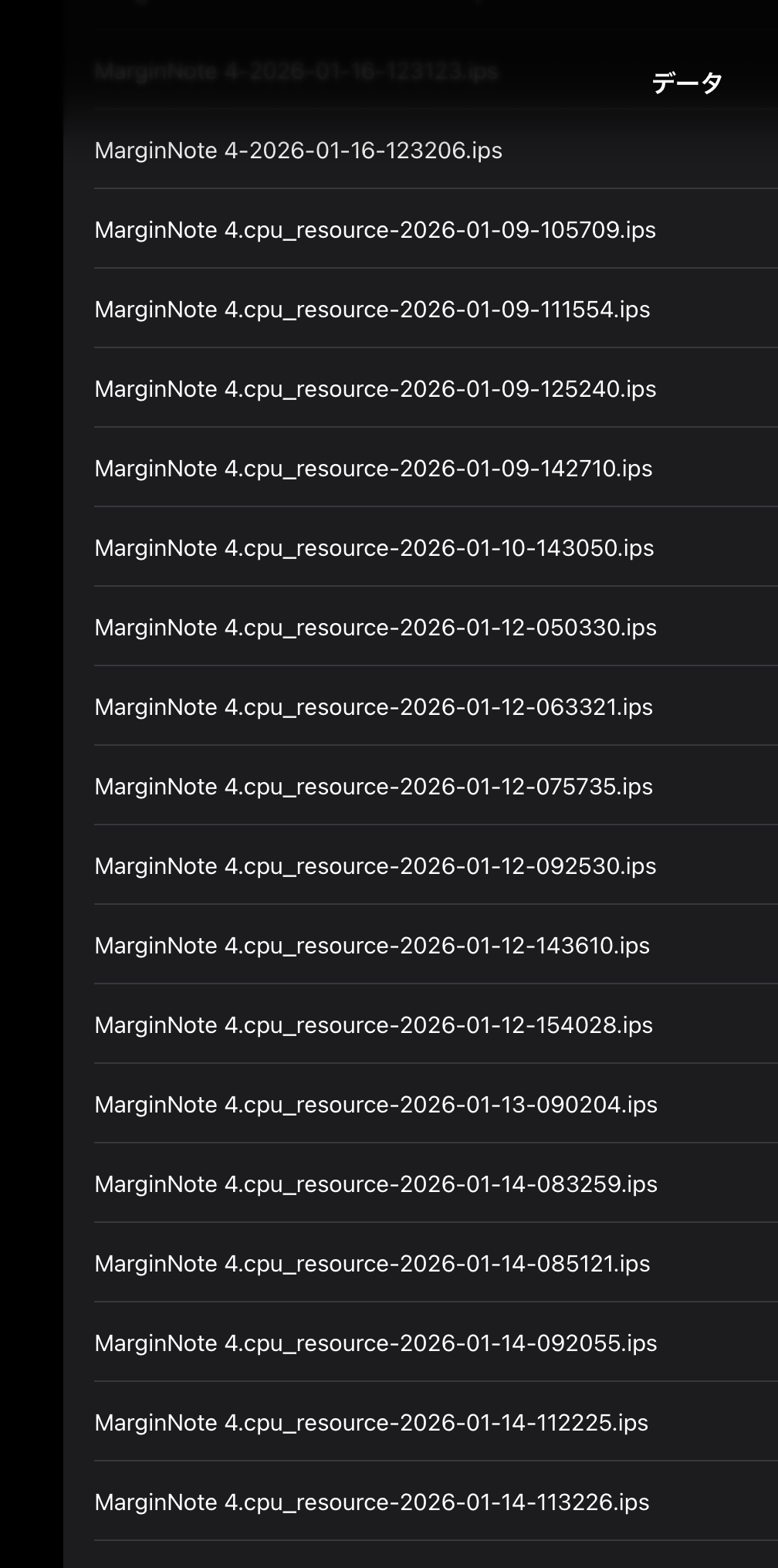
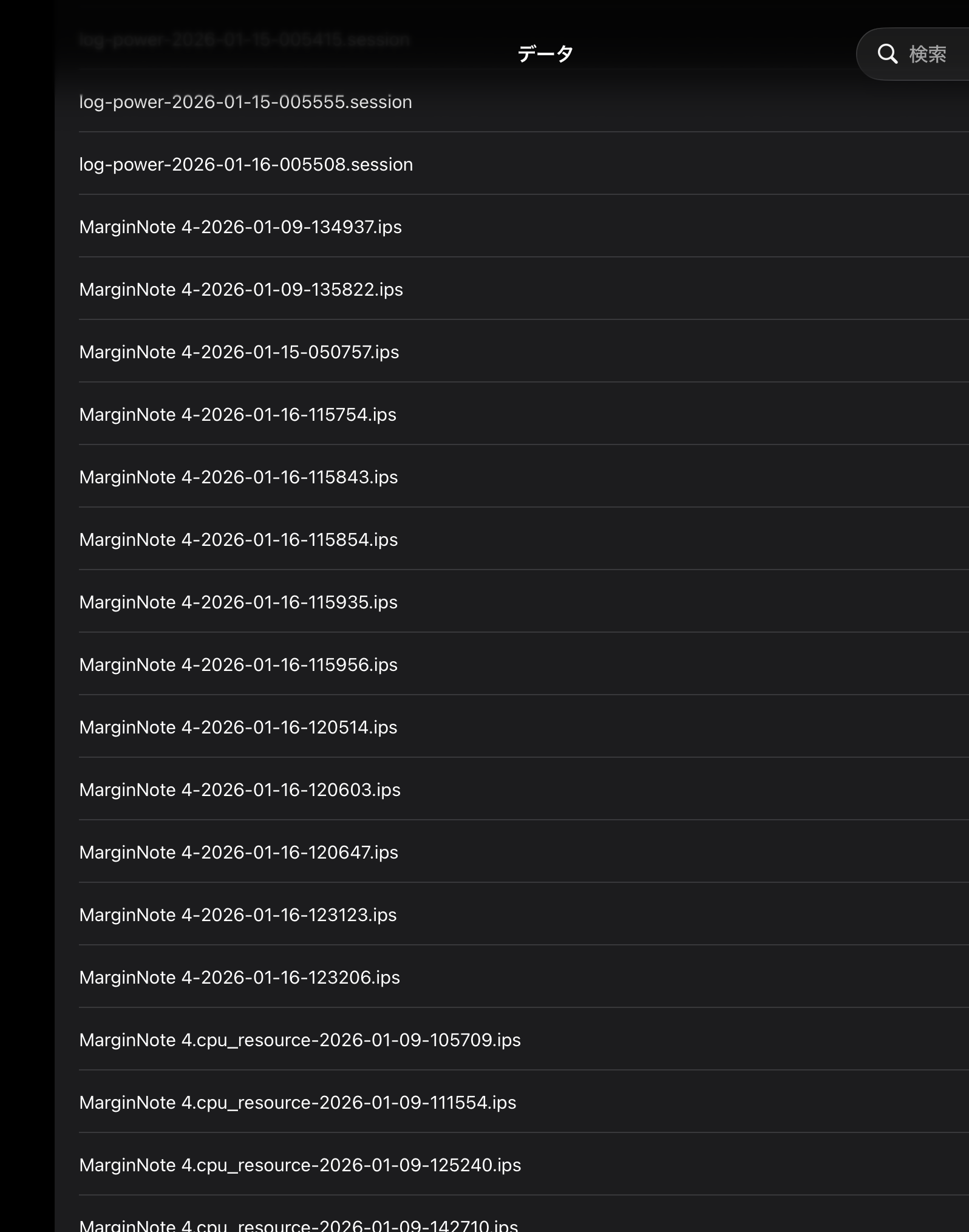
Please follow steps below to share with us the crash logs, thanks!
Thank you for your response. My email address is cydonia506@gmail.com for your records.
The issues are 100% reproducible. Here are the detailed behaviors of each feature:
1. AI OCR When I attempt to use AI OCR, the “credit consumption” popup does not appear at all. The extraction process simply terminates silently without any result.
2. AI Auto-Segment (AI分解) It fails with the following error message: “SSL certificate verification failed. Connection blocked for security.” I have attached a screenshot of this error to this email.
3. AI Table of Contents (AI目次) After the page loading process is completed, the app crashes immediately and returns me to the iPad home screen.
4. Request regarding Crash Logs I would like to share the crash logs with you, but I am unable to see the images or steps you provided in the previous post (they are not displaying correctly on my end). Could you please resend the instructions on how to find and share the crash logs in text format?
Which OCR engine are you using in the software settings? Try changing the OCR engine and then attempt the AI table of contents. Also, book splitting requires a table of contents.
I tried changing the OCR engine settings as suggested. However, the app still crashes when I attempt to use the “AI table of contents,” regardless of whether Apple OCR is turned ON or OFF.
Since the issue persists after toggling the OCR engine, could you please let me know if there are any other solutions or settings I should check?