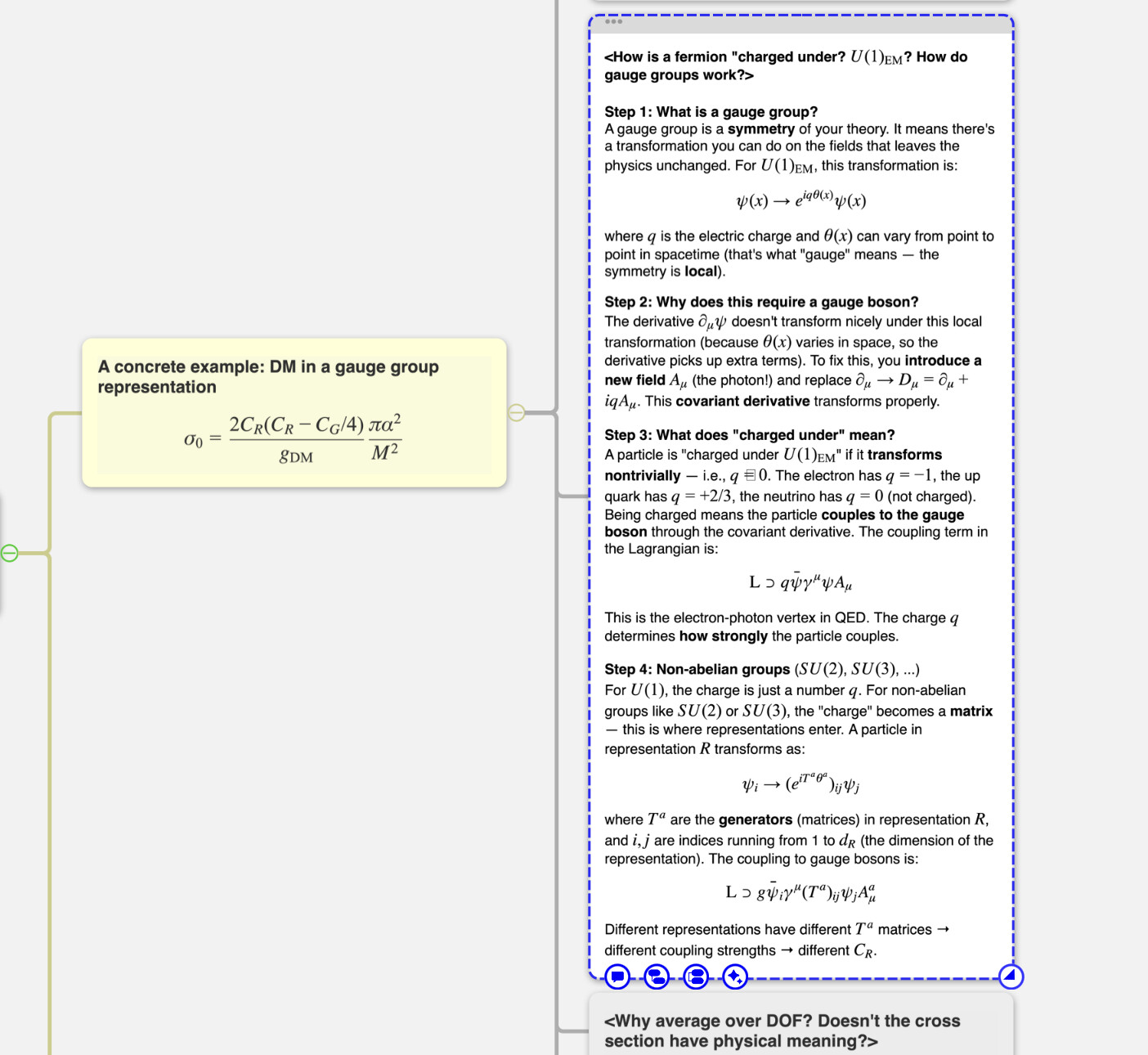
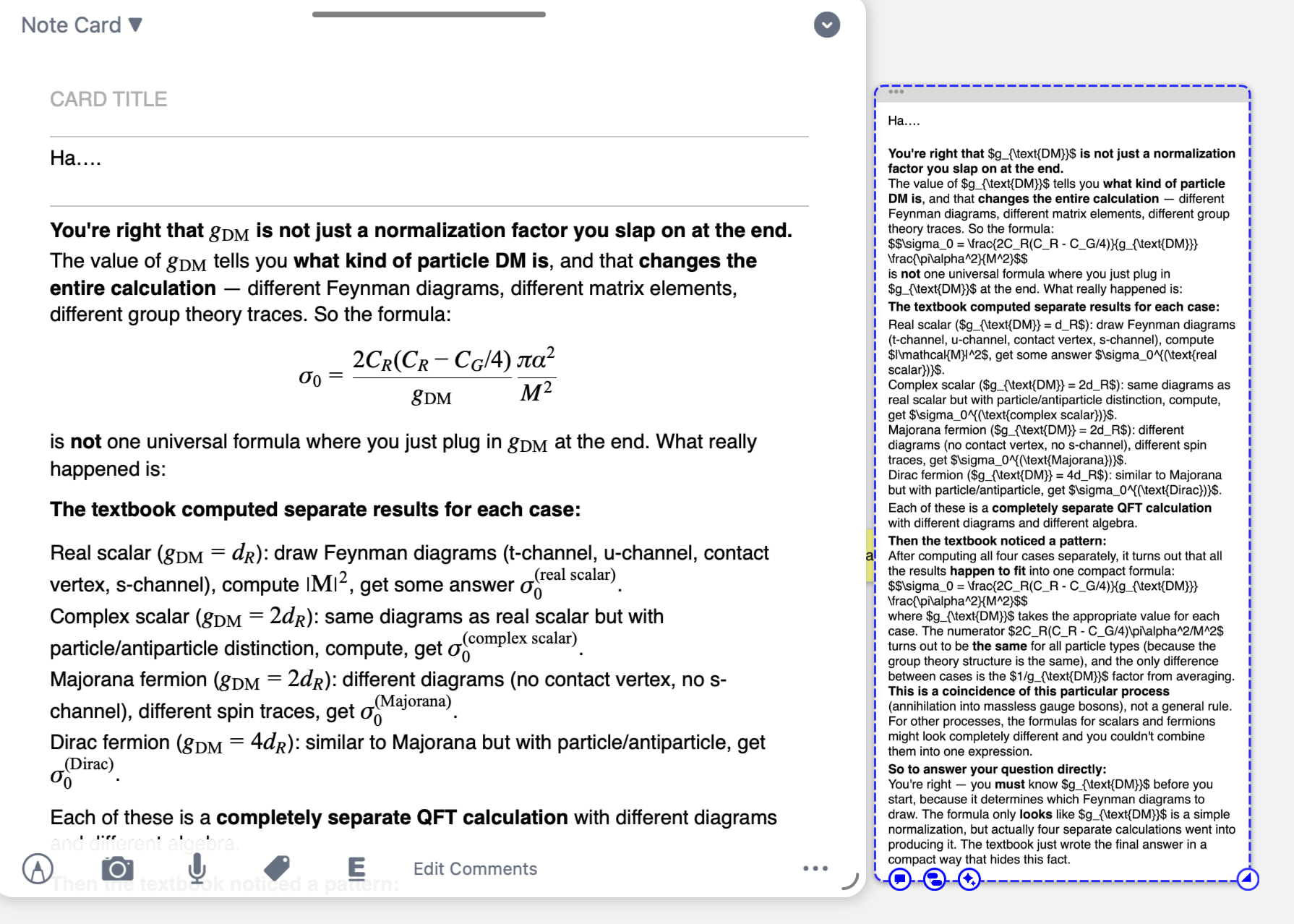
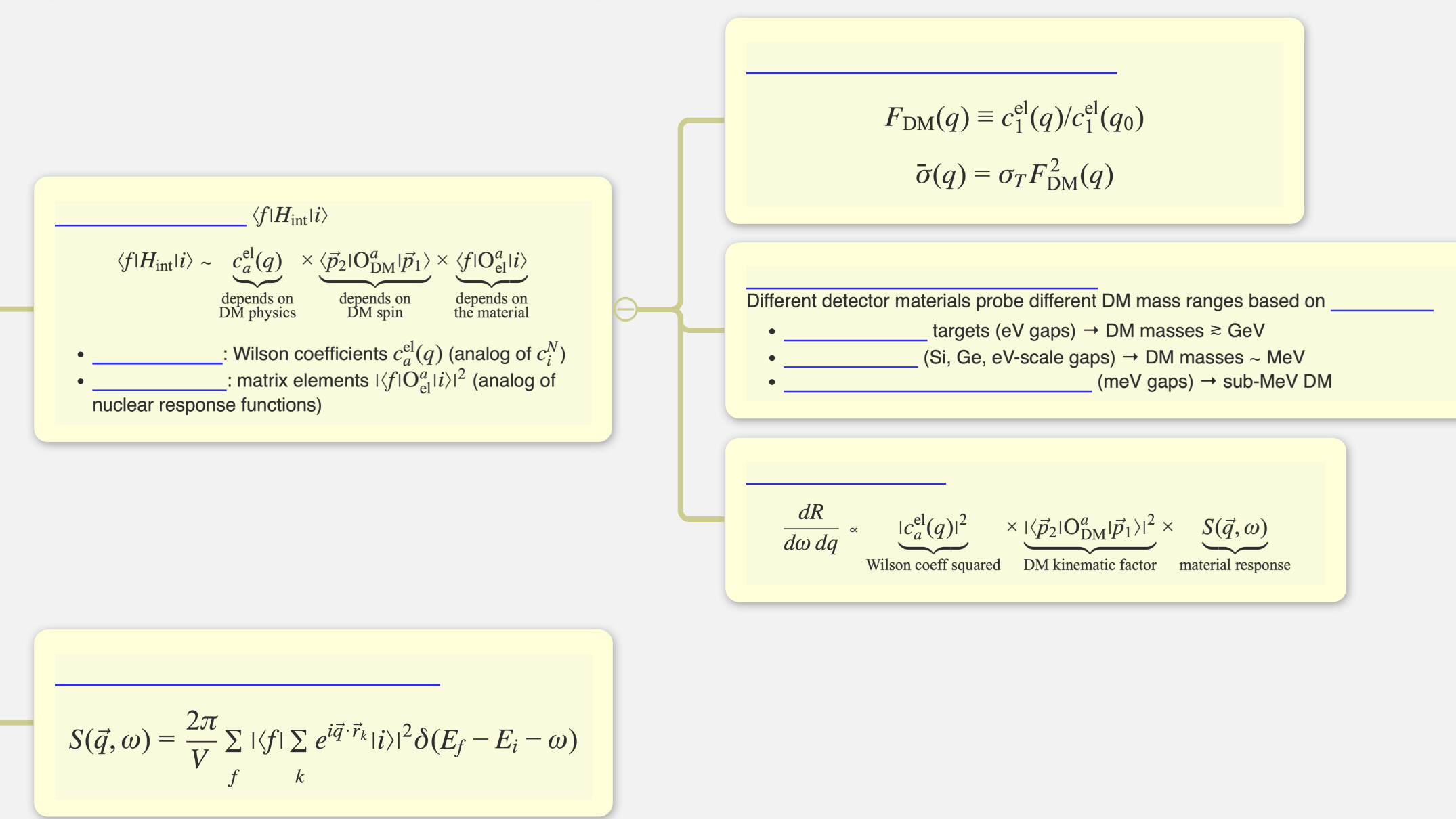
but at some point, it doesn’t work. i can see its rendering at card directly, but it doesn’t render when i just click the card on the mind map. I can only see my equations when i go into the card directly. It’s too uncomfortable. i don’t remember that i did something wrong, but it suddenly didn’t work like the below image.
when i drag equations from the book and make a card, it doesn’t render. also when i insert some equations in the card title, it doesn’t render. Is this feature not supported yet? (if then, ls latex rendering only works at comment?) but if i know this wrong, please let me know.
I really like this application, so i wanna get the answer as soon as possible. Thank you.
sometimes it works but there’s so many times these errors and sometimes it doesn’t work entirely. and especially, when i drag equation from the textbook directly, Latex code never work.
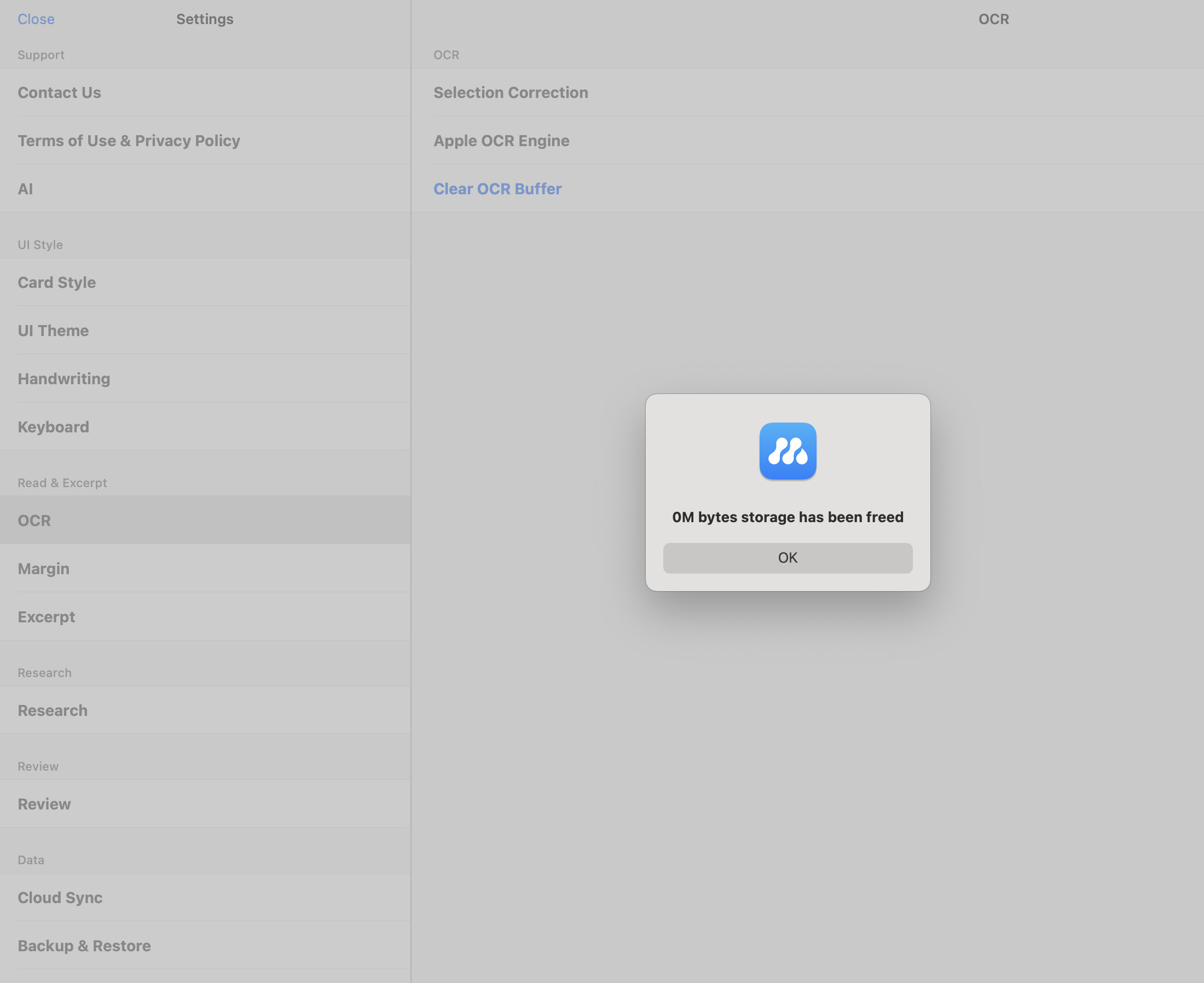
The leg is getting worse, and when i tried to clear OCR data, it was already 0.
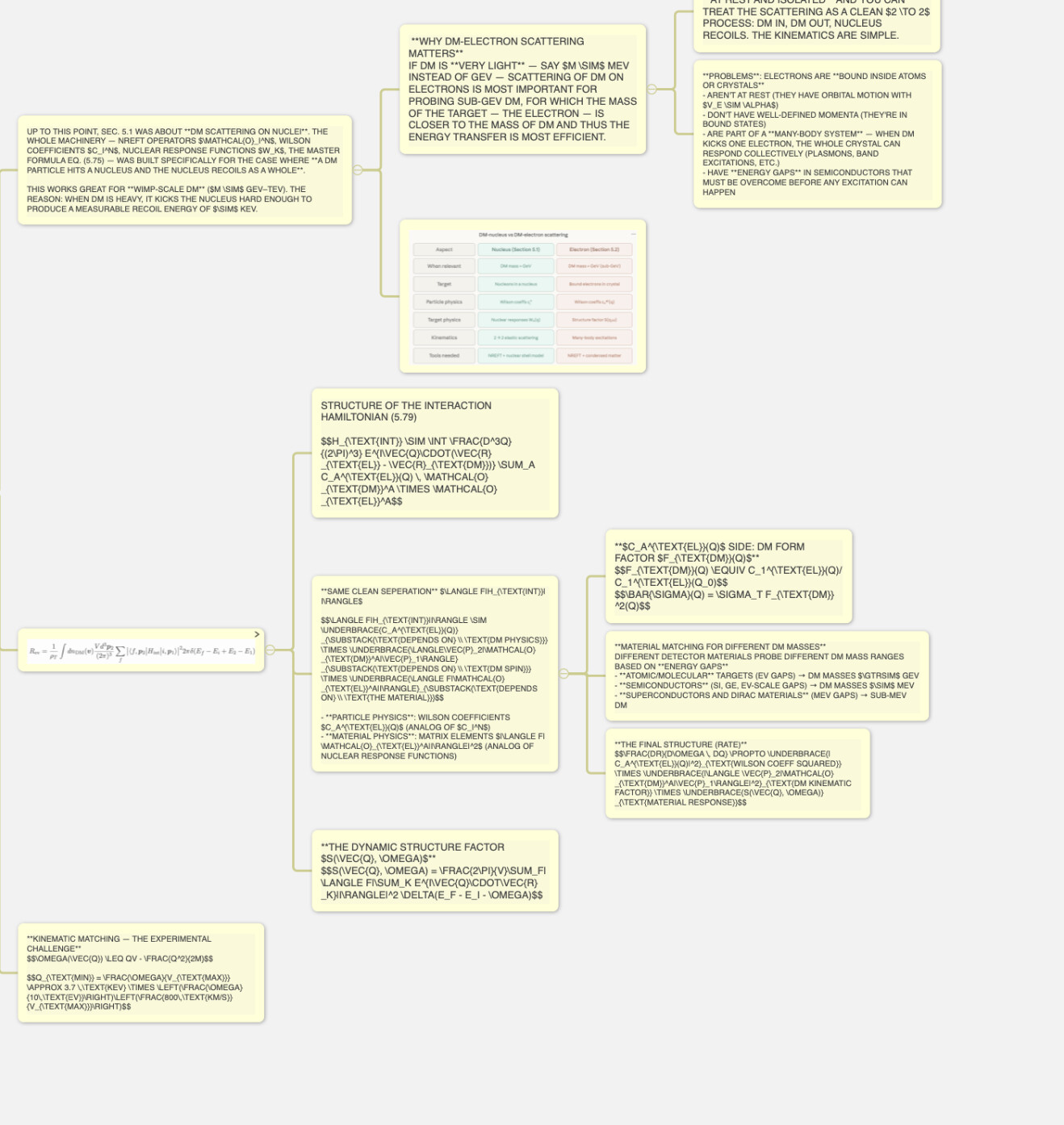
and i clicked OK but all cards are reset that i can’t read. I’m so stressful to this situation. ALL RENDERING IN MY CARDS ARE BROKEN. I REPEATED SHUT DOWN THIS APP AND REOPENED BUT ANYTHING DOESN’T CHANGED. (I WAS EMBARRASSED ALL CARDS ARE BEING UPPERCASE, BUT I SOLVED THIS PROBLEM)
thx. i waited 1 hour, but all bold letters aren’t rendered, and when i correct some equation or sentence, its rendering suddenly broken. Is this also solved if i wait for a long time?
needs to be rendered sequentially, but after your modification, that card is rendered immediately. The rendering speed is related to device performance.
Okay. but as you see in my video, when i modificate the card, it isn’trendered immediately, rather rendering is broken. This happens after i update Marginnote 4 today and OCR reset. Before this, rendering was done immediately.
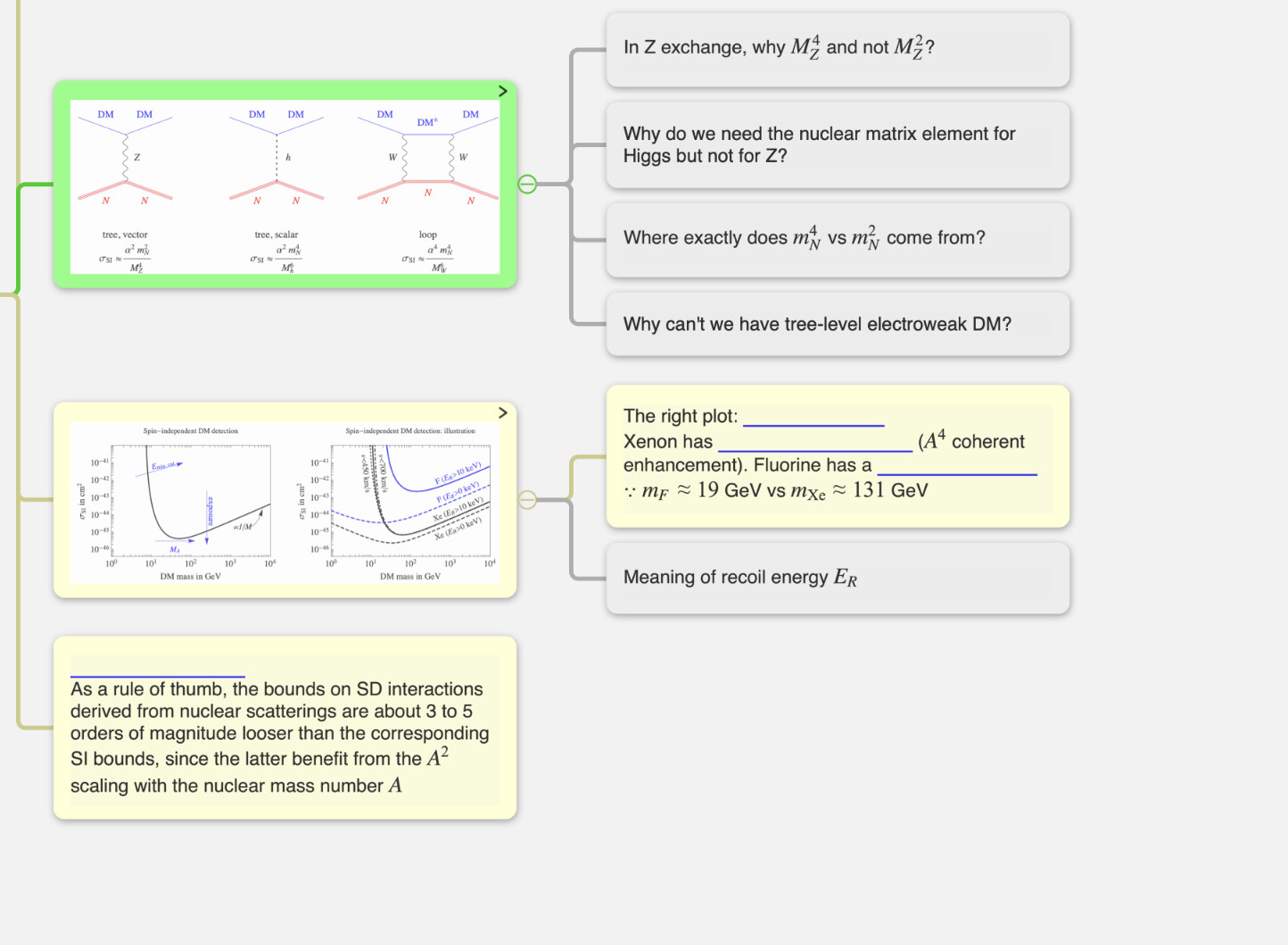
I’m using Mac M1, is this the problem…? f (blue underline – bold letters – isn’t sill rendered, do you know how long does it take?)
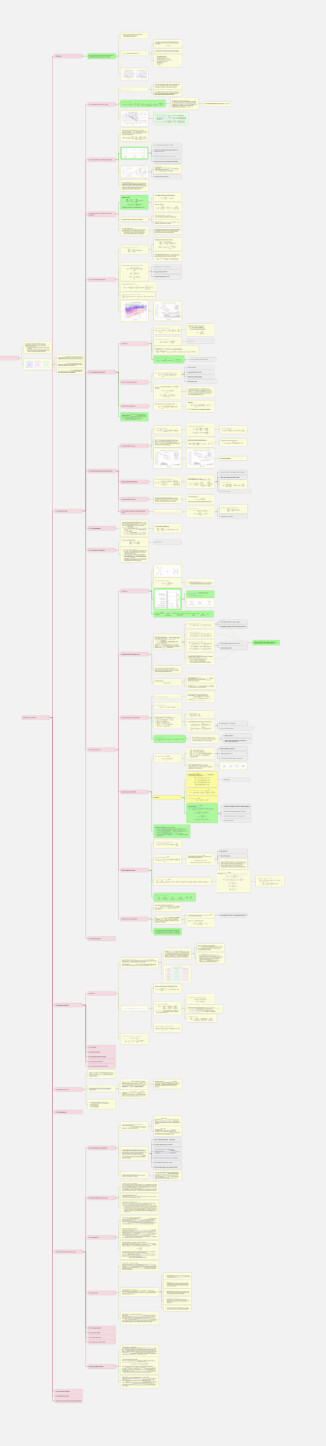
I don’t know how to count the number of cards, but around this (but each card has many comments). and this is one of the mind map layers, and there are 3 more layers whose number is similar to this.
The left problem is emphasized words or sentences by ** suddenly looks blank. (don’t render)
It works. Thank you very much. But may i ask that Is there an implicit limit where the bug becomes more severe if the number of cards exceeds a certain amount?
And i wonder each layer of mind map can contribute to the bug.
Doesn’t matter if i use another layer if the bug is strong?