When a StudySet contains a large number of MindMap cards, rendering the MindMap can place a heavy load on your device, causing lag or, in severe cases, crashes.
To improve performance, try collapsing some larger branches into Child MindMaps. This allows the content to be rendered progressively, reducing processing load and power consumption. We especially recommend this for less powerful devices.
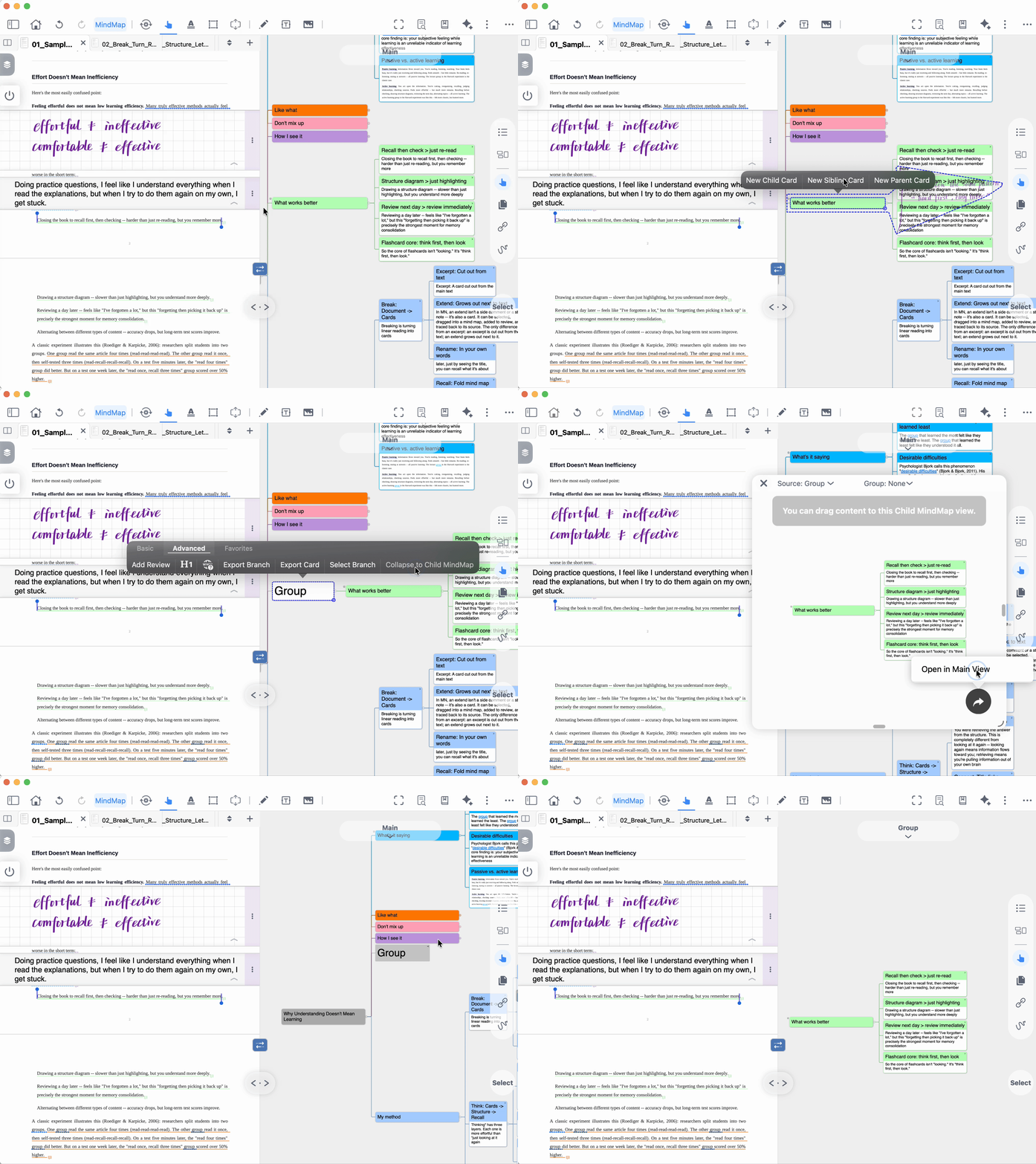
To do this, select the top-level card of a branch and choose New Parent Card. Then select the newly created parent card and choose Collapse to Child MindMap. For detailed instructions, refer to the GIF or video tutorial below.
For more information about Child MindMaps, see: