You can turn on “Synchronize Documents When Synchronizing Study Sets” in the iCloud settings of the software settings, then add a document to a study set that supports cloud synchronization, and then make a note on it
I selected “Import to iCloud Folder by default” and “Sync Document while Sync StudySets”.
But it did not solve. I cannot import pdf files to iCloud Folder with the following
>> The file “ “ doesn’t exist.
There is no MarginNote iCloud directory in iCloud Drive.
Request: Could you please reset the iCloud container/sync association for my account on your end? Or provide the specific steps to force-regenerate the iCloud container token?
It should be noted that this folder is system-generated, and we have no way to manipulate your device in the background. Is iCloud Drive in the iCloud settings of the system settings turned on?
I accidentally deleted margin note 4 from the iCloud folder in iCloud Drive. Even after reinstalling the app on both my iPad and Mac, it still doesn’t appear in the Cloud Drive.
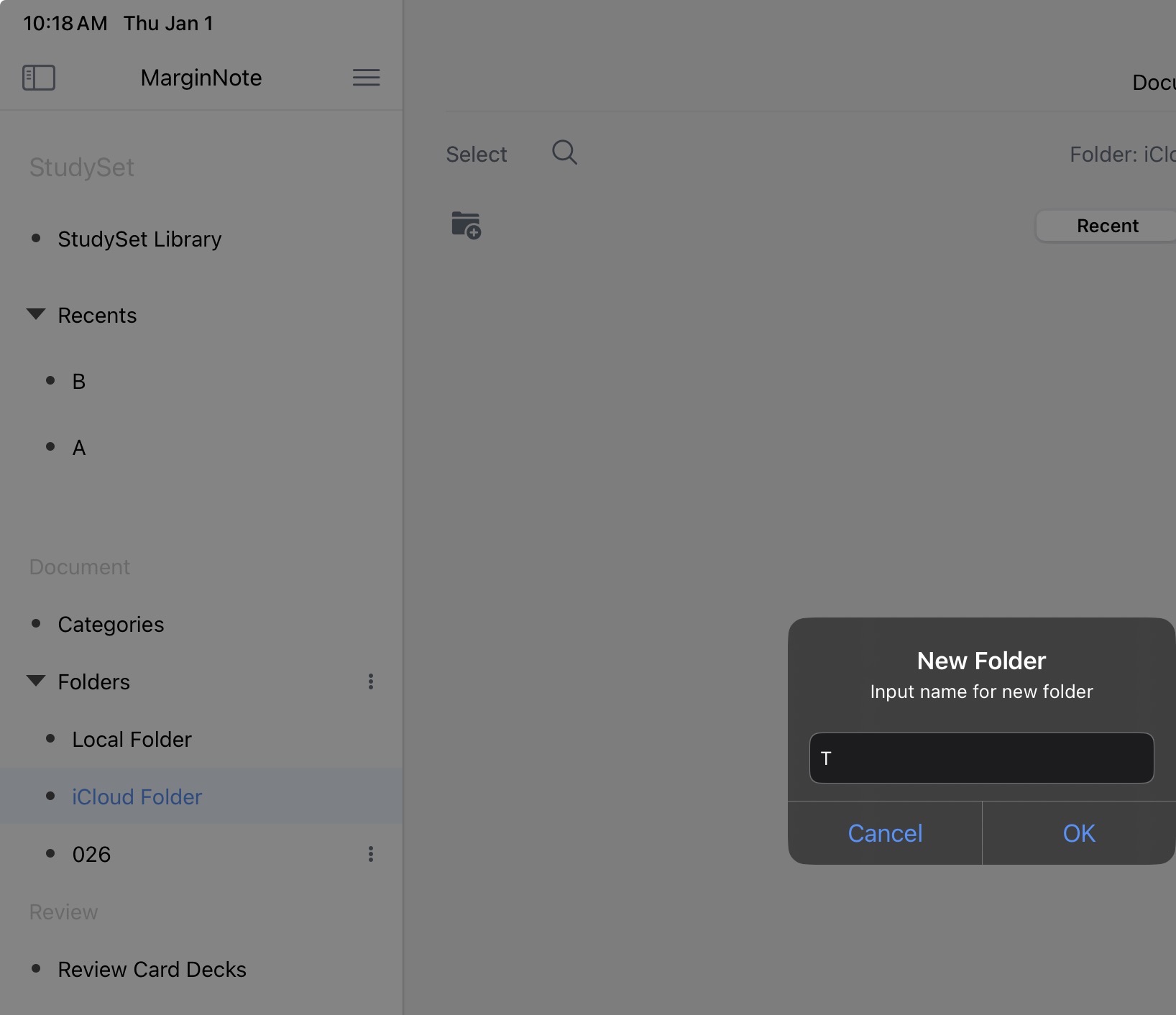
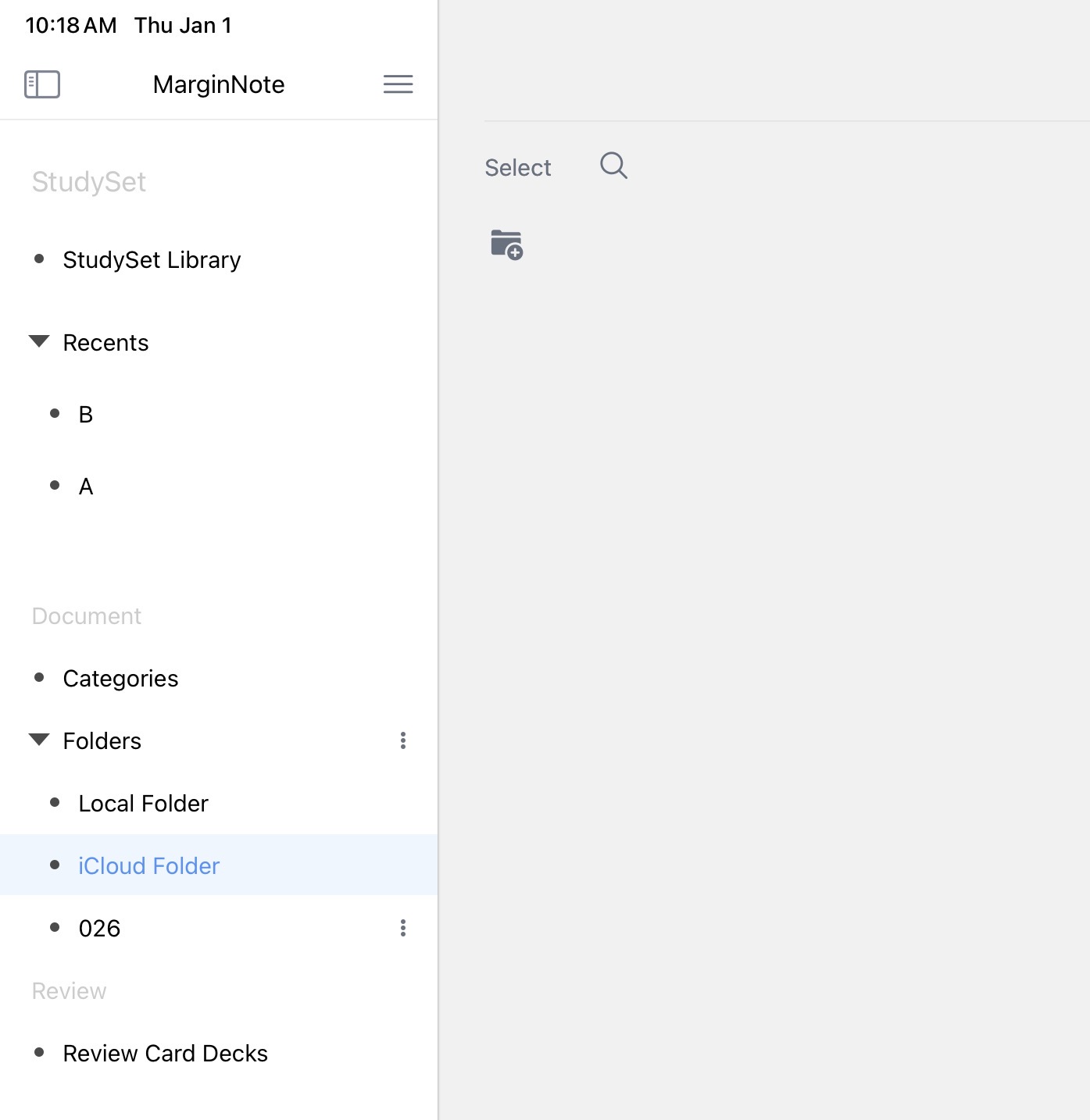
I’m unable to create a new folder in iCloud Folder.
I’m unable to add a PDF file to the iCloud folder in the iCloud Drive because there isn’t an iCloud folder in the Cloud Drive.
I created a Studyset and Notebook and added some annotations to my local PDF file. MN4 successfully synced the Studyset/Notebook and annotations, but not the PDF file itself.
You can try to log in to your iCloud account again in the system settings, then turn off and turn on again the synchronization-related permissions in the system settings, and then take notes again. Note that the settings shown in the illustration must be checked.