Is anyone using a wacom drawing tablet with MarginNote?
I have a gigantic mind map and it’s getting harder to organise cards on iPad screen so I invested in a wacom to use MarginNote on the bigger iMac screen, only to find that I cannot do click and drag to select or move cards using wacom, I have to use a trackpad or mouse to do click and drag.
Hello! I’ve used a graphics tablet before, but never with MarginNote. That sounds like a really creative idea! We’d love to hear more from you to help us improve MN’s features. For example, have you used any similar software that works well with a graphics tablet? And why do you need a lot of dragging in your workflow?
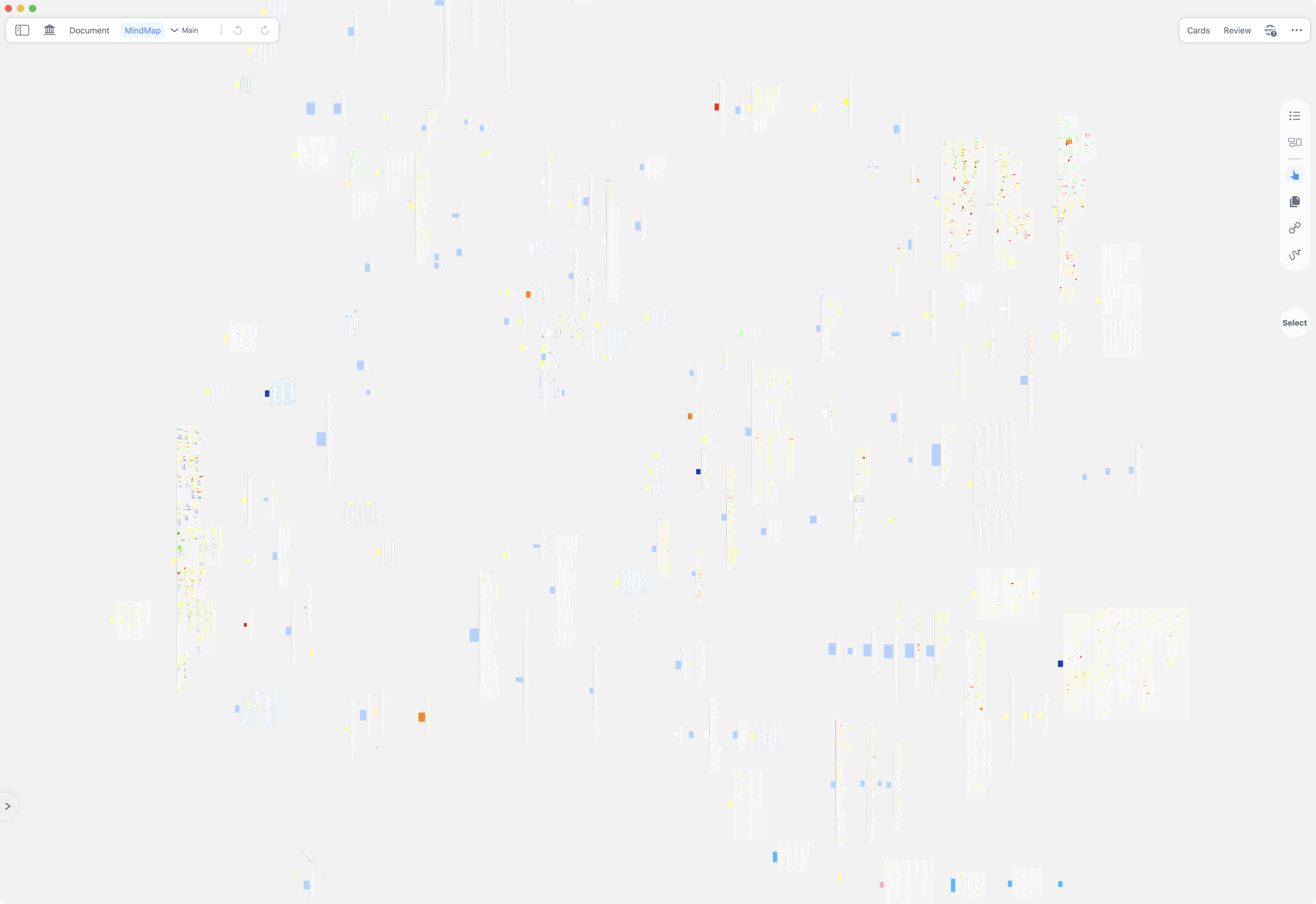
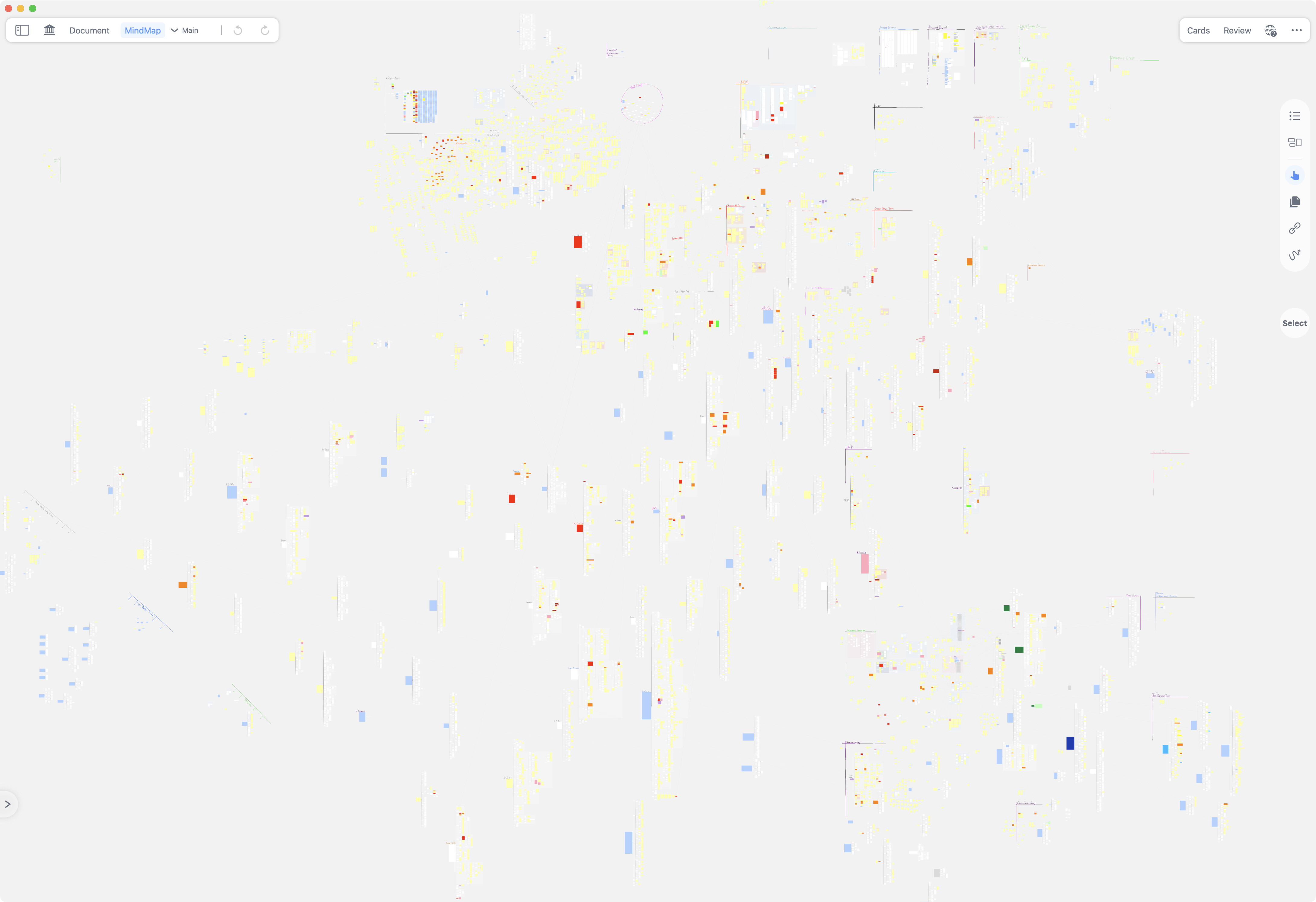
I think screenshots speak for themselves . I started using MarginNote 3 in undergrad and now continuing those mindmaps into PhD, hence the notebook/mind-map has blow up to a size that’s uncomfortable on iPad’s small screen… (for context, the auto backup files which contains only notes database is at 3.2GB, iCloud from settings reports 4.5GB usage and the iCloud - MarginNote 4 folder is at 16GB)
MindMap with ~220 textbook PDFs, some extensively annotated (btw, I love using the Extend feature for textbook problems, filling in missing steps or just taking notes in general).
Prior to MarginNote I also have many years of notes on GoodNotes (22GB total files), I gave it a try again and it seemed to support wacom tablet just fine.
Kinda bugs or wishing improvements on MarginNote:
As you can see from my mindmap, whenever it grows e.g. whenI start another papers scout, I’ll need to do lots of drag and drop, which is hard to do on iPad’s screen, but too slow and imprecise with a mouse/trackpad.
I tried various methods like using modifier keys, using BetterTouchTool to simulate clicks, using a second mouse to do click, then move cursor on wacom tablet, different drivers, none was able to make click and drag work in MarginNote…
When using handwriting tool + wacom tablet controlling cursor hovering on top of document view, scroll is broken: cannot scroll using wacom’s pan, other mouse/trackpad’s, or wacom’s wheel. But when wacom pen’s is removed, i.e. controlling the cursor using mouse/trackpad, scrolling is working as expected again.
It seems there’s some weird interaction between MarginNote and Wacom’s driver, as I haven’t encountered this behaviour in any other apps yet.
I would love to be able to do everything on the macOS app from import, organise, to annotate. My current workflow involves moving documents into the iCloud folder, wait for it to appear in MarginNote, then organise it on the mindmap, wait for sync to iPad and annotate.
Pan/scroll when working correctly feels amazing on MarginNote, I can feel the productivity increase and zen focus if there are no little bugs that get in the way
(Perhaps a PencilKit thing: ) I missed double-tap to swap eraser on ApplePencil to the extent I’m using BetterTouchTool’s “Match image and move cursor” to select between different drawing tools quickly, a native keyboard shortcut would be really nice.
(More on PencilKit: ) I kind of prefer the look of non-PencilKit strokes back in MN3, or the look in Notability and GoodNotes, but since those apps can no longer support my learning/working style, I’m kinda just accepted the MN4 pen stroke looks… more customisation would be really nice.
Similar to the tip sharpness, pressure sensitivity and tip flatness in GoodNotes, so I can tune between Normal-Mono-Fountain, rather than the current three extereme-case-look.
I can not really say anything about your specific problem but felt I should drop this info here: Apple-Pencil and Wacom Pencils are fundamentally different. Simply put, for Apple, all the tec is in the display, and for Windows, all the tec is usually in the pen (Wacom). Reason for that is that Windows devices often use LCD displays from independent manufacturers and so on. Both communicate different with the corresponding device. For the Apple Pencil, applications can use their own software but also simply use the Apple software. I believe that is why you can switch two seperate pencil-menus in MN. With Wacom you need a driver, bluetooth and so on. The Pen has to do everything himself, basically, and it is no surprise to me, that only basic function is maintained when using it in combination with MN. Something between the driver, MN, and the ios system just can not work. And to be honest, since MN is exclusive for Mac so far, I can not really blame them for that. Combining a Mac setup with a Wacom seems like the long way around anyway. There are so many ways to organize in MN. Maybe it is time for some “data maintenance”? With such big mindmaps you either cannot really find the information you are looking for (in which case a restructuring in database style might help), or you do not need to find it anymore (in which case a restructuring would not hurt at all, and help intead). The point is: The more complex a system gets, the less you can test its correctness. (and yes the screenshots speak for themselves. Holy s*, how and when…, really impressive though) The only solution to that is to restructure it and break it down into smaller fragments. Those could be childmindmaps (more layers instead of one big map) or several study sets (even more layers). And with a lot of luck the switch in MN settings I talked about earlier might give you better results;) Hope this helps.
 . I started using MarginNote 3 in undergrad and now continuing those mindmaps into PhD, hence the notebook/mind-map has blow up to a size that’s uncomfortable on iPad’s small screen… (for context, the auto backup files which contains only notes database is at 3.2GB, iCloud from settings reports 4.5GB usage and the iCloud - MarginNote 4 folder is at 16GB)