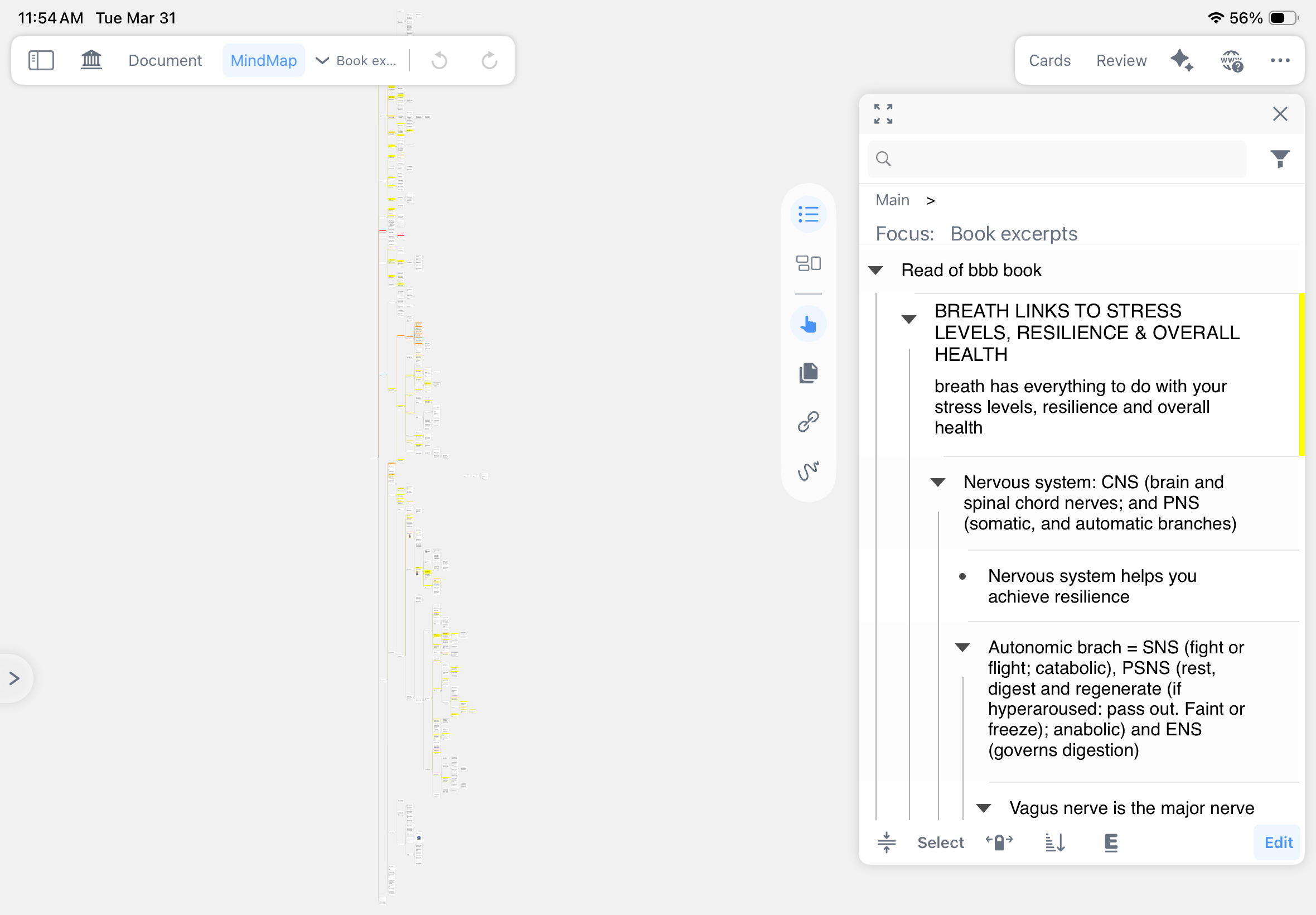
I want to print from a MN study set. Exporting the Mindmap as a pdf isn’t useful (my Mindmap is too large for ease) — is there anyway I can print say the “focus” cards or something similar? I can use focus for example to expand all the annotations as a hierarchy, as per the attached screenshot, so wondering if I can somehow print this or some other non-map version of the material. Thanks.
1 Like
Hello
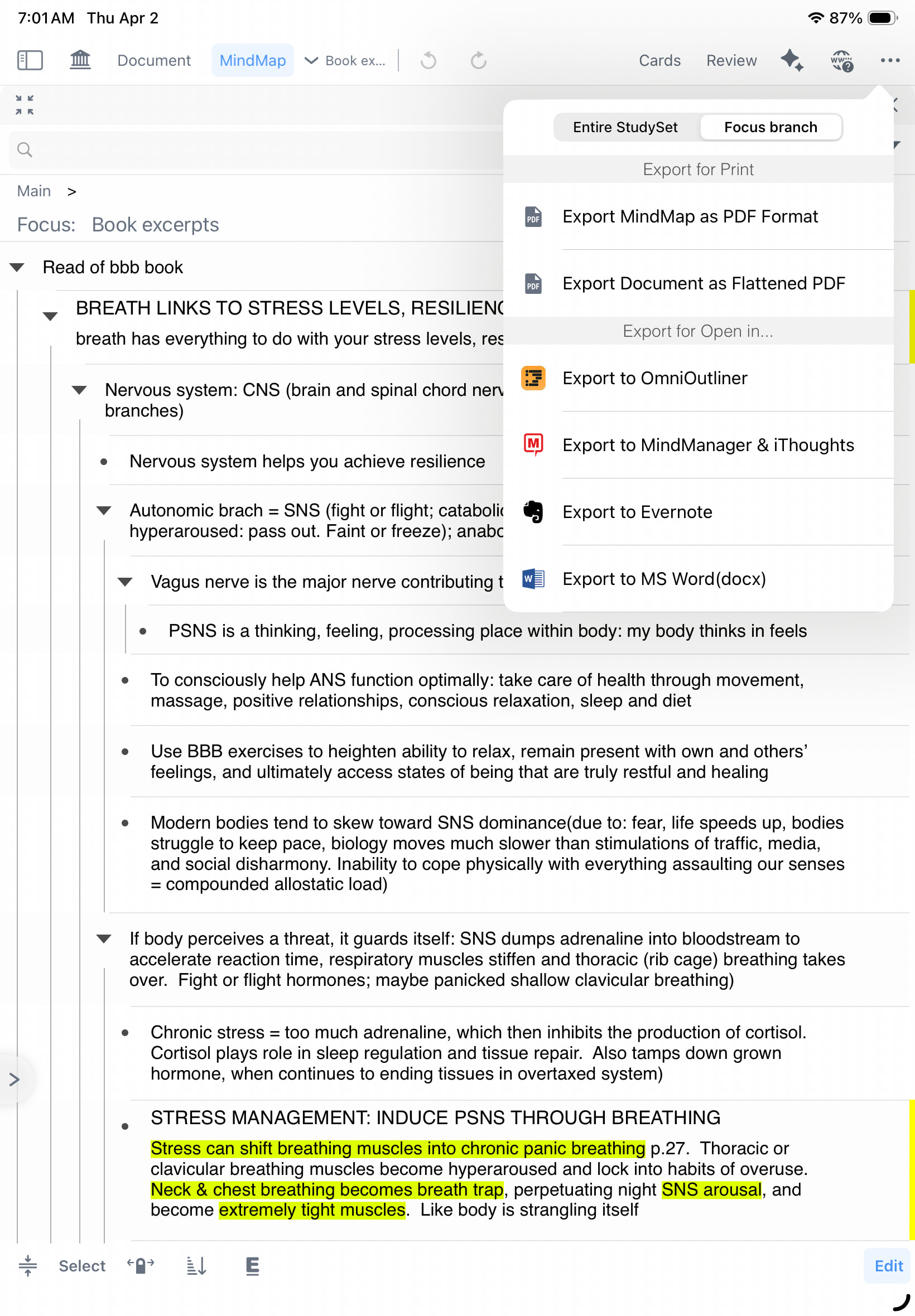
After entering focus, you will find that export can be switched to export by focus, and the outline list on the right can also be selected whether to be exported during export
Kind Regards,
Support Team
Can you please give me specific instructions on how to do this? As you’ll see from the screenshot, when I open Focus and then use … for an export options, I still only see exporting the usual mindmap and study set options. How do I get to the othered export options you mentioned? Thanks.
Hello
Clicking “Export Mind Map” will prompt whether to export the outline list
Kind Regards,
Support Team
In Margin Note 3, there was an option to export all pages with annotations after MindMap; this was a super useful feature.
When do you plan to bring this feature back in Margin Note 4?