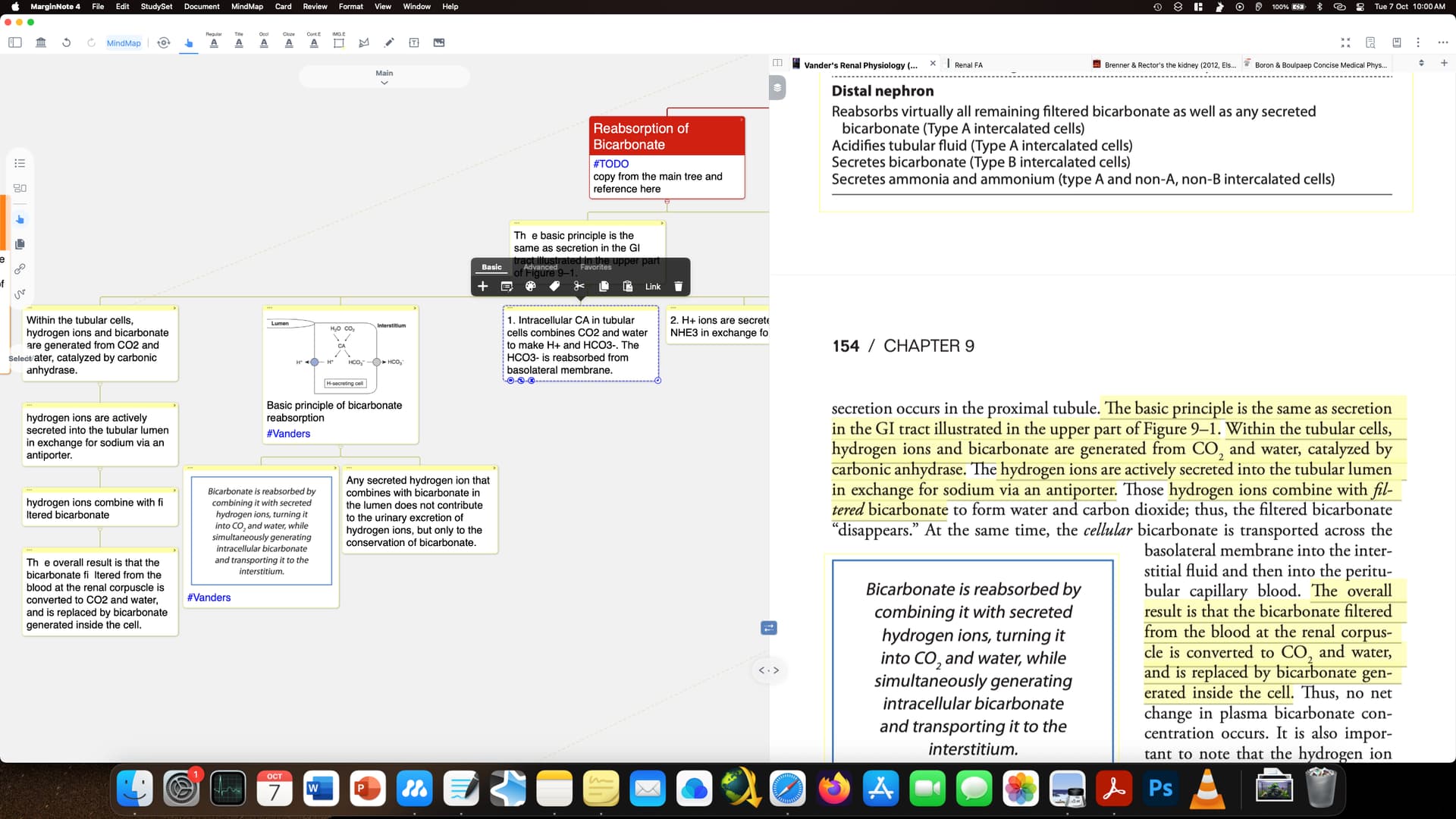
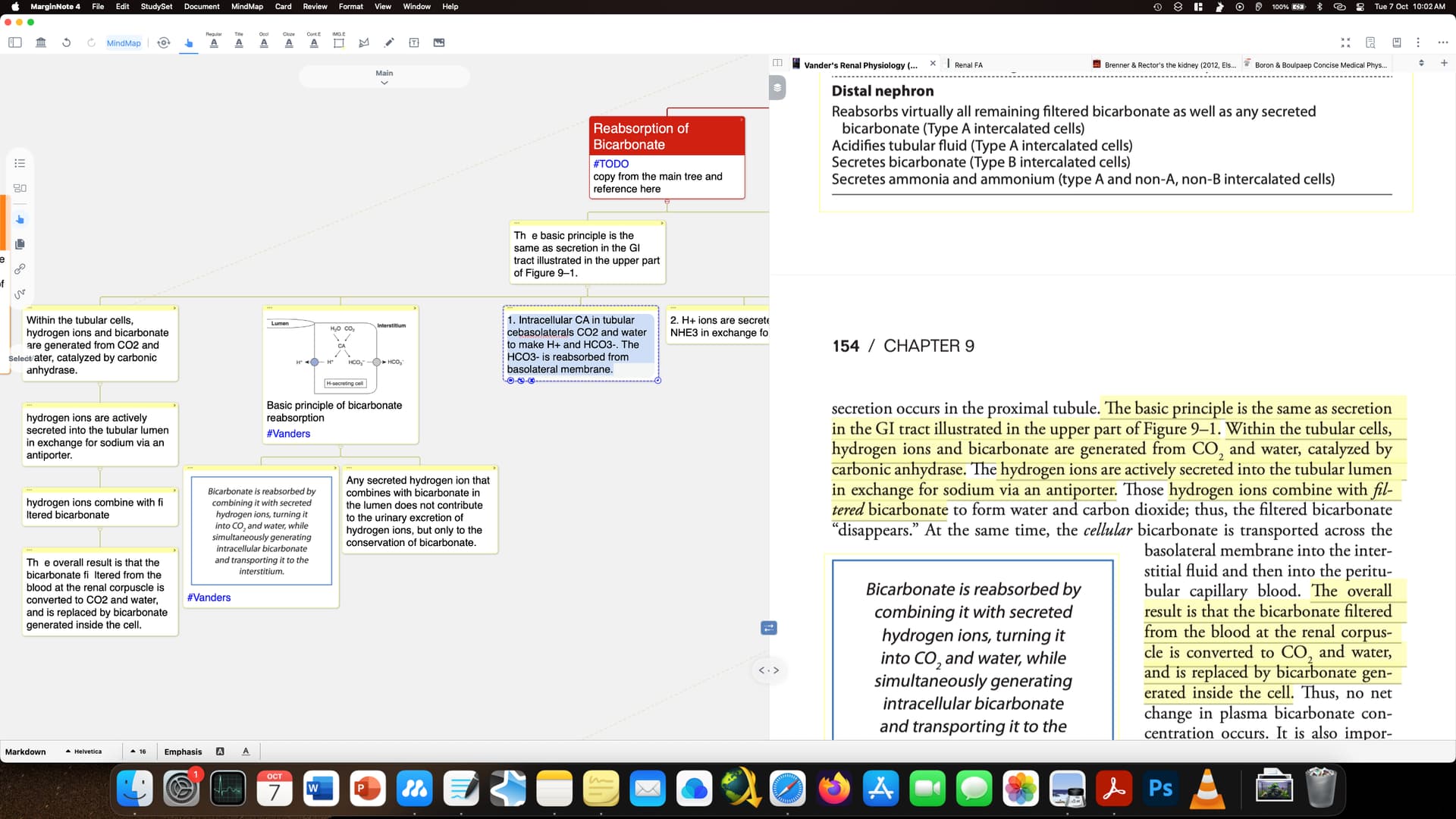
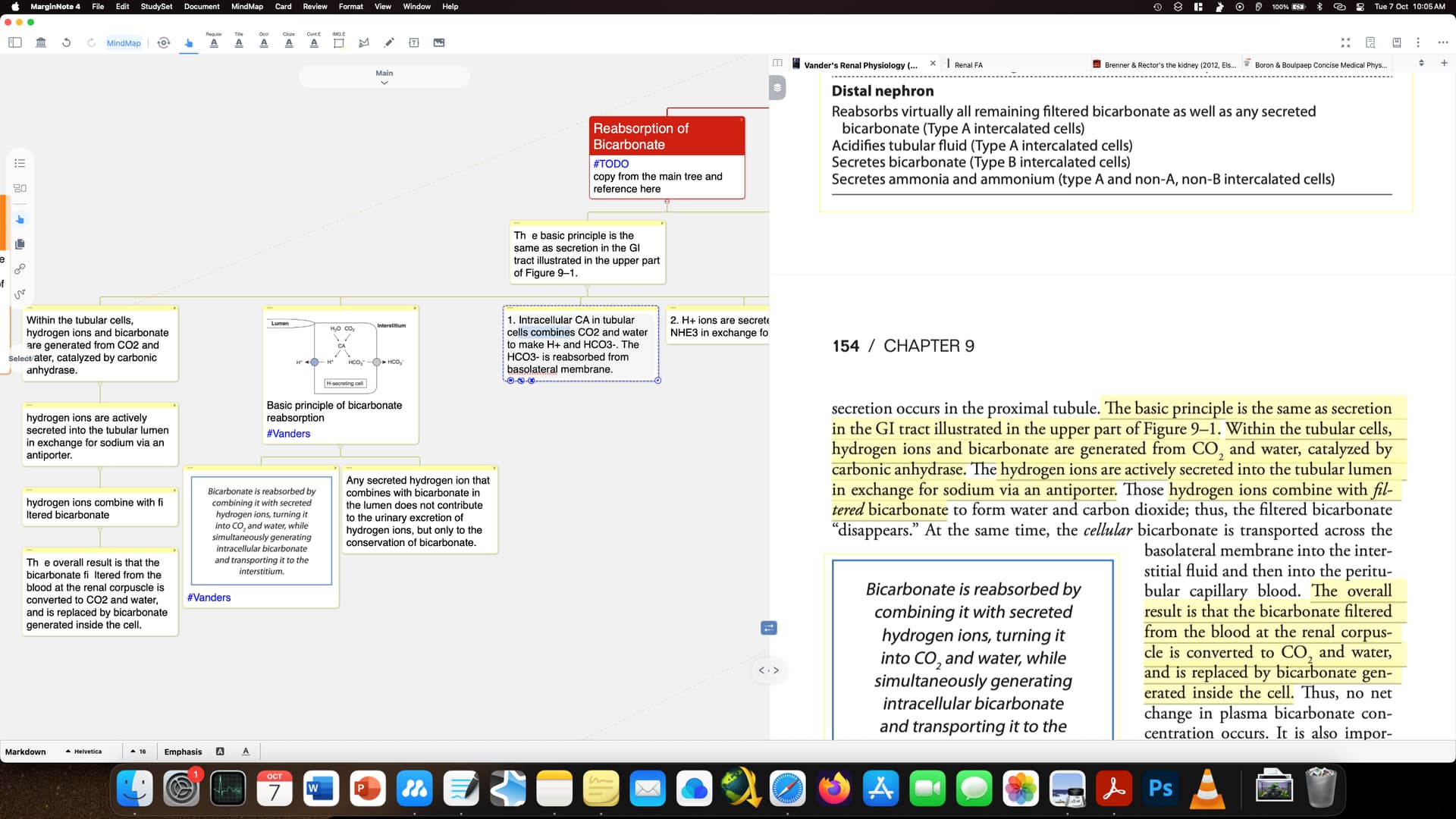
I have encountered this in other similar scenarios as well and it leads to loss of data. The undo tool is very limited as it does not work in all scenarios. It’s not reliable at all. However in this scenario i had the option to undo which i have shown in next image.
Hello, I’m a bit unclear about what you mean. Are you saying that after clicking on a card you created yourself, the content of the card gets jumbled up?
Could you please explain it in a more clear way—for example, by recording a screen video or circling the problematic area in an image? Thank you very much!
Yes after double clicking to edit text i press cmd+a to select all the text and it automatically gets jumbled up.
I’ll make a video and update some other time.
In this i tried copying and editing from chatGPT into this node. You can see how the rest plays out.
this is similar to what happens. But this happens in other scenarios as well (as previously mentioned, where i select the text of a node and it jumbles up). Does this have to do with word limits per node or something? If that is so it should have been mentioned before.
The problem is still there and now happens after I just select the text. This node has been fully typed (no excerpts were used). And this jumbling happens which breaks the user experience. The undo function is also less optimized as well.
Hello,could you please send the relevant content to me via private message? The required materials include the text you entered, and preferably the entire study set (if you are willing to share it, I will ensure the protection of your privacy).