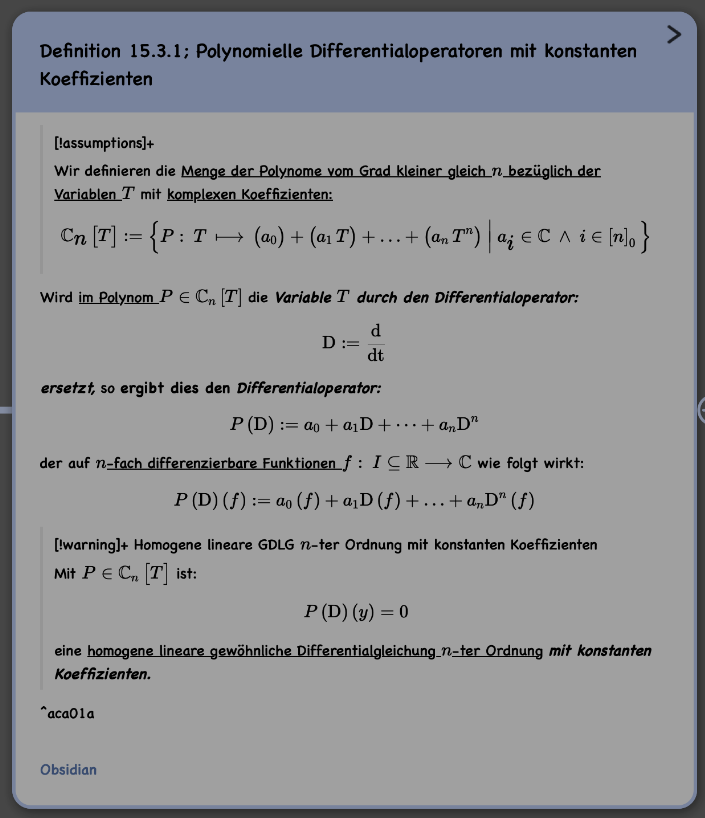
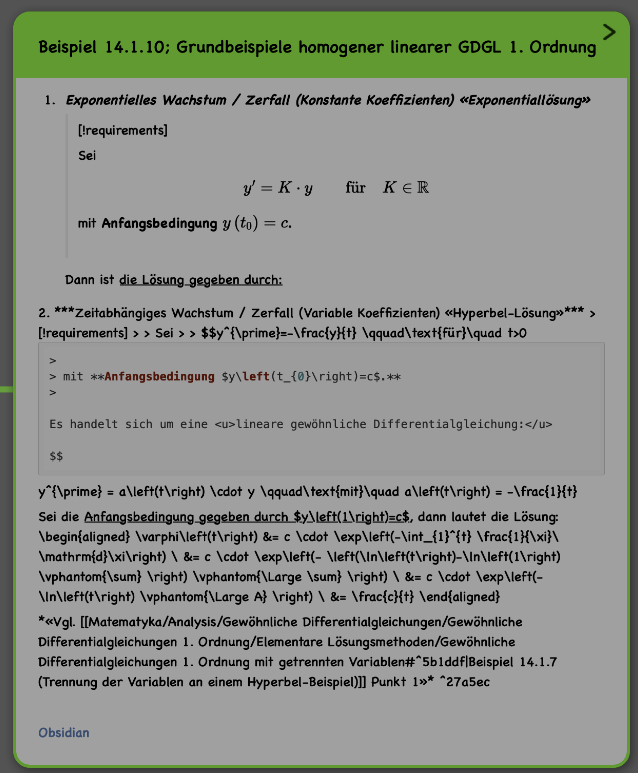
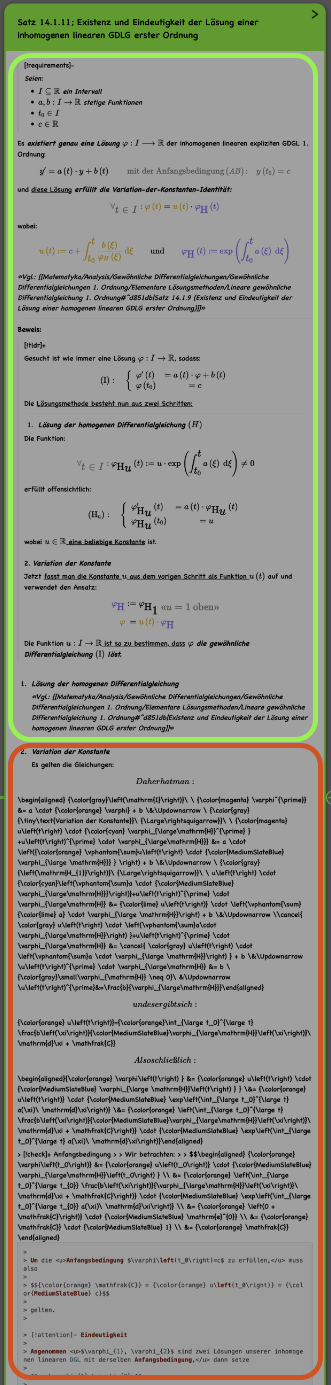
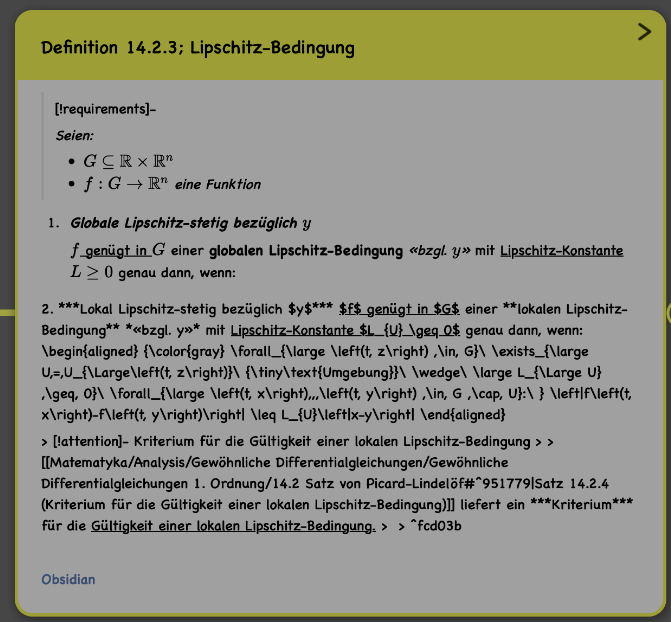
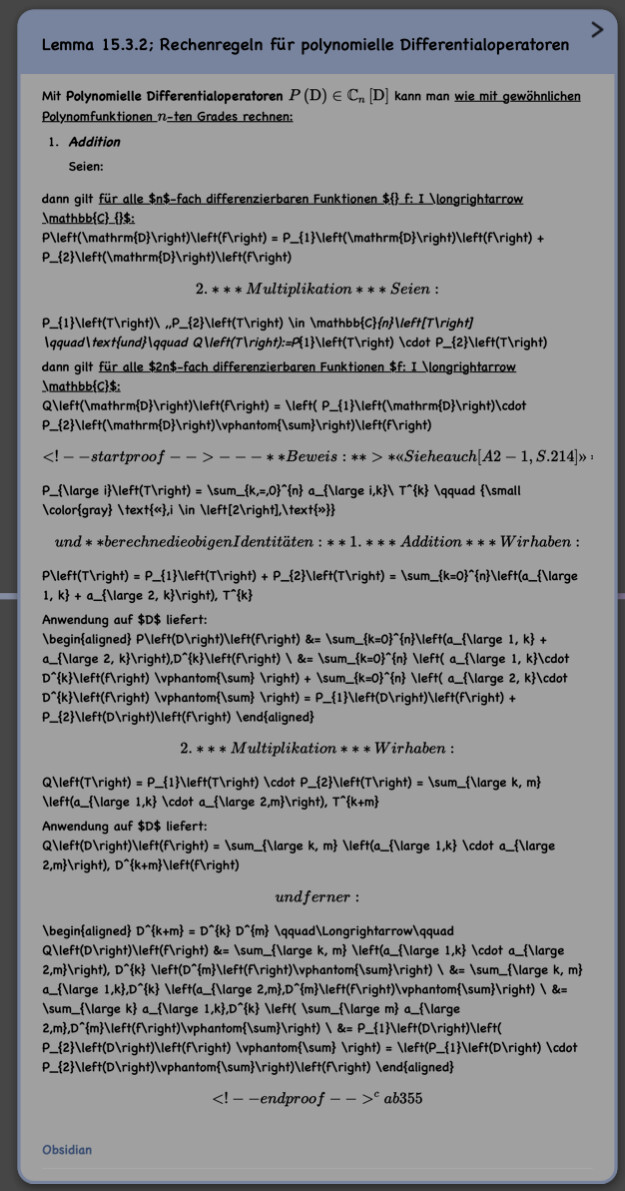
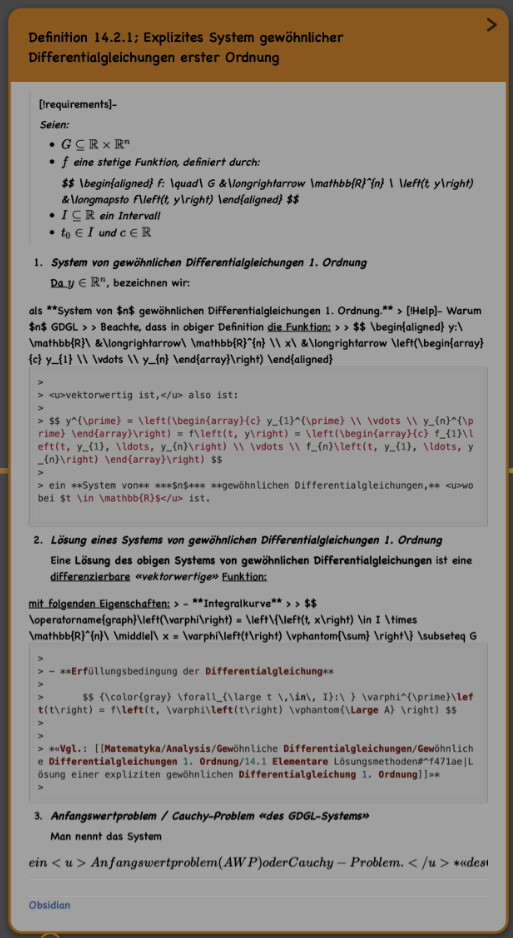
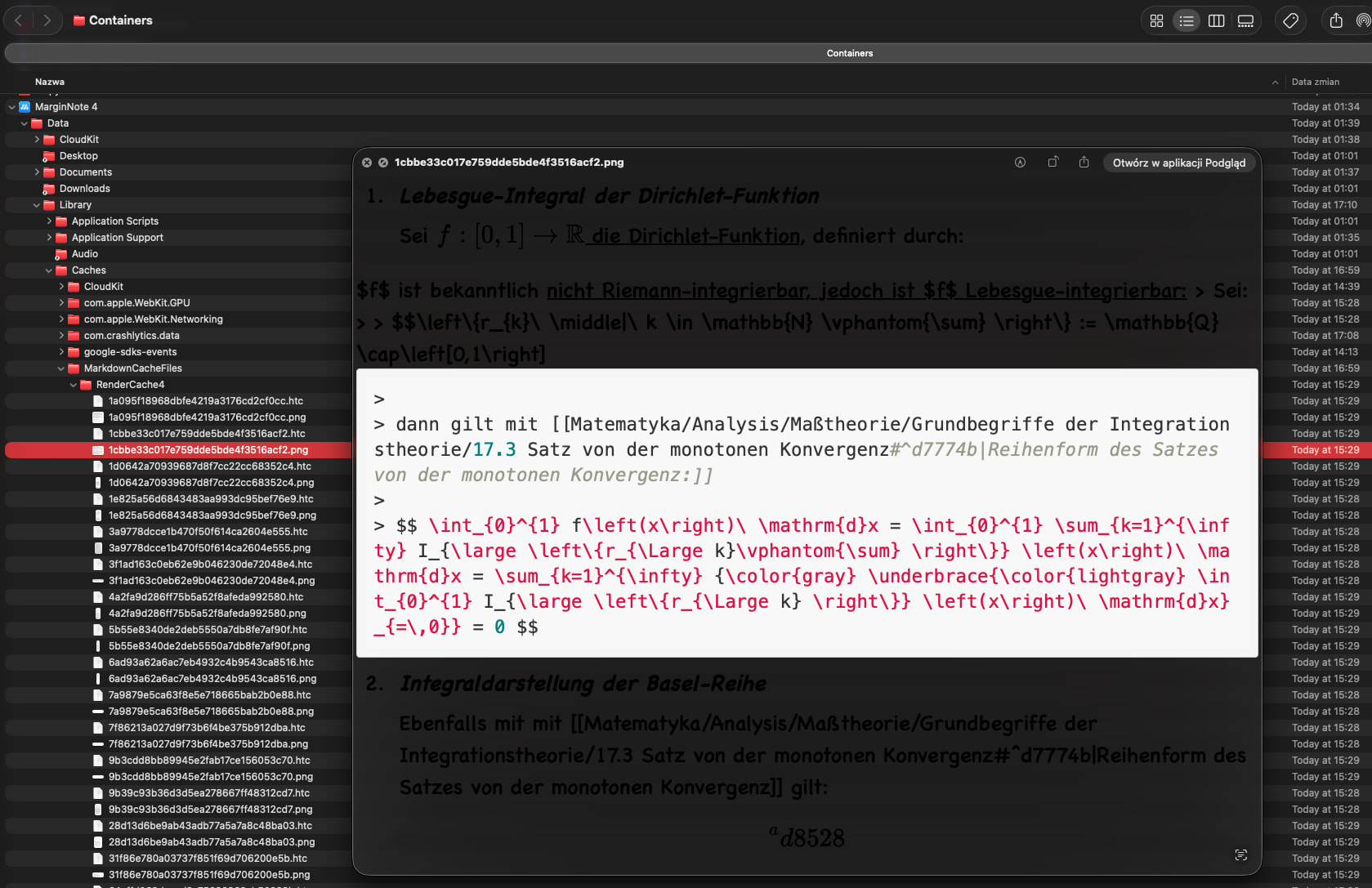
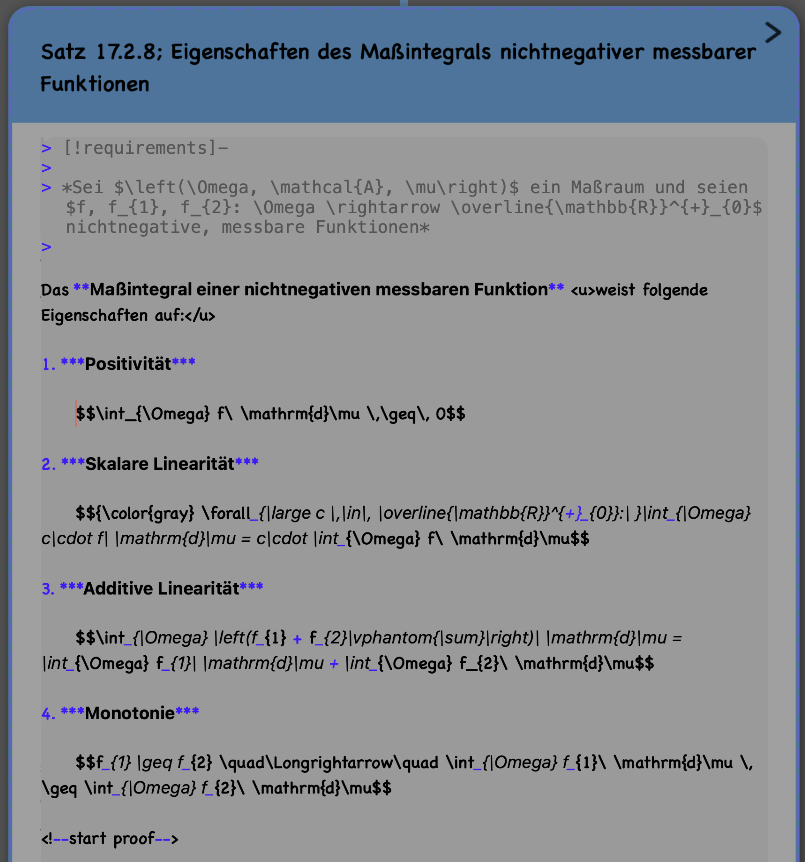
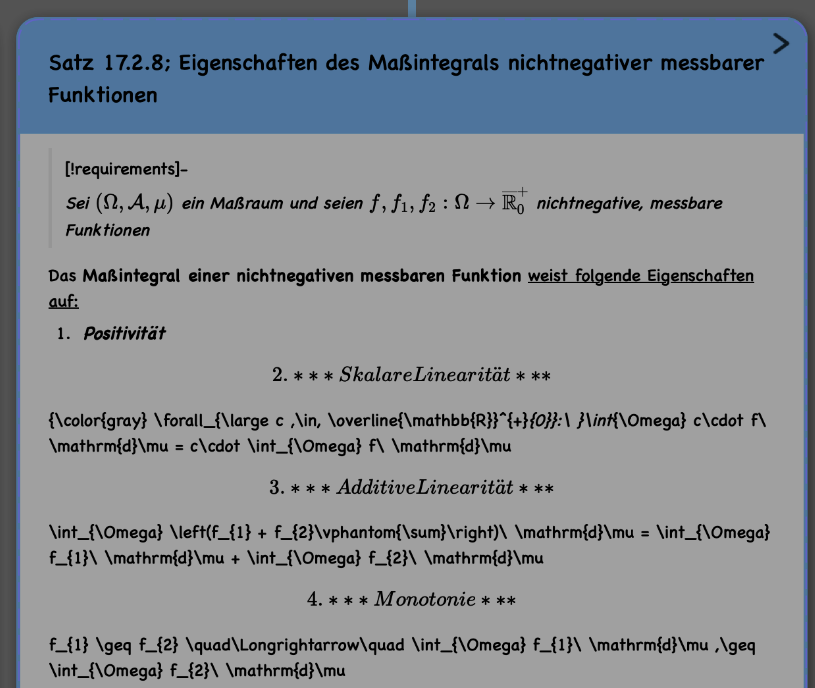
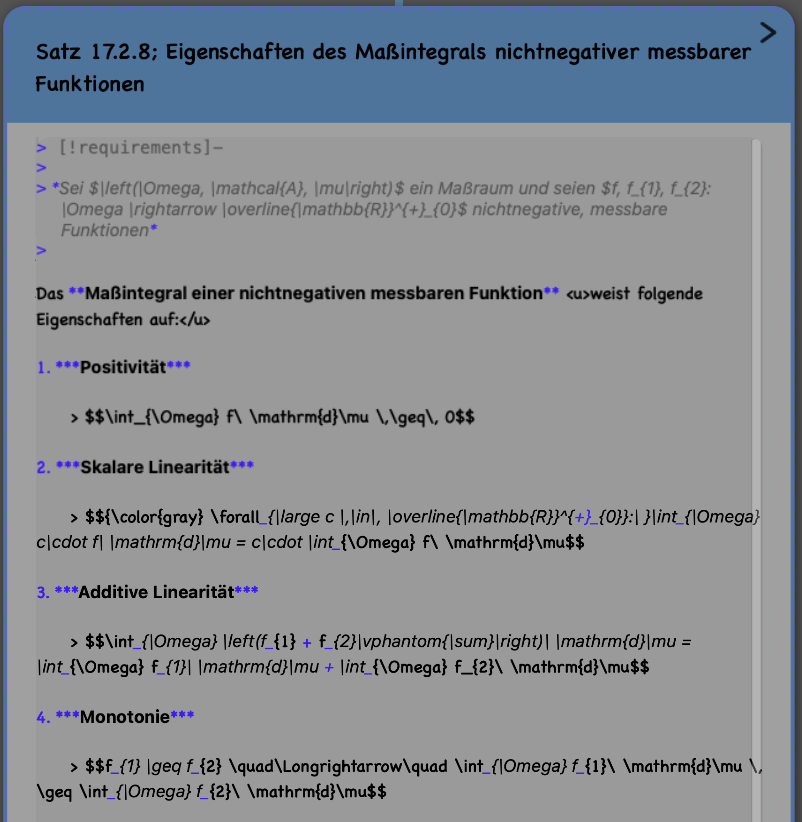
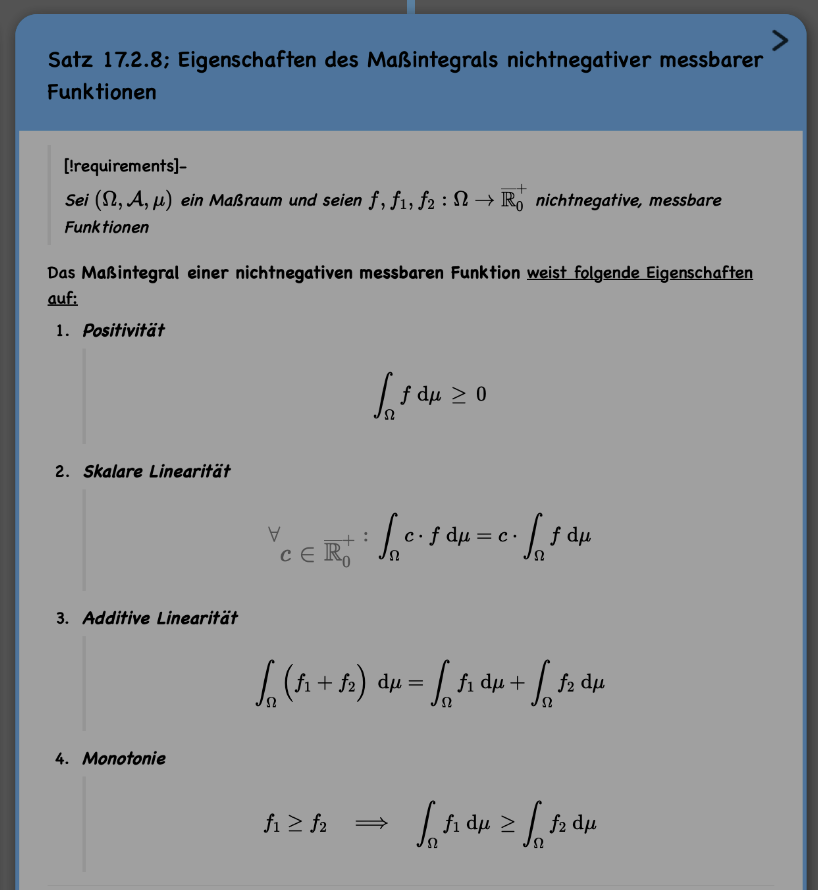
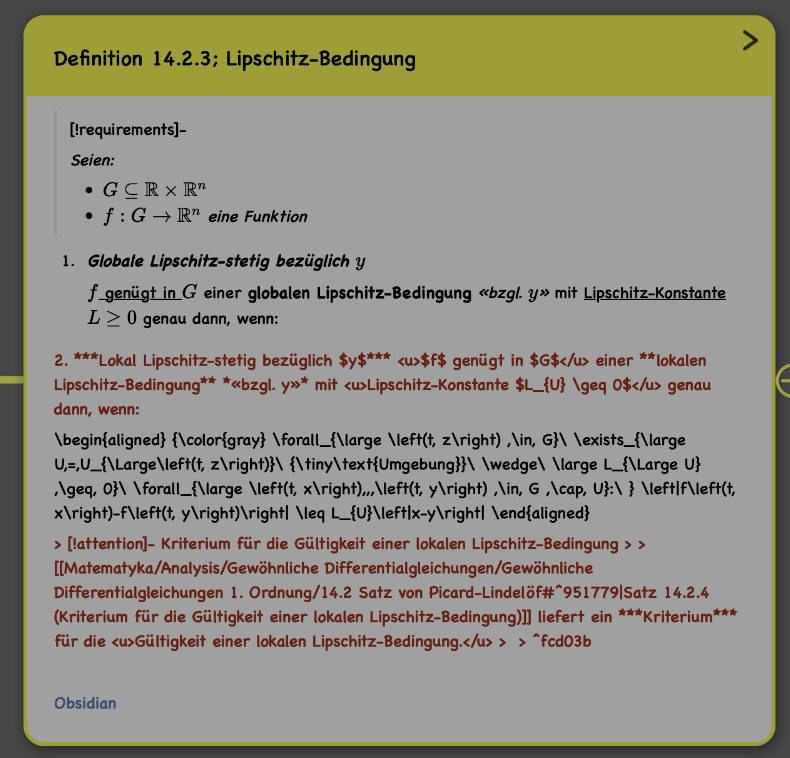
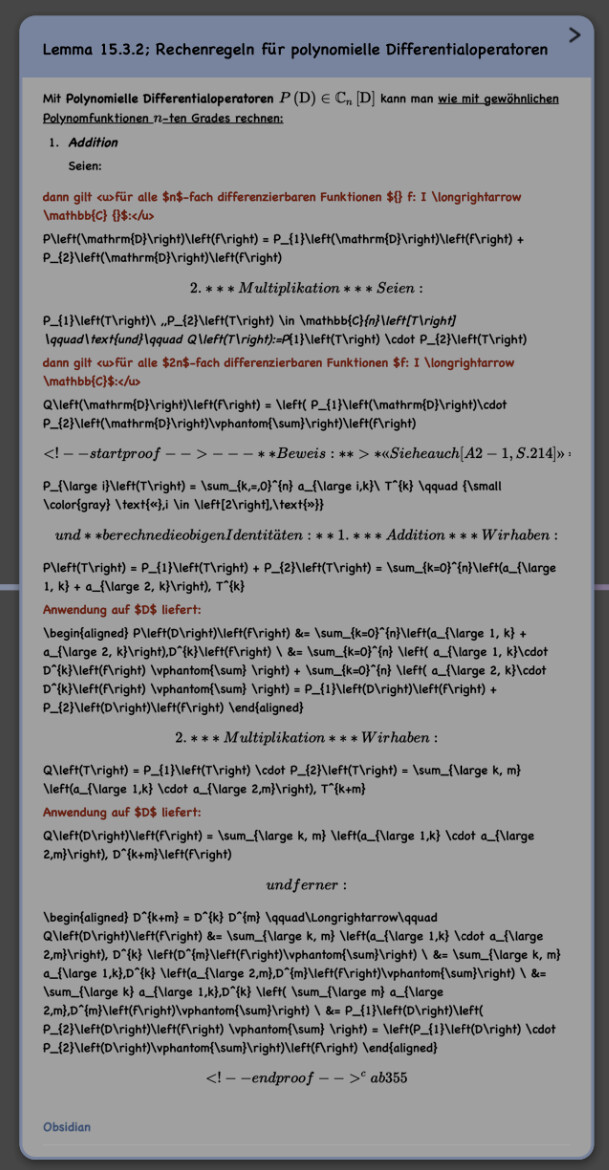
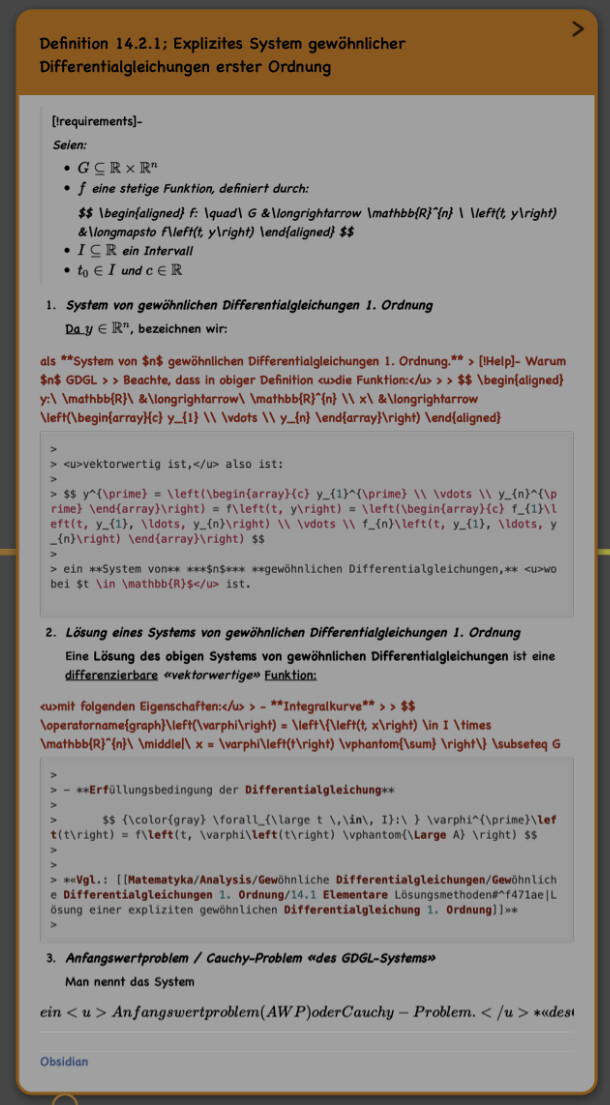
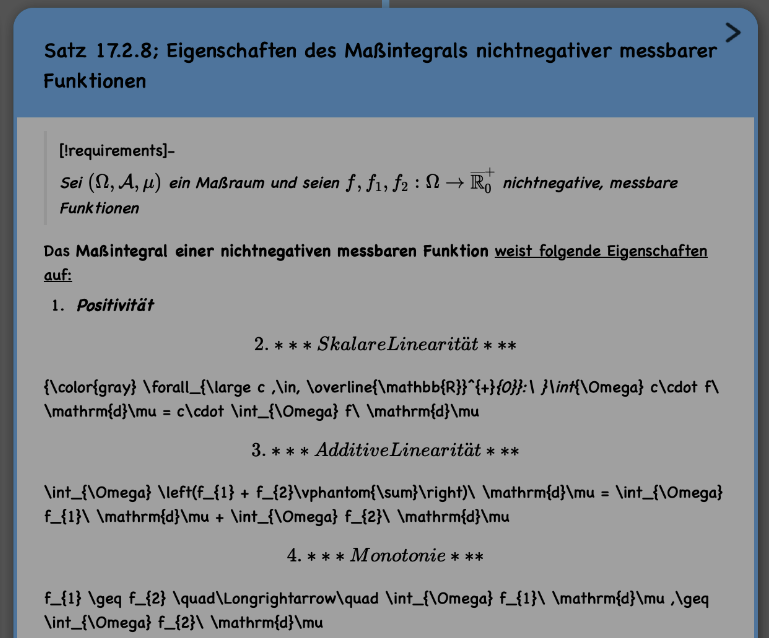
I assume my problem is due to the latest updates that made some changes to LaTeX/Markdown rendering. It simply fucked up the rendering of all my notes.
So basically, my workflow involves making some notes in Obsidian and then copying and pasting all the notes from there into MarginNote to create a mind map with connections to my documents. Everything went well in the last years.
Yesterday I made some small updates/changes to some existing notes and hence triggered a new rendering of those notes. Then I noticed some strange rendering problems with those updated notes.
I tried to find any syntax bugs that I made during the update, but couldn’t find anything, so I decided to completely delete all files and reinstall the whole app with the hope it would repair this issue, and this was an even bigger mistake.
I deleted everything, installed the app again, and downloaded all synced notes from iCloud, which again triggered a new rendering of all my notes. Then I noticed the same rendering problem across multiple notes. They all were rendered fully correctly to this point, and after triggering new rendering without any changes to their content, they started showing rendering issues.
Thank you for your reply. At least now I know how long I’ll have to wait for this fix…
Almost four months later, after countless updates in between—what are the results? The colors have changed. The actual problem? Still completely unresolved.
Why are you break a feature that was working perfectly, update it countless times, and still not be able to fix something that worked flawlessly just a few months ago?
What you did manage to implement during that time is a banner that constantly asks me to leave an App Store review. But what kind of review am I supposed to leave? One saying that using this app is like Russian roulette, where you never know which feature the next update will break for several months?
Every time I see that review banner, it takes a lot of self-control not to tap it just to leave a one-star review along with an appropriate comment.
The only reason I haven’t done so is because I genuinely like the concept of this app. But the way bugs are handled is a disaster.
I already went through all the issues during the transition from MN3 to MN4. I put up with the countless bugs back then without complaining because it was a completely new version of the app. Even though, in my opinion, it shouldn’t have been released in that state, I stayed because I really enjoyed the concept.
Now, however, bugs aren’t even being fixed after months.
In just a few weeks I’ll be starting my thesis, and I have to admit that if I still can’t use the app for my literature research by then, I won’t see any reason to ever come back to it. By that point, I’ll already have all of my notes organized in other software anyway.