This update focuses on enhancing the AI-powered problem extraction and book breakdown features, custom AI integration, document and mind map export/printing, Markdown text boxes, plugin management, and fixes for multiple stability issues.
AI Problem Extraction
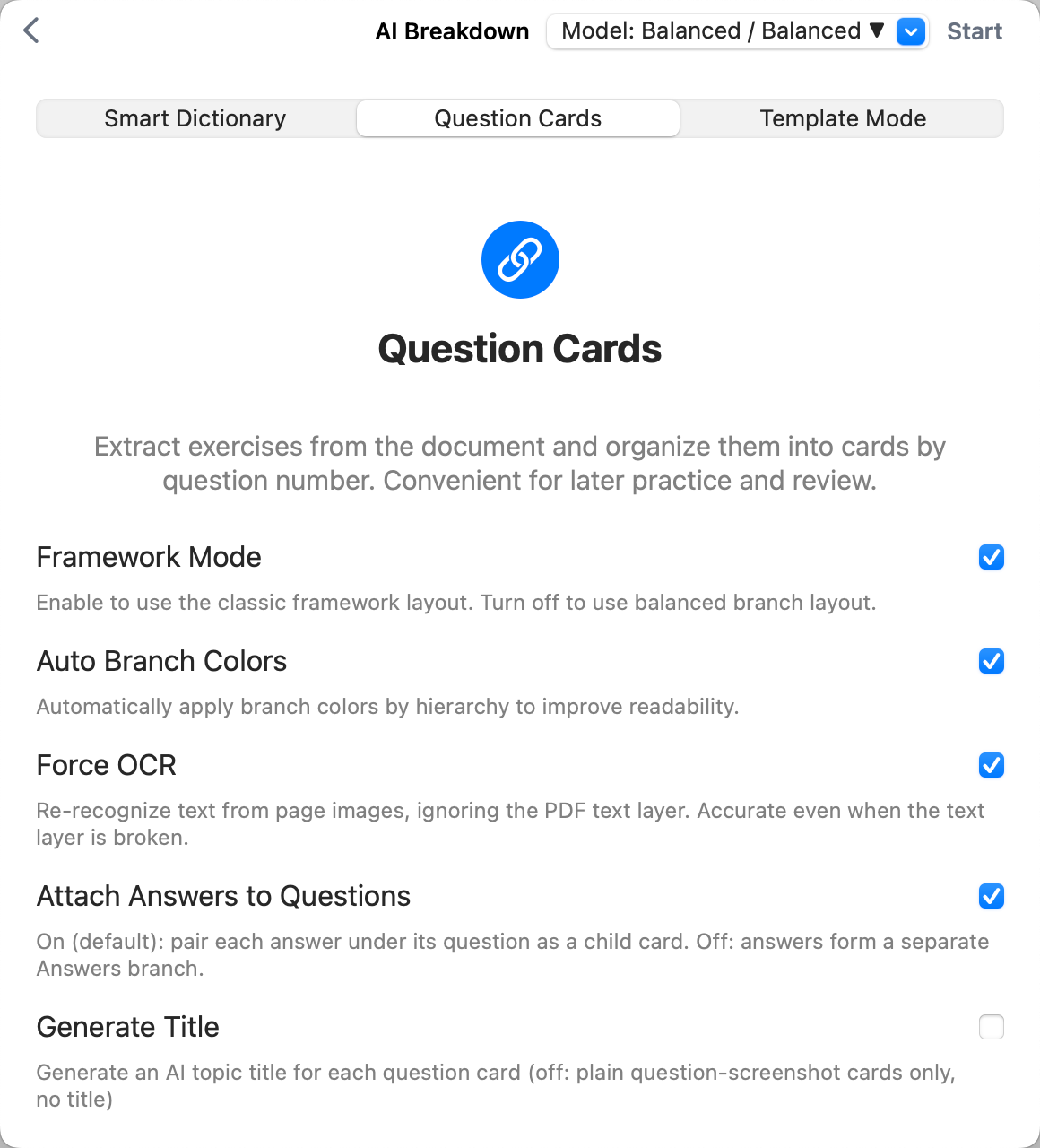
- Improved recognition accuracy for problem statements, answers, explanations, sequencing, cross-page problems, and multi-column layouts; optimized pairing of questions and answers and hierarchical restoration.
- Expanded support for various problem numbering formats, chapter titles, parenthetical tags, and textbook layout styles.
- Enhanced recognition for English-language problem types.
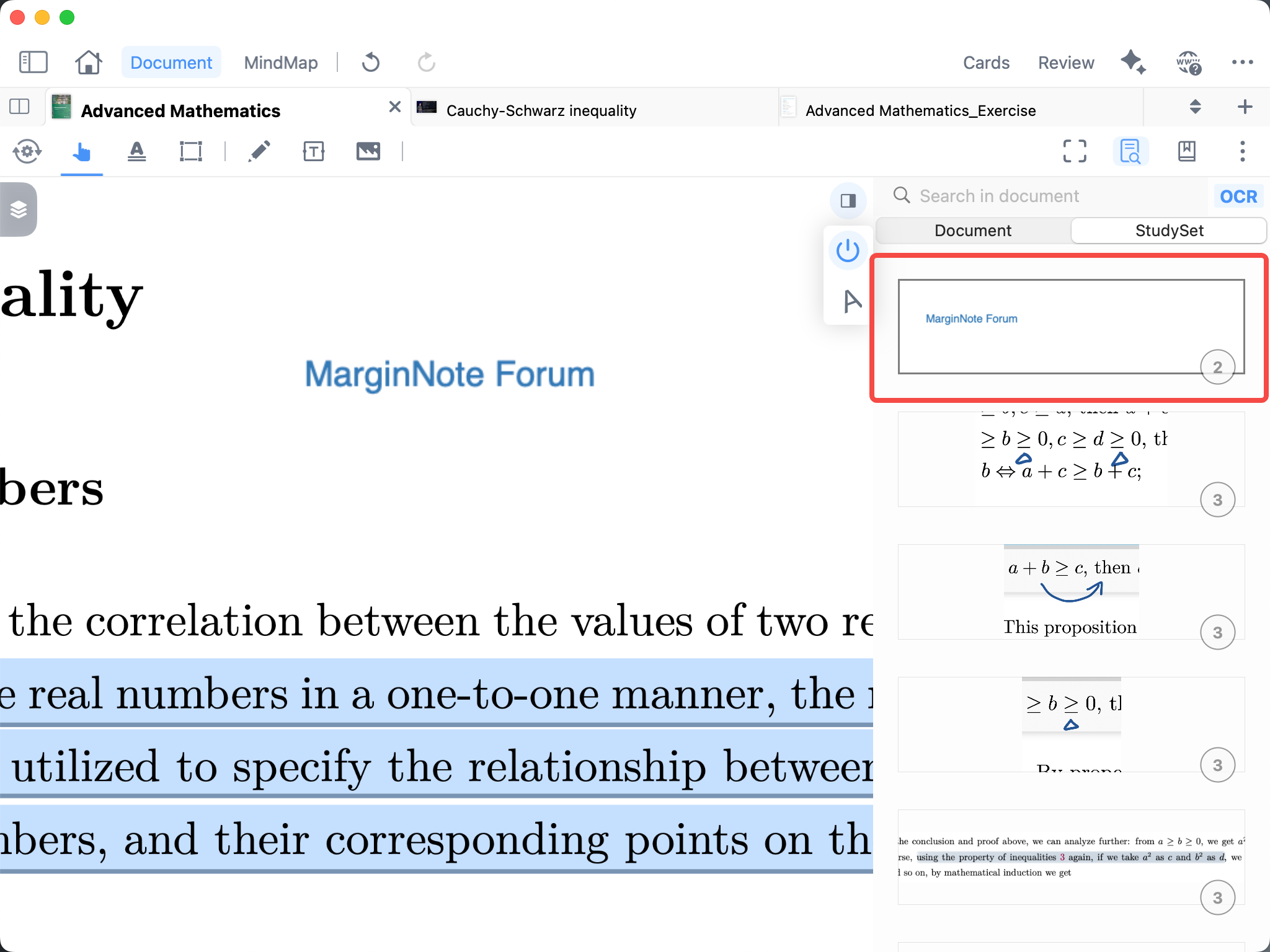
- Enhanced “blank practice book” recognition: even when workbooks contain multiple blank areas, problems can be accurately identified and extracted, supporting blank-practice scenarios.
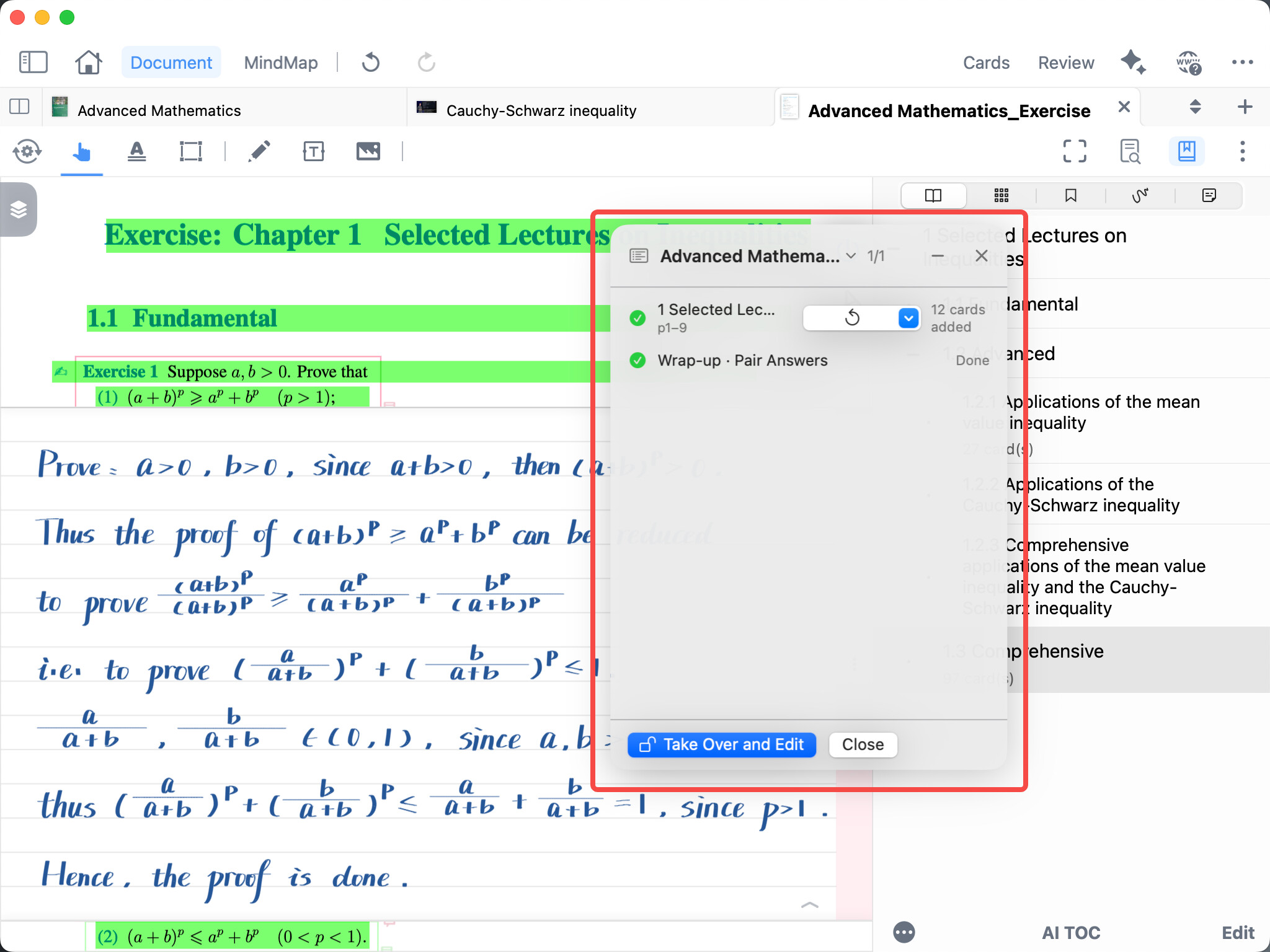
- Updated the AI Book Breakdown interface, optimizing the breakdown workspace, task progress tracking, and interrupt/resume entry points for a clearer workflow.
Custom AI (Max Feature)
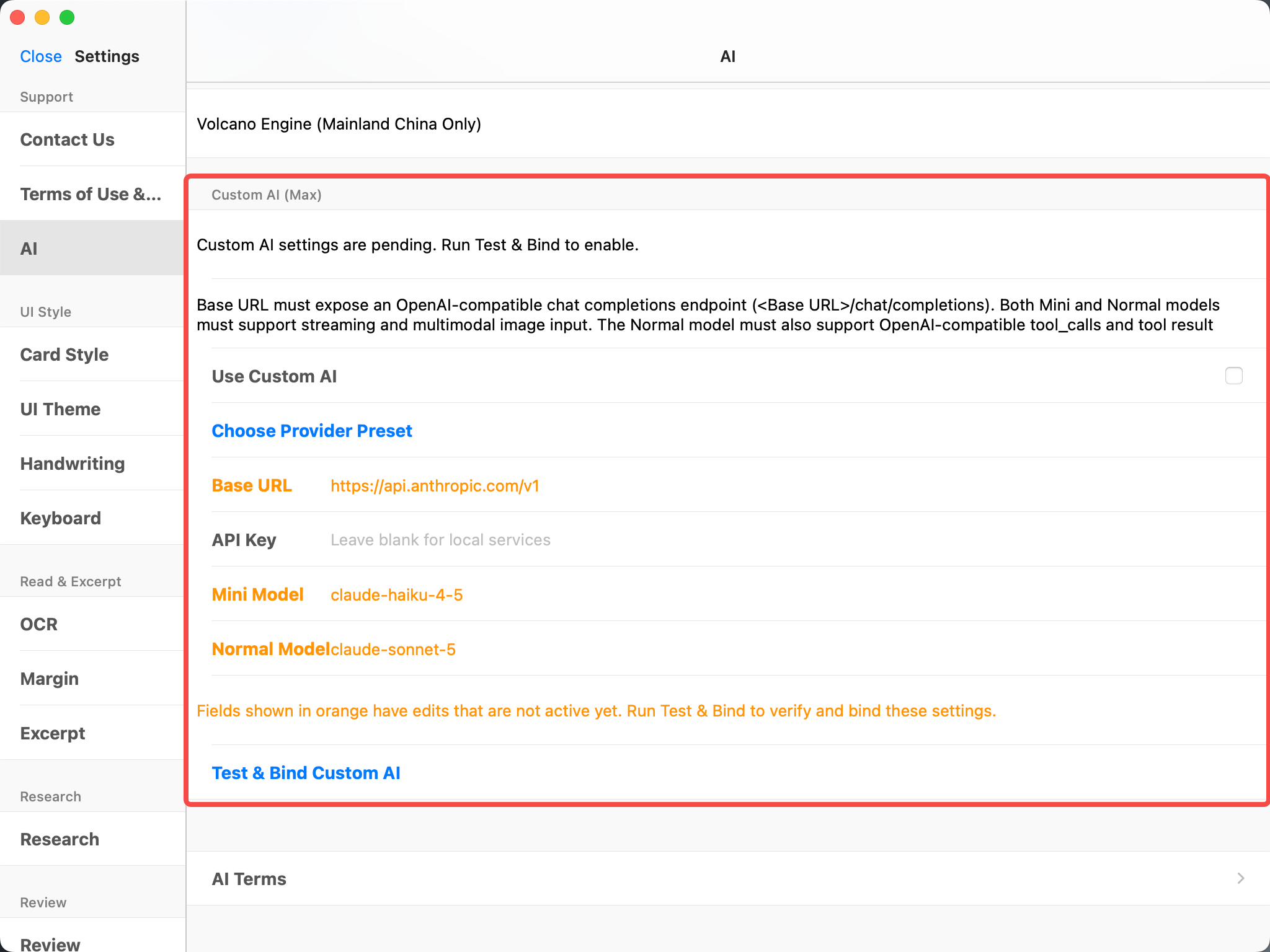
- Added support for custom AI (Max feature): users can now configure their own AI service provider, model, and API key in Settings.
- After configuring a custom AI, all AI features will default to using the custom AI and will no longer consume MarginNote AI credits.
Export & Print
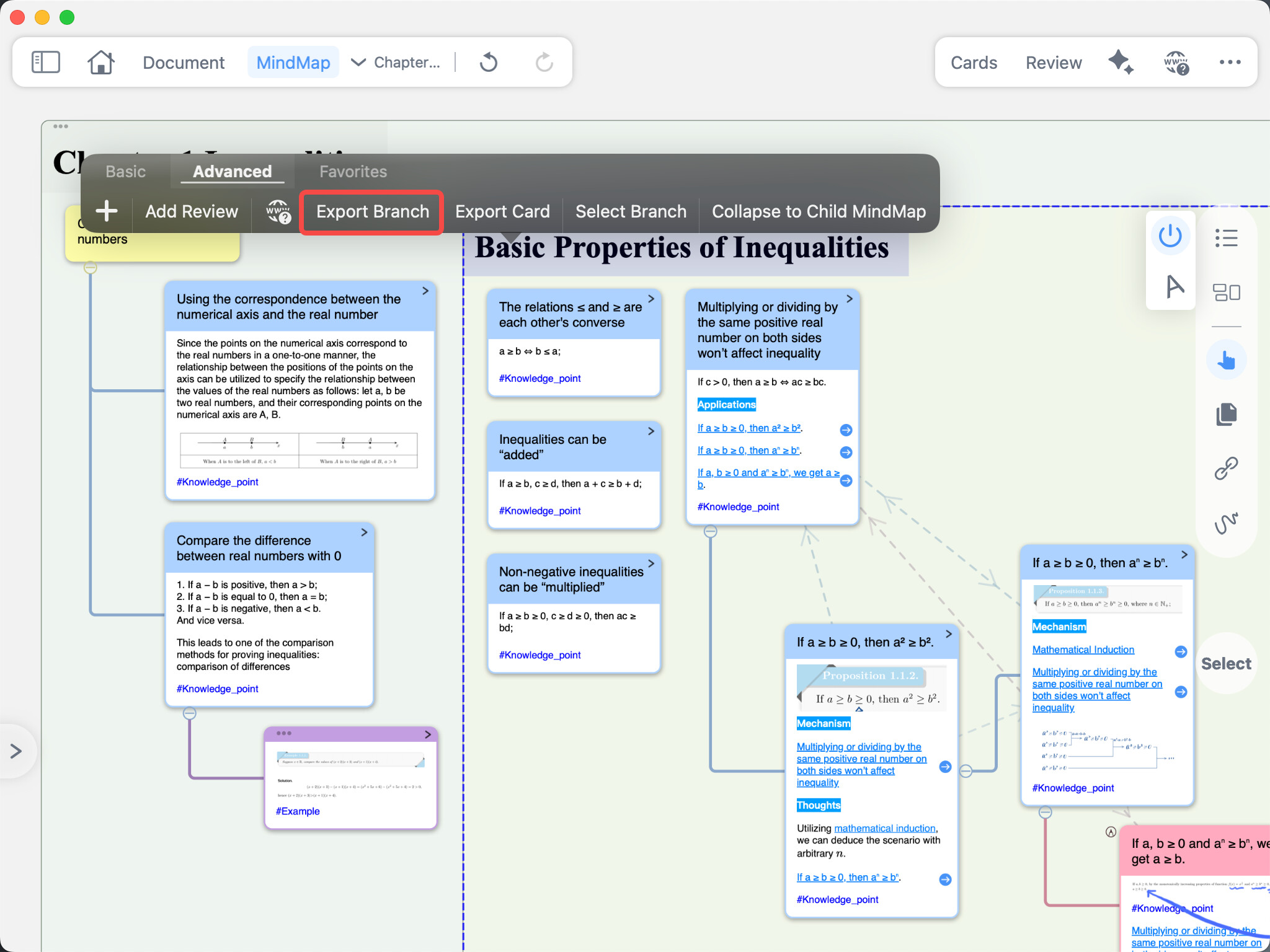
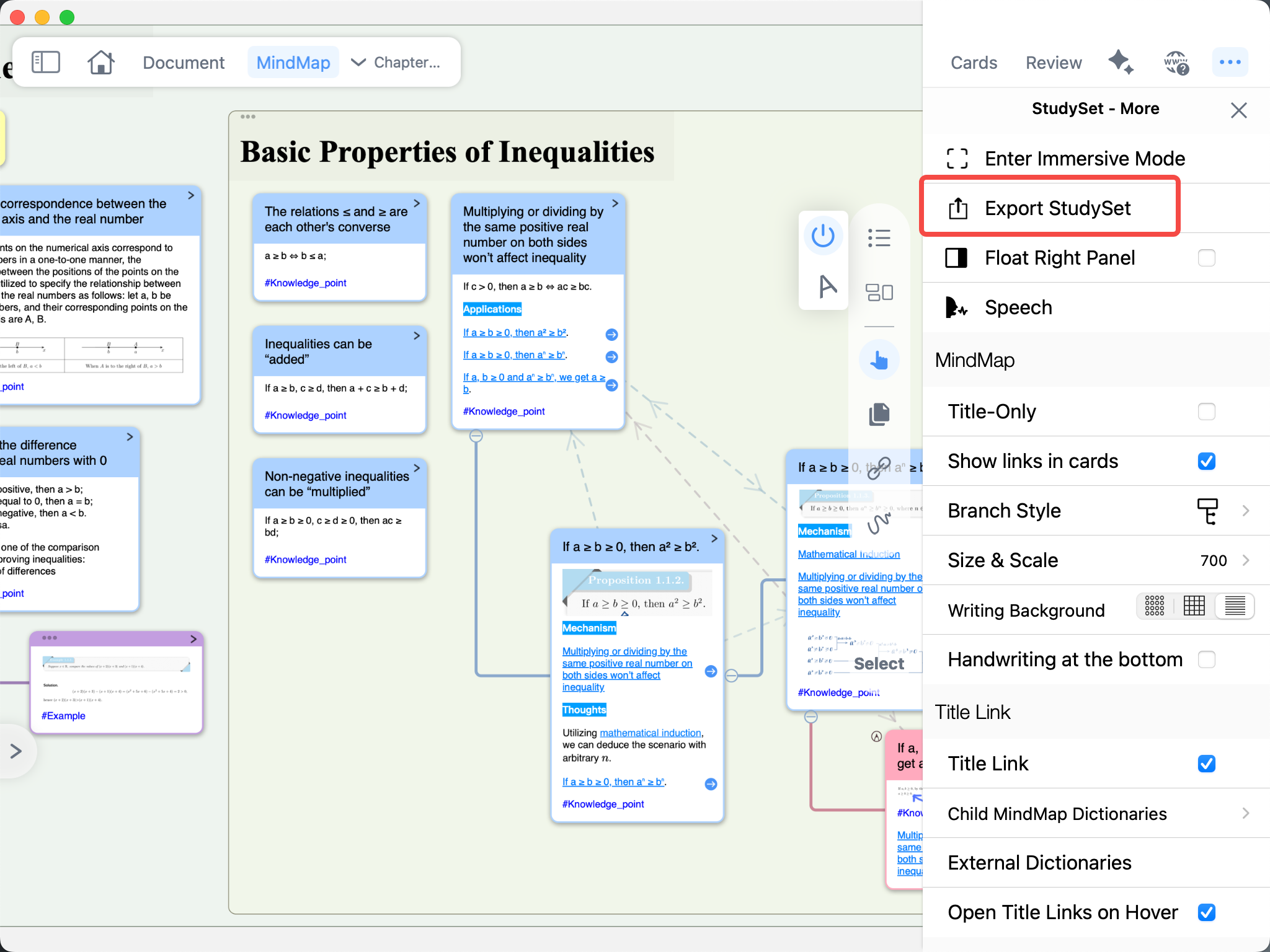
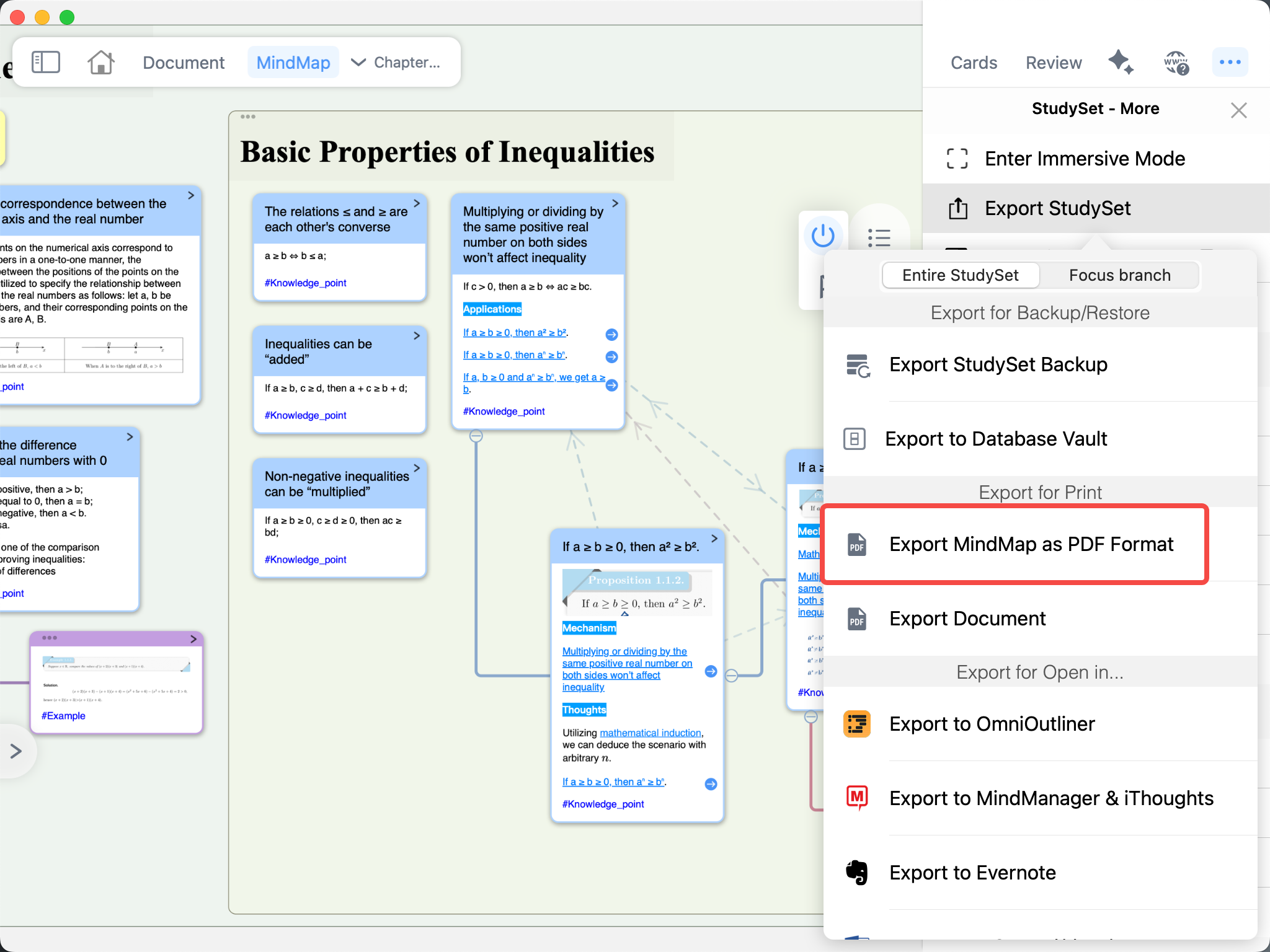
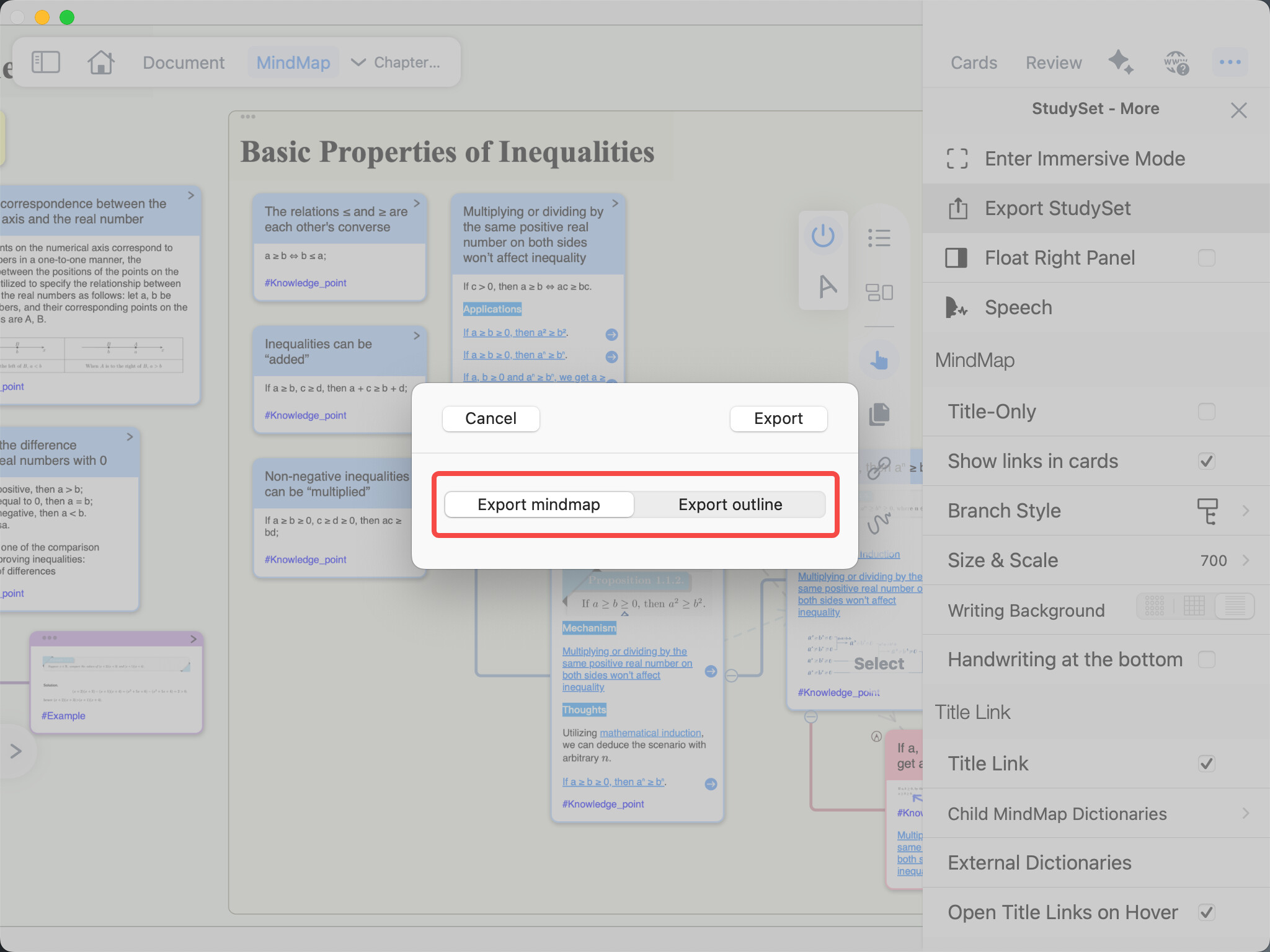
- Mind map export now supports two formats: “Mind Map” and “Card Outline”; individual mind map branches can also be exported separately as mind maps.
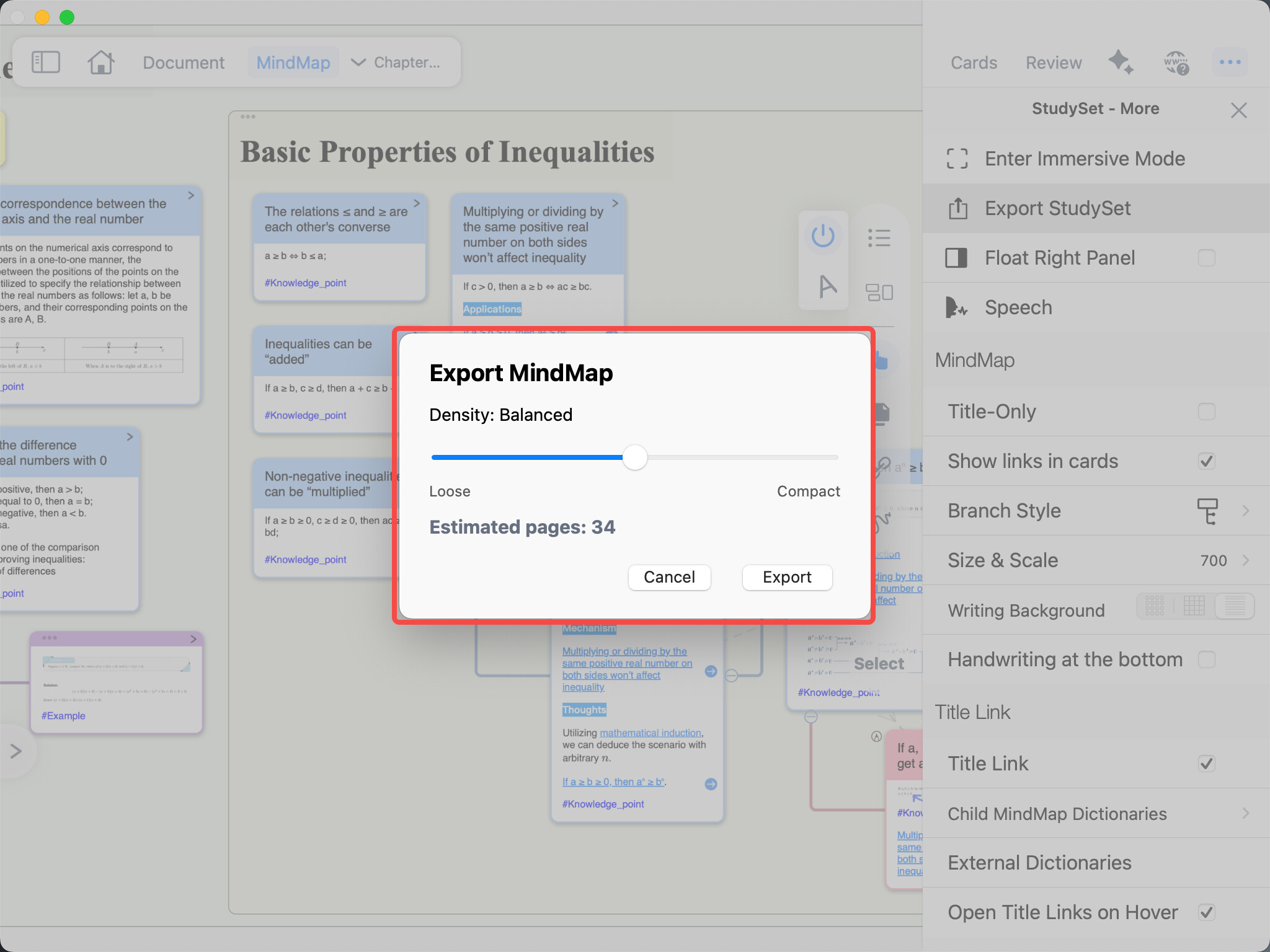
- When exporting a mind map, supports hierarchical page-by-page printing with adjustable print density.
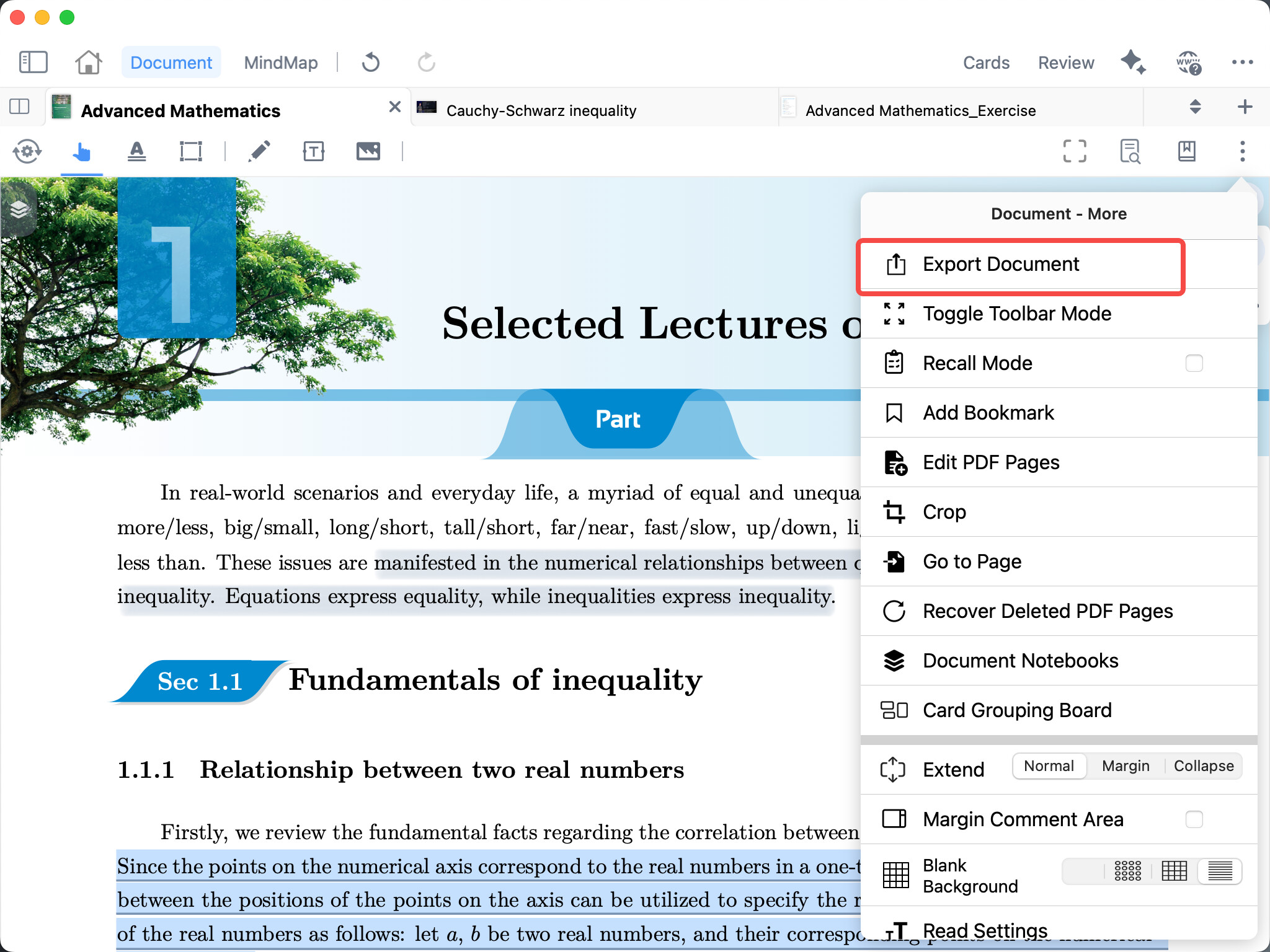
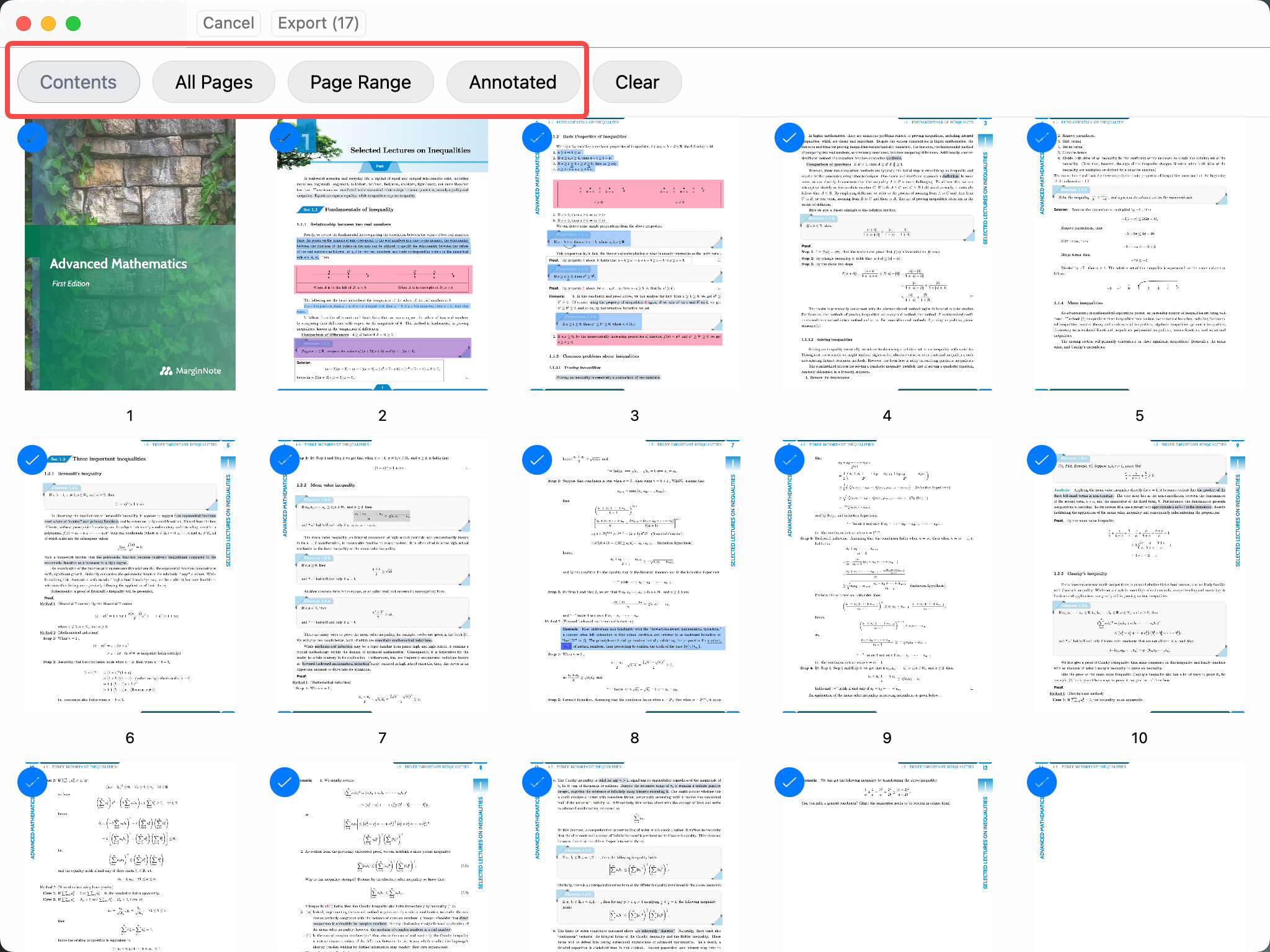
- Document export now includes page selection: users can select specific pages via thumbnails, table of contents, page ranges, or annotations for partial export.
Markdown & Formulas
- Added Markdown text boxes: users can insert and edit Markdown directly in documents. Text boxes can be toggled between plain text and Markdown mode, with the last-used input mode automatically saved.
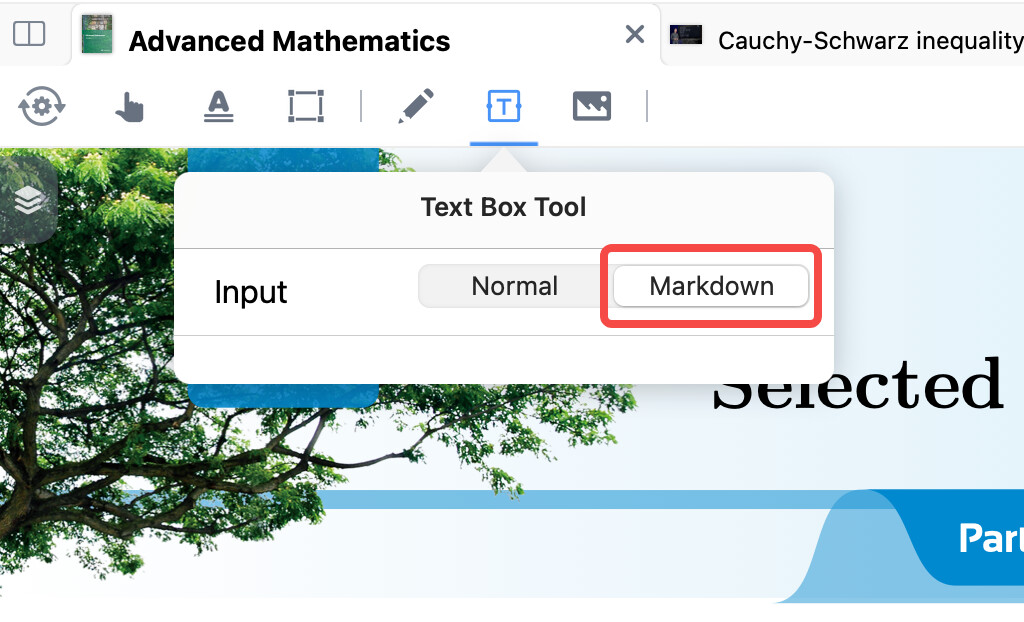
- Markdown text boxes support adjustable width and font size.
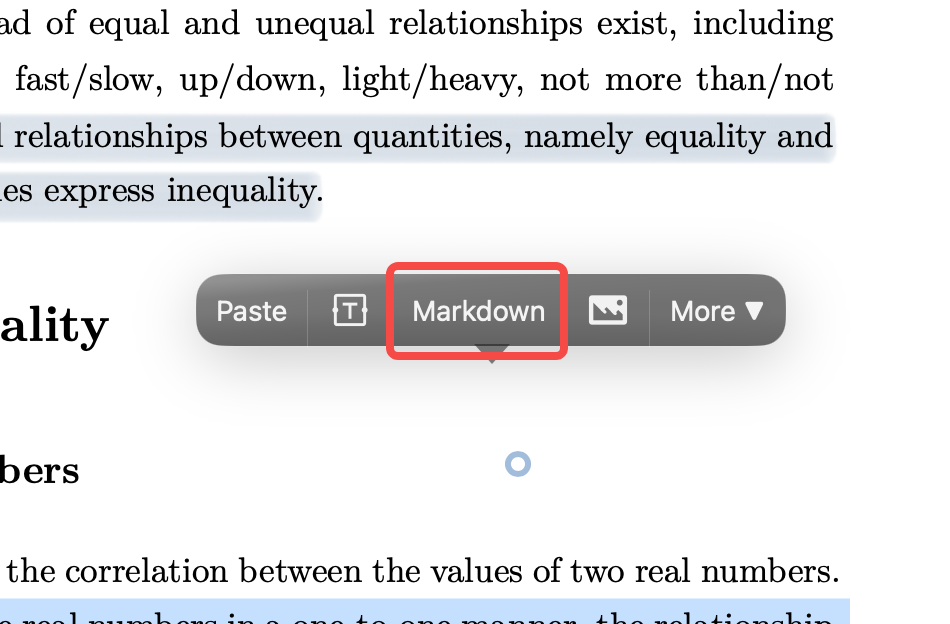
- Markdown text boxes support URL links.
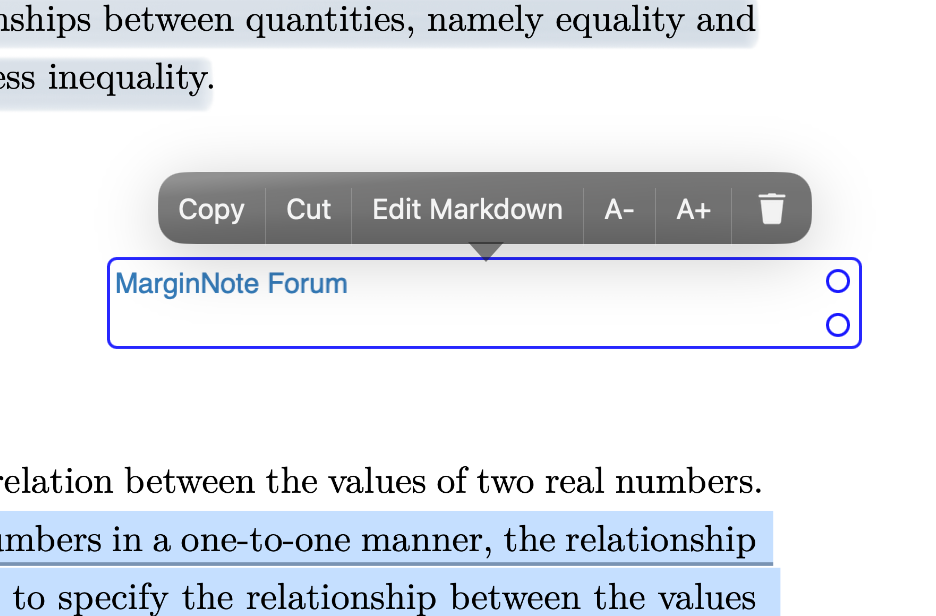
- Added support for searching Markdown text boxes via document keywords and annotation page lookup.
- Added MathLive visual formula editor: accessible via the ƒx button in the Markdown editing toolbar, supports both inline and display-style formulas.
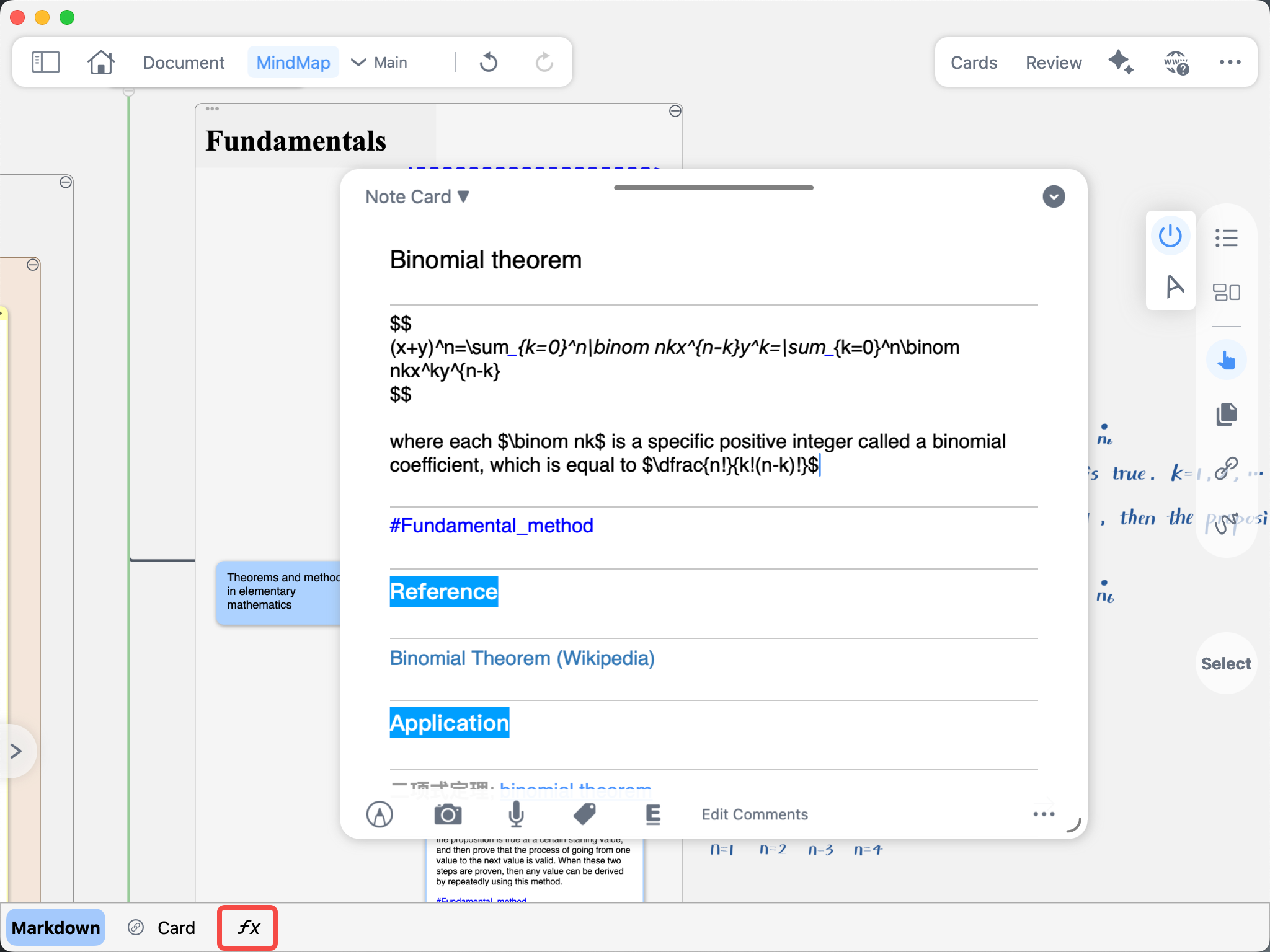
- Formula editing is now available in Markdown text boxes, document margin notes, mind map cards, and other scenarios.
Other Improvements
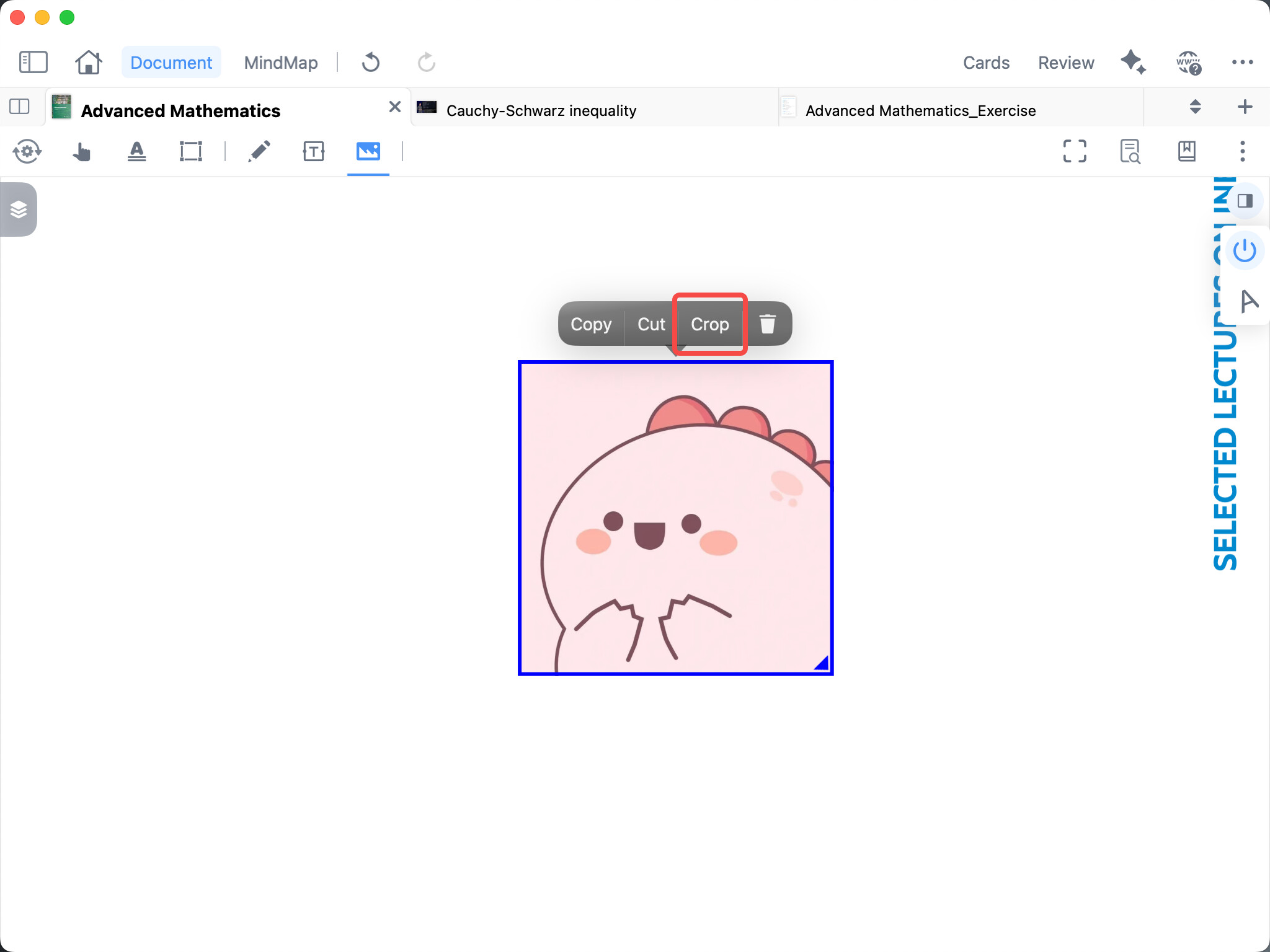
- Added an image crop feature.
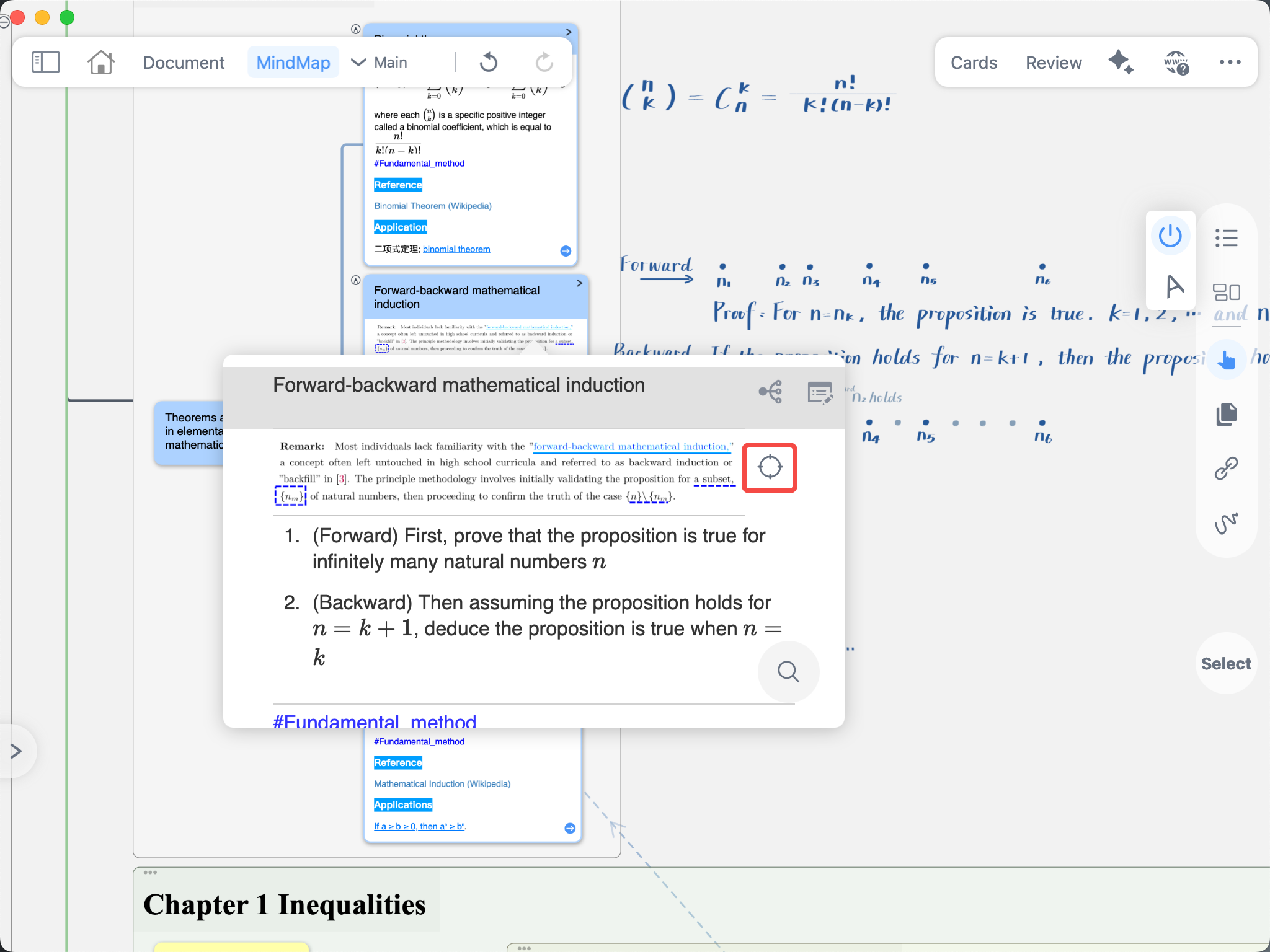
- Added a document positioning button to the title link floating window: automatically opens a split view and positions the concept card to its corresponding original text location.
- Added one-tap pause and resume for plugins in the plugin toolbar, reducing plugin impact on app stability.
- Optimized plugin resource cleanup, enable/disable state synchronization, abnormal configuration protection, and runtime diagnostics.
- Optimized the display of collapsed mind map counts in Recall Mode.
- Optimized the operation experience and scrolling performance of expand/collapse buttons in margin notes.
- Enhanced OCR image processing safeguards to prevent crashes caused by abnormal or oversized images.
- Optimized quick handwriting and excerpt operations in Immersive Mode, adding shortcut keys for various excerpt annotation tools.
- Optimized the document menu in Immersive Mode: temporarily opened documents will now be grouped separately for easier management.
- Fixed an issue where excerpt tool colors displayed incorrectly in Immersive Mode.