Is it possible to add a clickable link to a webpage in a Notebook?
Thank you
Is it possible to add a clickable link to a webpage in a Notebook?
Thank you
Hello, if you mean a web link that opens directly from a notebook, you could try pasting the full https:// URL into a card’s body or comments and checking whether your version recognizes it as a clickable link. If you need the link in a mind-map title or another specific location, please share your device, MarginNote version, and where you want to place it so we can check that workflow.
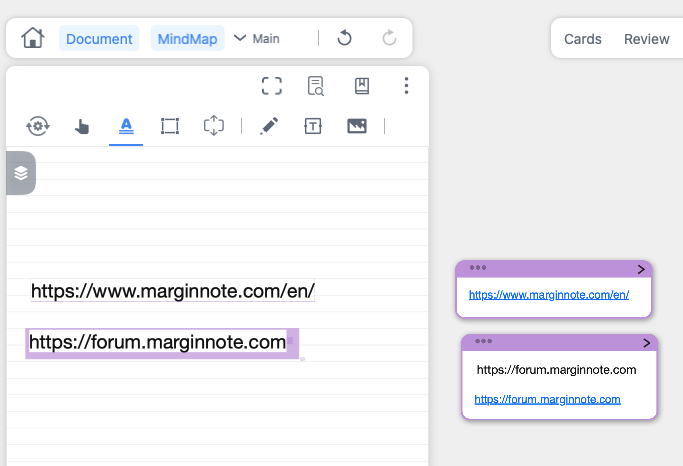
Hello mono. Thank you for your reply. I mean simply in a notebook that is in a Study Set but not associated with any document. In the notebook, I would like to list various URLs that are clickable and will open the associated page. In the attached screenshot, I have highlighted each and added to the Mindmap. And the Mindmap links are clickable. What I am wondering is if I can do that without adding to the mindmap. Can a link be formatted in a way in the notebook itself that it can be clicked in the notebook directly? Thank you.
Thank you mono. I wondered about this; however I am having trouble finding the “Markdown” button in the Notebook area. Could you zoom out for some screenshots, or make a video please? Thank you!
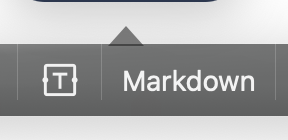
To find the Markdown button, open the floating toolbar:
The Markdown option is in that toolbar.