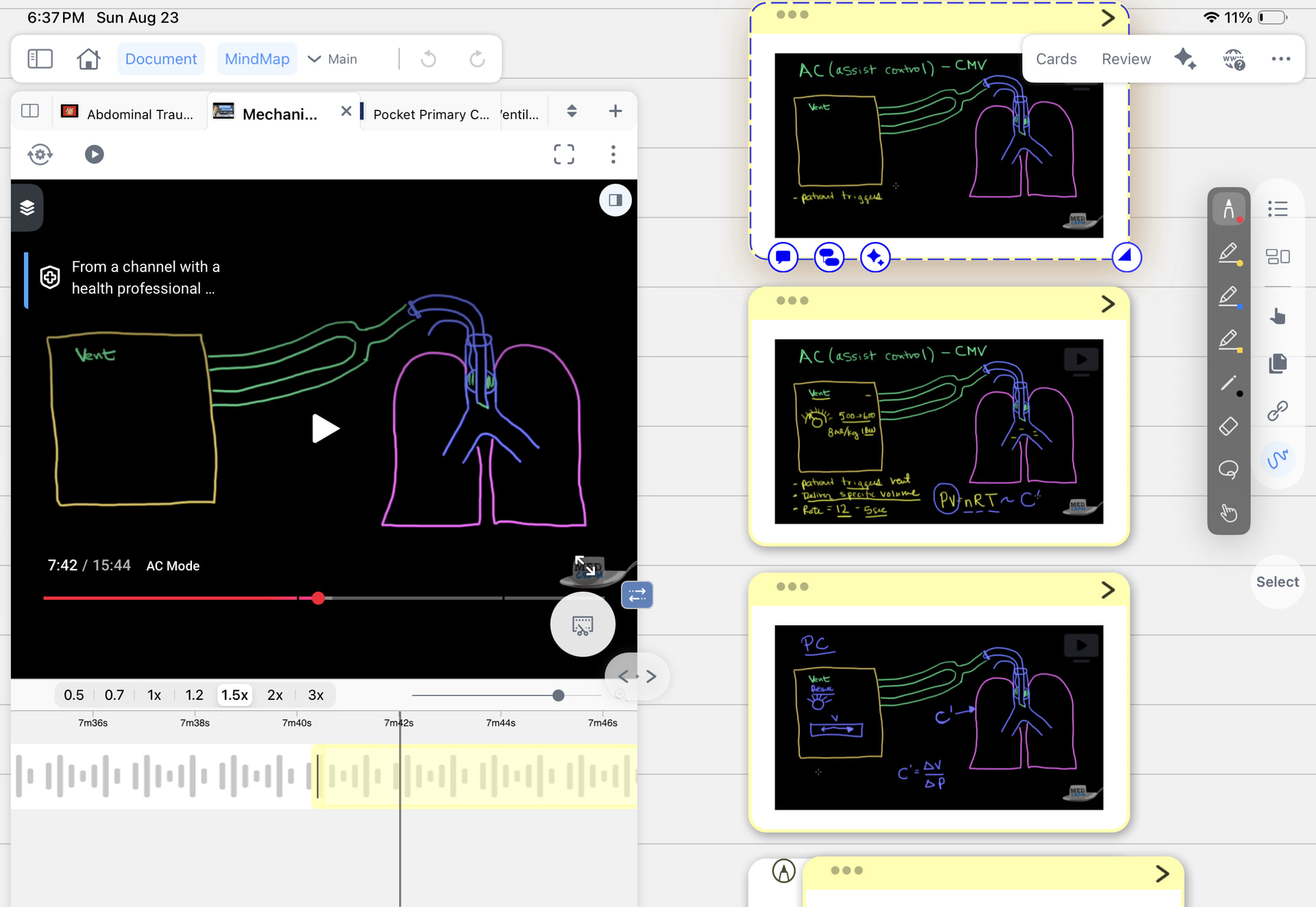
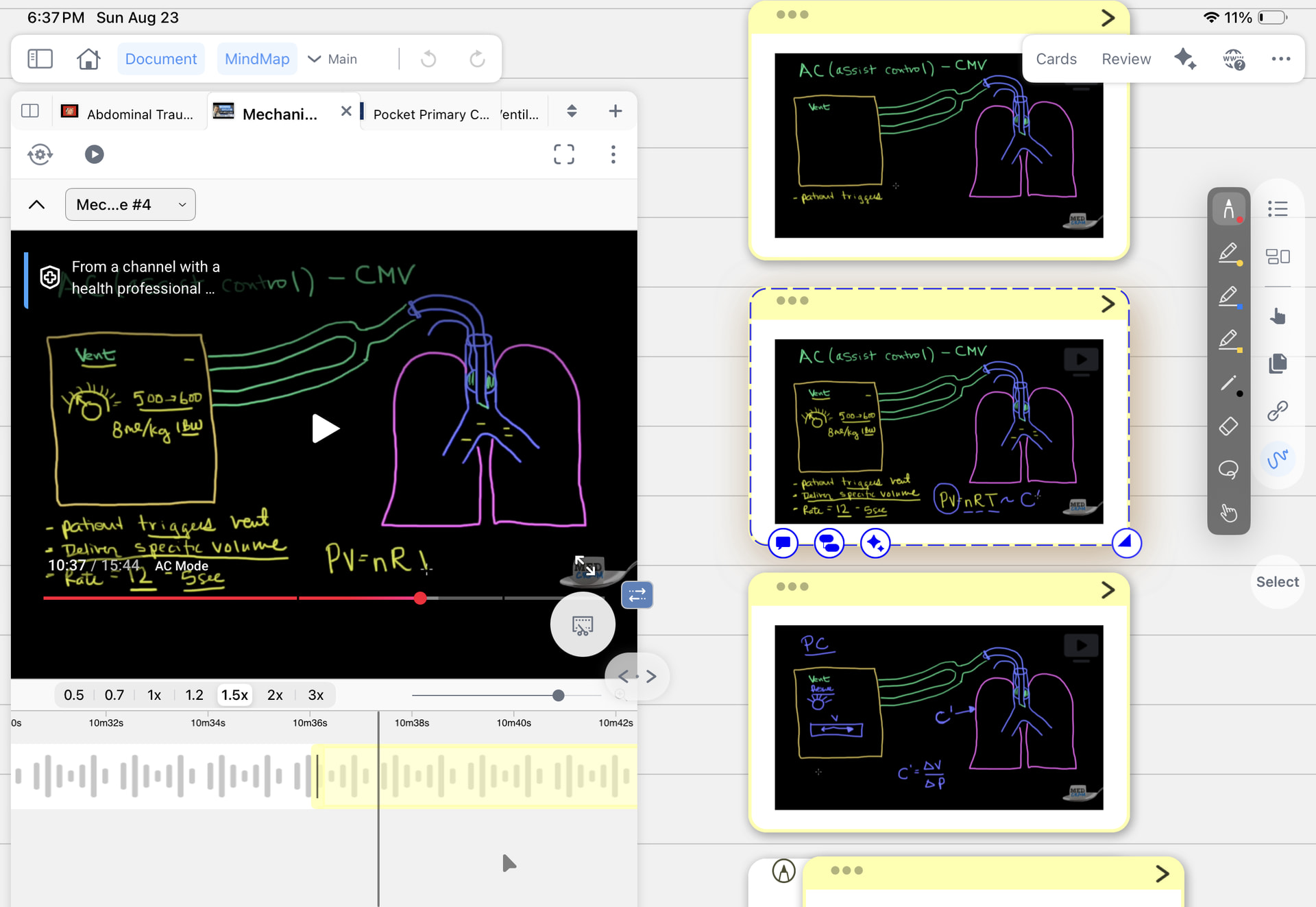
Hi everyone. I have a question on the YouTube annotation feature. Whenever I use the clip or scissor feature (not sure what to call it) and it makes a new card, the screen grab of what i just clipped is just a black square (making annotating it impossible) i have attached some pictures to explain what I mean. It works somtimes with other videos i have used in the past (also attached)
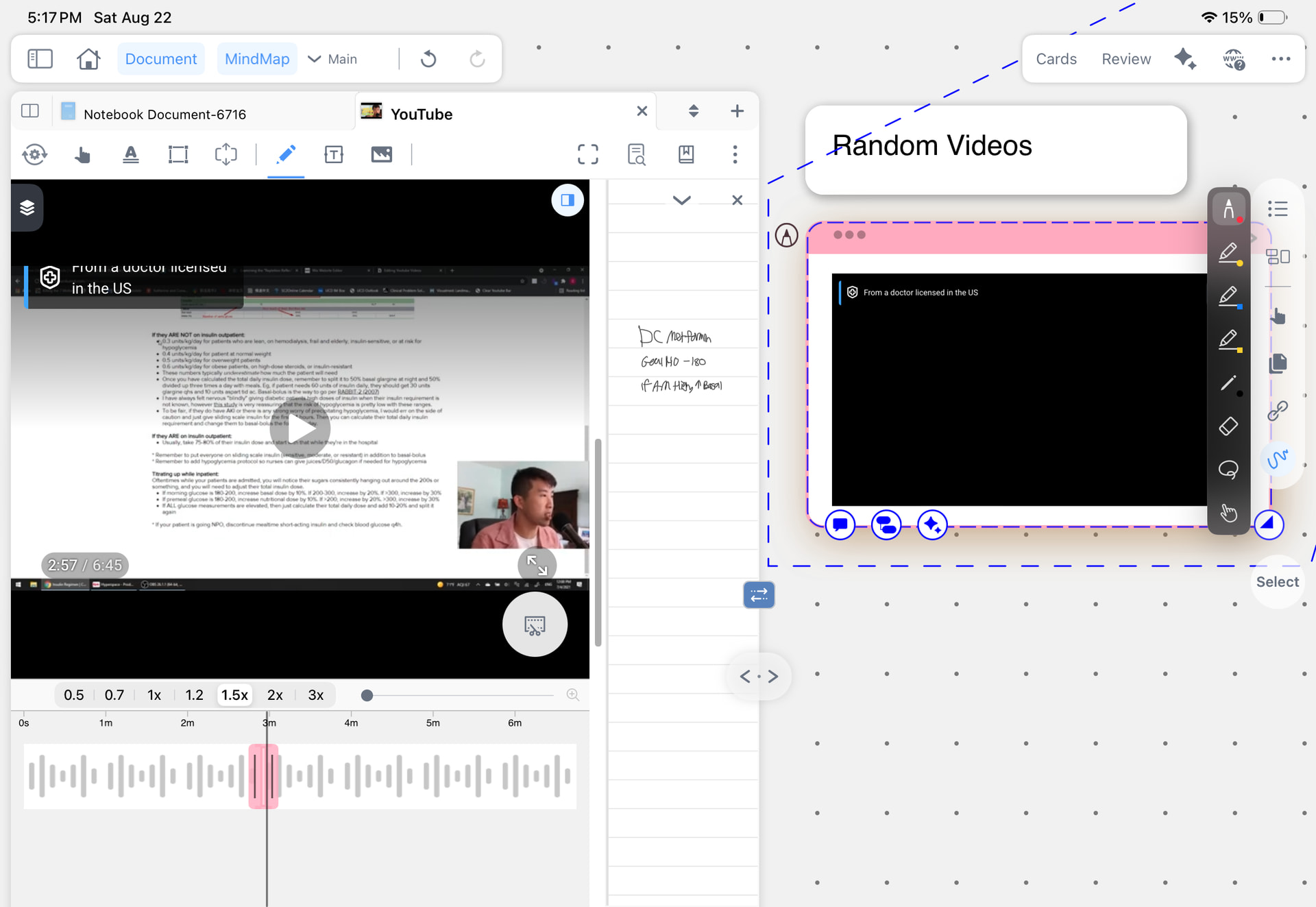
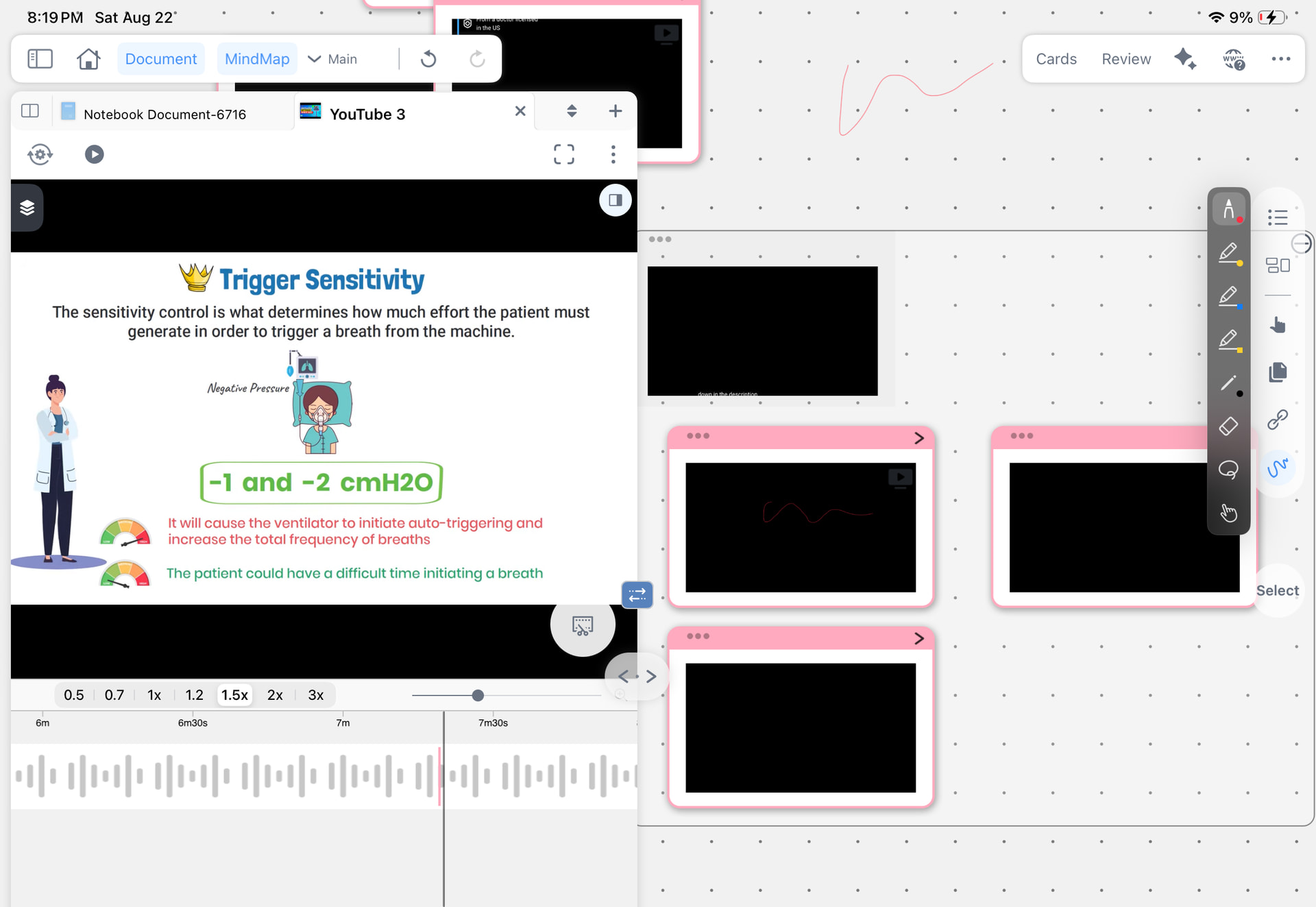
Hi, what you’re seeing is normal – the clip you cut is actually a video snippet, not a static screenshot. That’s why it shows as a black square (often due to video frames not being captured as images), so you can’t directly draw annotations on it like a regular picture.
However, you can still add notes to this video card in two ways:
Card editor comments: Open the card, go to the “Comments” or “Notes” area (usually the second tab) at the bottom of the editor, and handwrite or type your annotations there.
Focus mode handwriting: In the mindmap panel, select the card and tap “Focus”. This will show only that card in a dedicated mindmap layer – you can handwrite freely on it. After exiting focus mode, your handwritten notes will be automatically bound to the card, and you can collapse/expand them without affecting other cards.
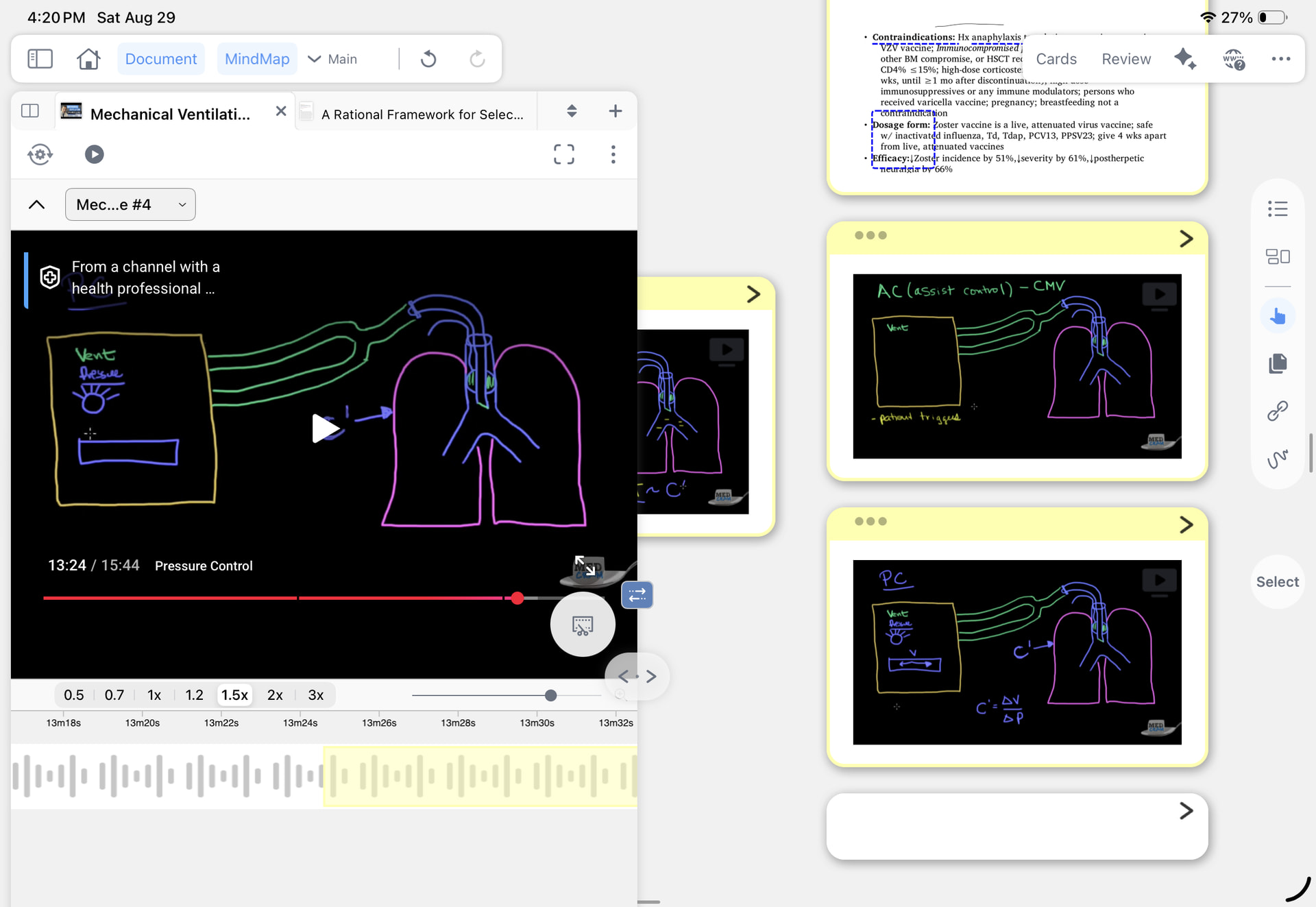
Here’s what i want them all to look like. I can annotate on the image, but if I click on it it will link me to the exact moment of the YouTube video
You can create this type of annotatable image excerpt—linked to the corresponding video timestamp—in either of these ways:
- Tap anywhere on the timeline below the video. When the toolbar appears, select a color to create an excerpt. It will be saved as a static image.
- Alternatively, tap the video screenshot button and then end the capture immediately. This will usually create an image excerpt as well.
You can annotate directly on the resulting image, and tapping it will take you back to the corresponding moment in the YouTube video. To make all excerpts look like this, you’ll need to recreate them individually using one of these methods.
Mine must be glitching because thats what I’ve been doing? Let me know if somthing doesn’t look right in the video