Adding card titles
** Quickly double-click the card title ** → to enter the title

Or open the card edit box, click “note title” → enter the title

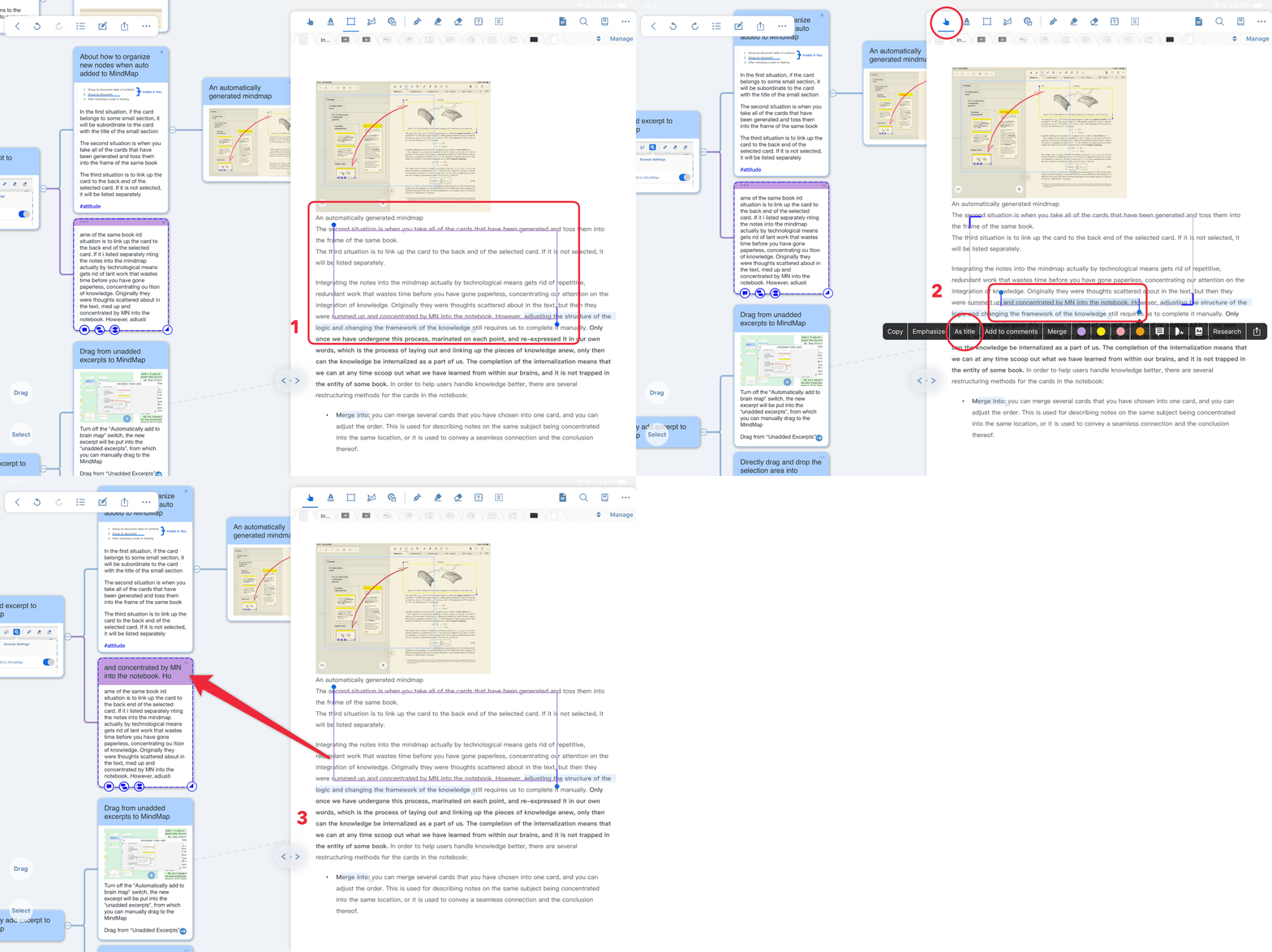
Or select notes from the document interface
→ Select with Hand Extraction Tool
→ Click “Set Title” in the pop-up toolbar
 Picture excerpts need OCR first, see:
Or add a title through the “Synchronize to Title” feature in Outline Mode
