Adding recordings to card comments
In the document module → Selected notes
→ Click the icon on the far left of the toolbar to open the card editor
→ Click the “ ” icon in the lower left corner to add a recording

The entire process gif

“”icon
In the studying module → select the card
→ Click the icon on the far left of the toolbar to open the card editor
→ Click the “” icon in the lower left corner to add a recording
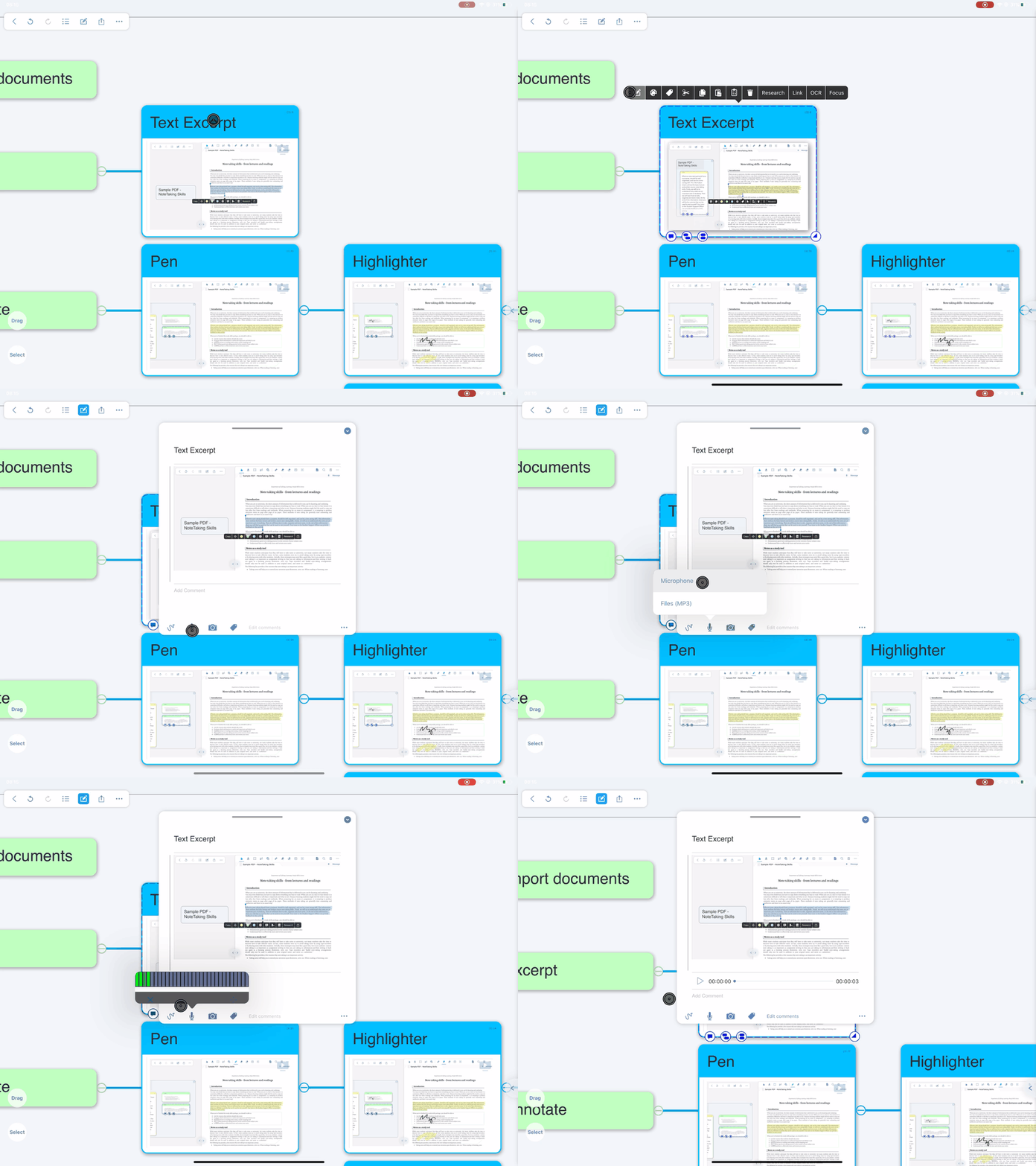
The entire process gif
In the studying module → under the document interface → select the card
→ Click the icon on the far left of the toolbar to open the card editor
→ Click the “” icon in the lower left corner to add a recording

The entire process gif