Split view
Method one
Study module → Enter Notebooks
→ Click the “⟠” (red mark) on the right side of the upper toolbar in the document interface
→ In the pop-up interface, select 1 to 3 views according to your needs.
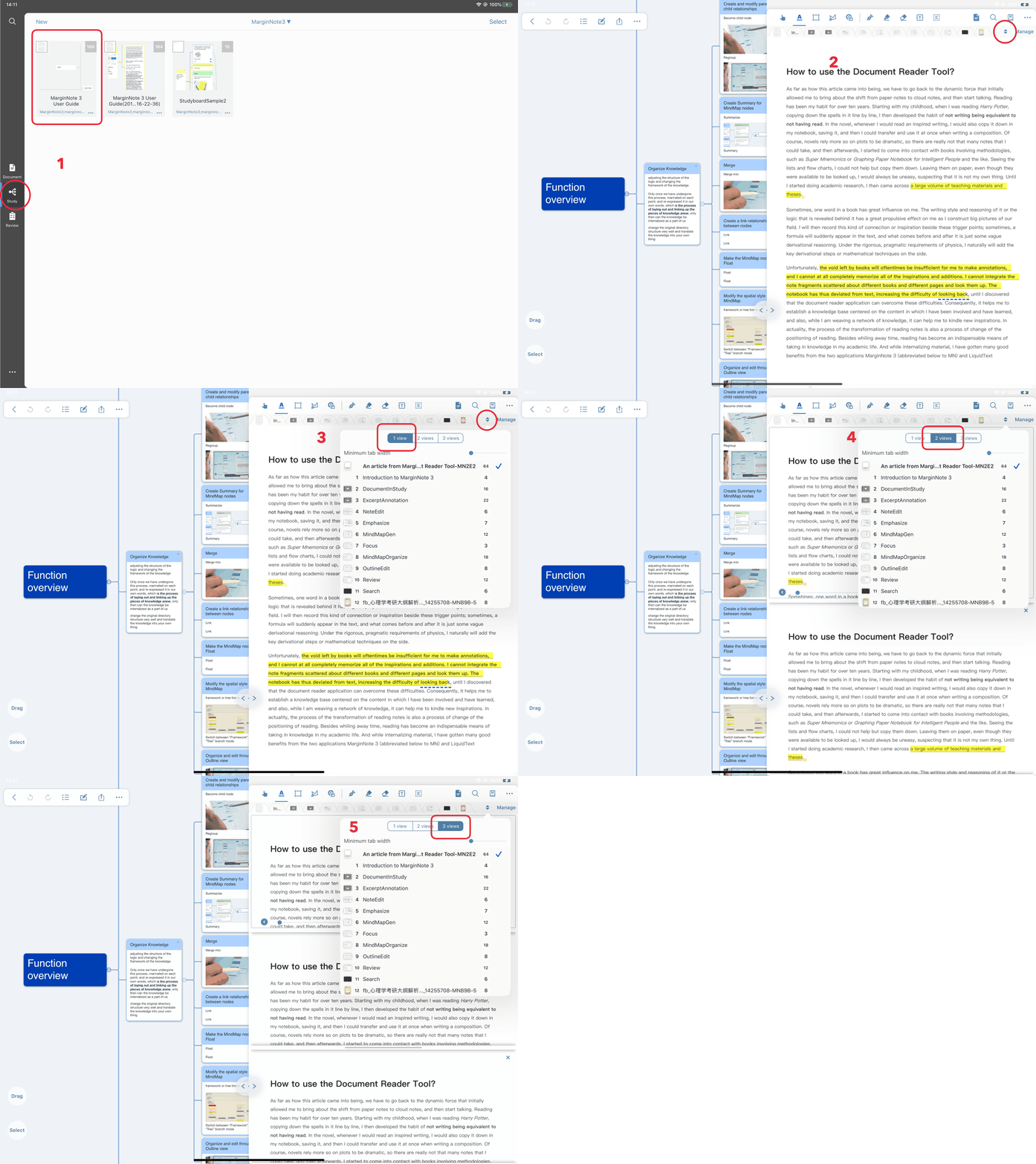
The entire process gif
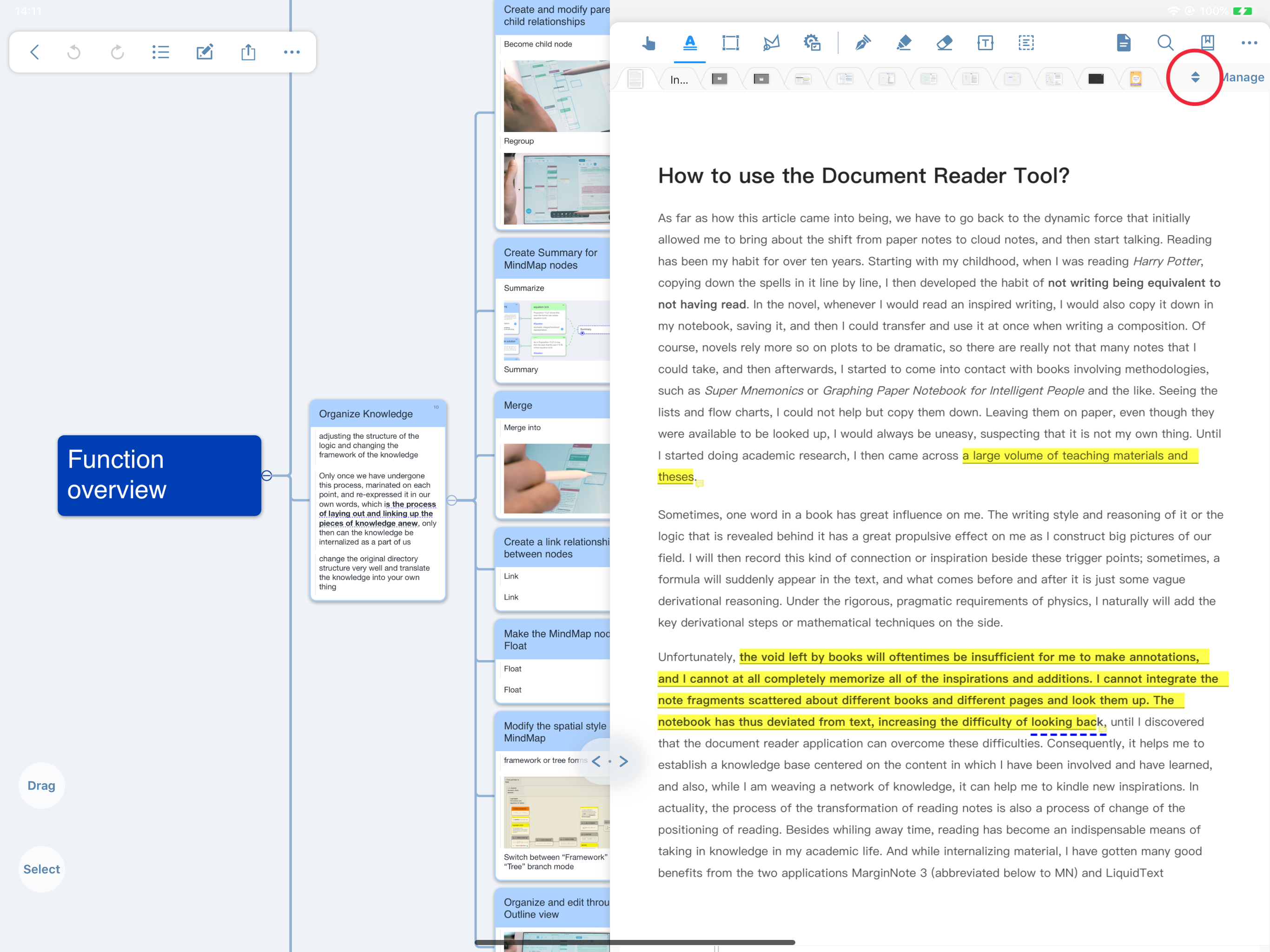
Specific click icon
Method Two
Study module → Enter Notebooks
→Click the “…” icon on the right side of the toolbar at the top of the document interface
→ Select “Multi-Document Split View” in the pop-up interface
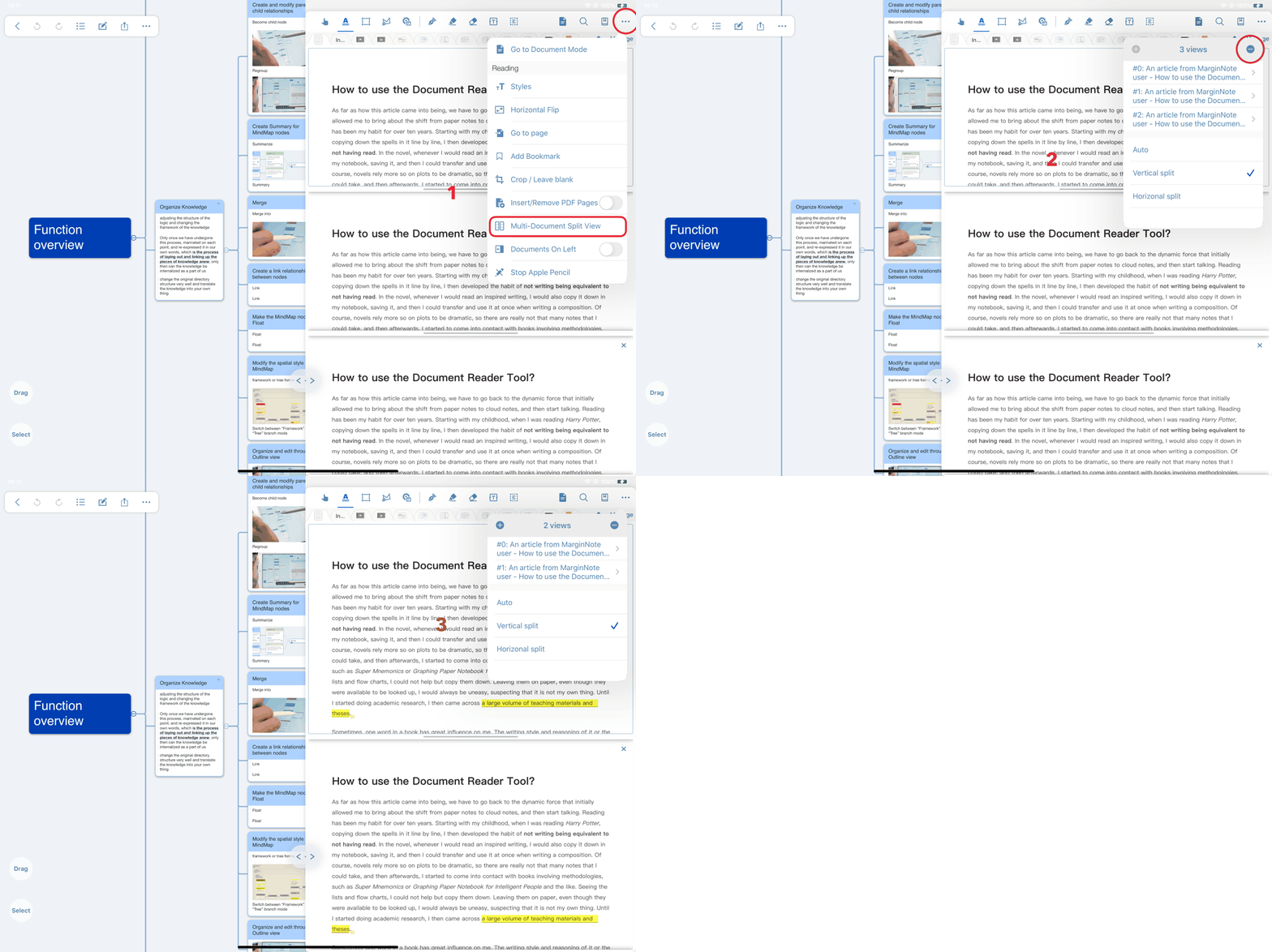
The entire process gif
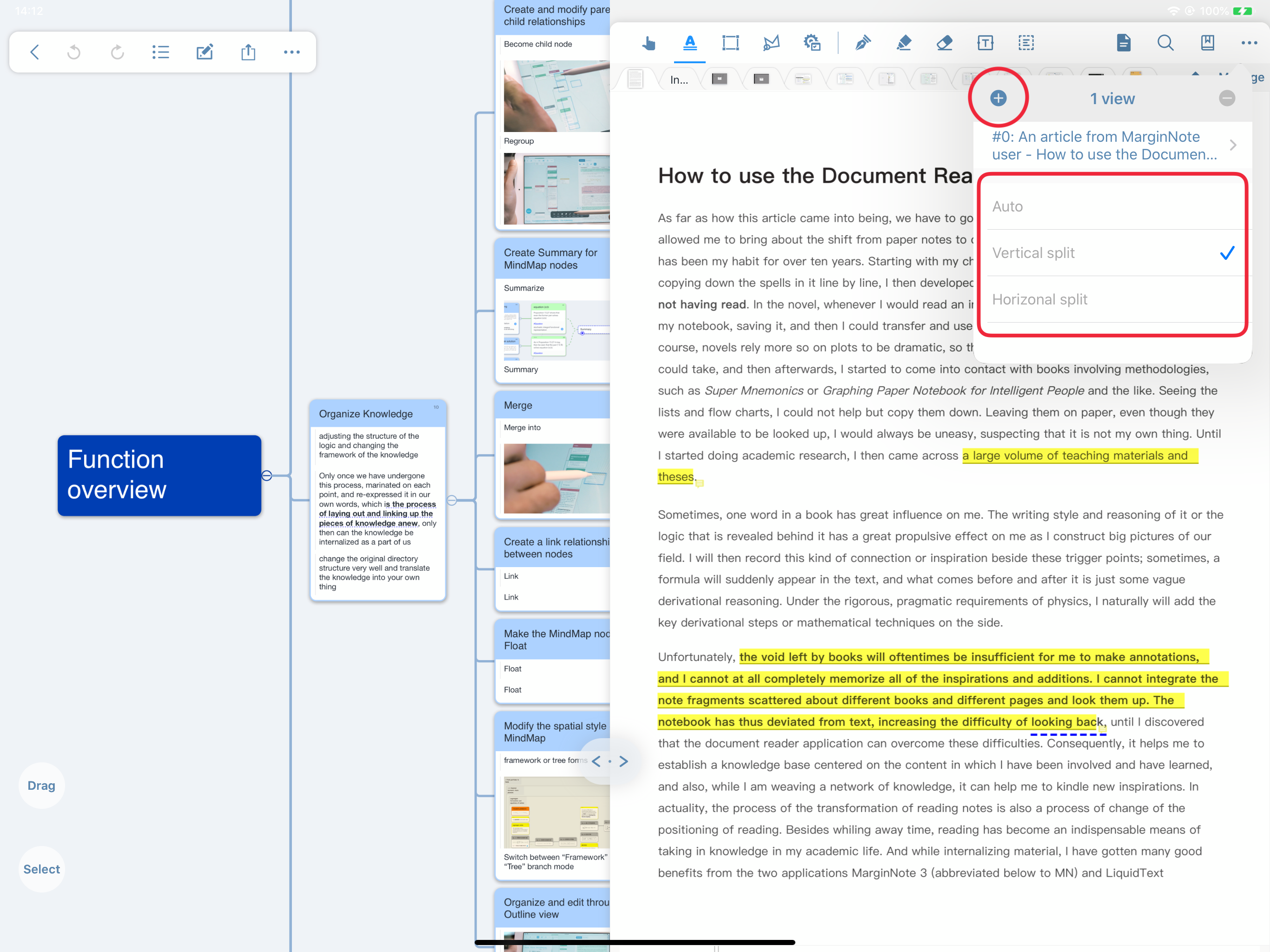
Specific click icon